



Despite the popularized AI usage in content-making, Search Engine Optimization (SEO) remains more relevant than ever. With a little adaptation to the nature of AI chatbots, SEO becomes one of the most powerful frameworks in maintaining your site’s visibility. However, in order to optimize your effort, you need to monitor your SEO articles’ performance by using certain analytics tools. What are those? These are the 15 best SEO analytics tools for your consideration.
What is SEO Analytics?
SEO analytics is a mechanism of gathering and analyzing search engine data to improve a website’s performance. It uses key metrics such as keyword volume, search volume, organic traffic, and user behavior of internet users. The main purpose is calculating and monitoring the performance of SEO articles on search engine results pages (SERPs). Their results will allow you to make better decisions to enhance your site visibility and marketing strategy.
Why Do You Need SEO Analytics Tools?
In order to get the analytics you need to get better performance in SEO marketing, tools are required. Here are the main roles of SEO analytics tools.
Rank and visibility tracking
SEO analytics tools track data from SERP to get the most accurate ranking statistics, which include users’ articles and competitors (similar content). They will give users their insights and improvement recommendations based on those observations and analysis.
Site audit
Before users publish their content, the best SEO analytic tools will also do technical audits. Unlike a regular editor who focuses on the effectiveness of your sentence and content relevance to the keywords, this audit focuses on technical aspects such as backlinks, page loading speeds, indexation, tags, URL structures, keyword density, etc.
Keyword research
Keyword research is another powerful as well as basic role of best SEO analytics tools. By taking over this role, SEO analytics tools will give you information on what people (internet users) are searching and interested in. Keywords can be both time-sensitive and not, depending on how you process them as an article.
Performance report
Once users publish an article, SEO analytics tools will keep working by monitoring their rank, visibility and most importantly, the engagement rate. There are certain metrics to measure the performance, such as views, clicks, and retention rate. If you have good organic traffic and engagement, you will get a better rank and maybe open opportunities for ad placements and exclusive collaboration projects.
15 Best SEO Analytics Tools
In this section, we will give you a list of the 15 best SEO analytics tools and a short explanation of their features as well as the pricing plans. This list will help you to find the most suitable SEO analytics tools that meet your requirements and are best for your budget allocation. These are the best SEO analytics tools you need to check.
1. Semrush
Semrush is a one-stop SEO tool that offers comprehensive and complete features for businesses and professionals. They are popular among digital marketers and SEO specialists. In light of AI, they also add new relevant features beyond basic ones, such as tracking across AI platforms and prompt research. This can be one of the great SEO tools if you want to keep up with the newest AI trends. However, Semrush does not offer a free plan, but has a free trial option.
Free option: Unfortunately not available, but offers a free trial.
Pricing & Plans:
- $117/month (Personal)
- $165/month (Starter)
- $248/month (Pro)
- $455/month (Advanced)
Best for: All-in-one SEO analytics tool that includes AI visibility analysis.
Key features:
- Keyword research
- Competitor analysis
- Market analysis
- Local search visibility
- Marketing report
2. Google Analytics 4
Google Analytics 4 is the latest version of popular Google SEO analytics tools. As one of the biggest search engines in the world, Google has accurate data on users’ behaviors, keyword search history, and many other sensitive data. It is only natural that they offer an analytic tools service for free. However, there is a paid option to access enhanced features and data sets.
Free option: Available
Pricing & Plans:
- $0 (Standard)
- $500,000/year (Enterprise)
Best for: Predictive metrics, event-driven data.
Key features:
- Exploratory analysis
- Data export access
- User-based analysis
- Integration with Google Ad
3. Google Search Console
Google Search Console is a well-known tool for SEO practitioners because it is a free SEO analytics tool from Google. You can use it to track your website performance on Google SERPs. It will warn you about URL and security issues, and indexing. It will also provide insights on your website statistics such as click-through-rates (CTR), impressions, etc.
Free option: Available
Pricing & Plans:
- $0/month or only available for free.
Best for: Indexing, technical audit, and alerts.
Key features:
- Search Results Data
- Query Reports
- URL Inspection
- Image Search Analytics
- Video Search Insights
4. Ahrefs
Ahrefs is another best SEO analytics tool you can find in the recent market. Ahrefs also offers complete SEO features and intuitive data spreads. It excels in basic SEO metrics such as keyword and competitor analysis, and backlink checks, as well as other crucial technical audits. It also offers unique statistics such as projections of potential traffic and detailed search analysis that you may use to get more keyword and phrase suggestions.
Free option: Not available
Pricing & Plans:
- $129/month (Lite)
- $249/month (Standard)
- $449/month (Advanced)
Best for: Beginner-friendly with an intuitive user interface, predictive metrics, all-in-one or comprehensive SEO platforms.
Key features:
- Site Explorer
- Keyword Explorer
- Site Audit
- Rank Tracker
- Content Explorer
5. Serpstat
Serpstat is a renowned app for its affordability compared to other similar advanced SEO analytics tools. Their most popular feature is keyword clustering ability. That means they can group keywords based on similar search intent, which can result in better keyword analysis. Another plus point is that they can do speedy competitor analysis by doing rapid domain and content gap identification.
Free option: Not available
Pricing & Plans:
- $50/month (Individual)
- $100/month (Team)
- $410 /month (Agency)
Best for: Affordable, reliable customer support, keyword cluster
Key features:
- Backlink Analysis
- Site Audit
- Competitor Analysis
- Keyword Research
- Text Analysis
6. Screaming Frog
If you find issues with technical aspects of your website, Screaming Frog might be an ideal solution. They have a specialization in doing technical audits and website structure checks. They have a free option with 500 URL checks per year. If you need unlimited URL checks plus more detailed technical analysis, it is better to consider their paid plan.
Free option: Available
Pricing & Plans:
- $0/month (Free version)
- $279/year (Paid Version)
Best for: Detailed technical audits, website structure analysis
Key features:
- Find Broken Links
- Extract Data with XPath
- Audit Redirect
- Discover Duplicate Content
- Visualize Site Architecture
7. Majestic SEO
With over 2 decades of experience, Majestic is one of the best SEO analytics tools for backlink analysis and indexing. As one of the backbones of SEO, backlinks need your thorough attention, and that is why Majestic exists until now. Their user interface might look outdated, but still intuitive and easy to follow. It is rather simple and minimalist, but detailed and focuses on crucial data you mostly need.
Free option: Not available
Pricing & Plans:
- $49/month (Lite)
- $99/month (Pro)
- $399 (API)
Best for: Link building and indexing.
Key features:
- Site Explorer
- Author Explorer
- Social Explorer
- Backlink Checker
- Majestic Million
8. Surfer SEO
Surfer SEO is one of the SEO analytics tools that is reliable to use for individuals or teams to enhance SEO performance on your website. This tool is considered an all-in-one SEO app that provides a wide range of assistance from SEO analysis to SEO writing. Not only for writing SEO content, but this app also provides SEO audits to give a clear analysis of websites if they have good or bad performance.
Free option: Available
Pricing & Plans:
- $99/month (Standard)
- $182/month (Pro)
- $299/month (Peace of Mind)
Best for: Writing assistance, keyword research, and SEO audit
Key features:
- Monitor AI Search Visibility
- Improve Existing Page
- Track & Analyze Site
- Find Topics & Ideas
- Create Content Ranks
9. Sparktoro
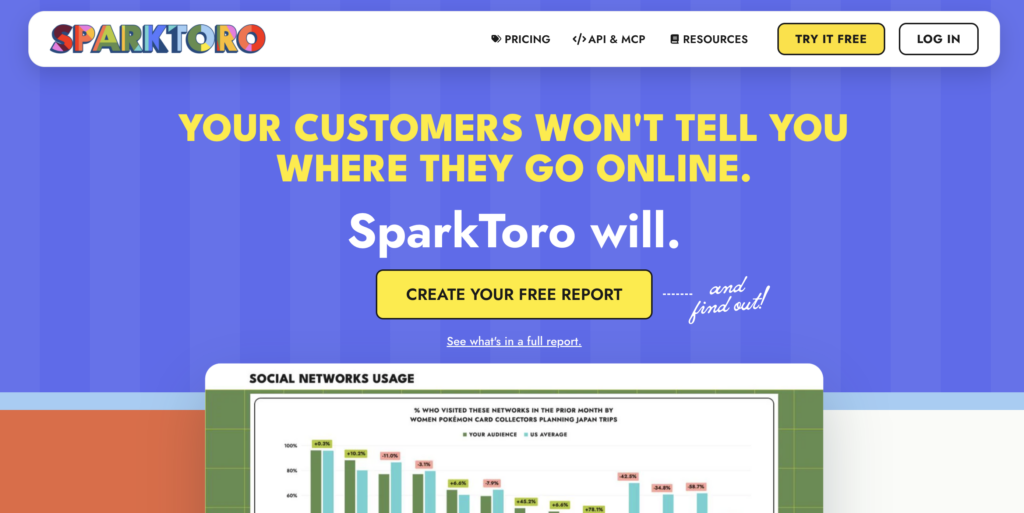
Most of us may not know what Sparktoro is, but this is the app that is specially made for audience research. It analyzes the behaviour characteristics according to the demographic of the business audience. By using Sparktoro, you can analyze the most visited websites, YouTube channels, blog posts, or social media by your most visited audience. Thus, this app is basically beyond an SEO app and more focused on the audience to get a better performance for marketing in general.
Free option: Available
Pricing & Plans:
- $0/month (Free)
- $38/month (Personal)
- $112/month (Business)
- $225/month (Agency)
Best for: Understanding audience conditions, conducting audience research beyond SEO.
Key features:
- Uncover Affinities
- See Search Keywords
- Find Social Networks
- Build & Export List
- Create Data-Backed Persona
10. AlsoAsked
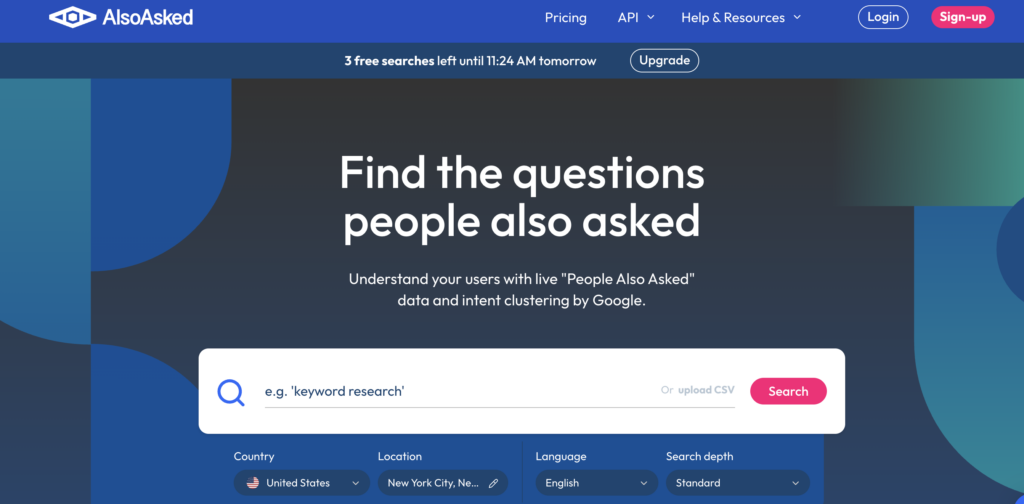
AlsoAsked is a well-known SEO platform that is made specifically for searching content ideas and keyword research. This tool was founded in 2019 and successfully gained popularity because it provides a great alternative to find LSI keywords to optimize your content performance. Different from other keyword research tools, AlsoAsked emphasizes its service to similar keywords instead of CPC data and search volume. This app even has a visualization to know the similarities and connectivity between the primary keyword and secondary keywords and other phrases that have a strong relationship.
Free option: Available
Pricing & Plans:
- $12/month (Basic)
- $23/month (Lite)
- $47/month (Pro)
Best for: Keyword research, finding LSI keywords, topic clustering
Key features:
- Improve AI Visibility
- Visual Graph
- Bulk Upload
- Deep Search
- Location-based search
11. Keyword Insights
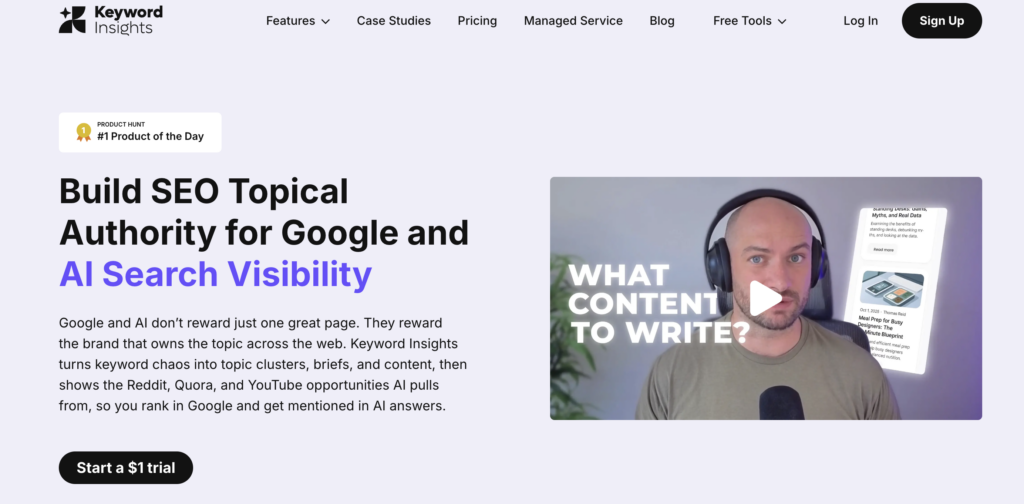
Keyword Insights works well to search for the best keyword recommendations and content ideation. By using Keyword Insights, users can get the relevant SEO content ideas to ensure ranking on Google or AI. No wonder that this app is focusing on how to manage and create the best content for lifting the brand visibility on various AI platforms as well as SERPs.
Free option: Unavailable
Pricing & Plans:
- $58/month (Basic)
- $99/month (Professional)
- Custom (Enterprise)
- $7.99 for 1,000 clustering credits (Pay as you go)
Best for: Focusing on content ideation for AI visibility, finding the relevant keywords
Key features:
- Keyword Discovery
- Search Intent
- Topical Cluster
- Content Brief
- AI Writing Assistant
12. AirOps
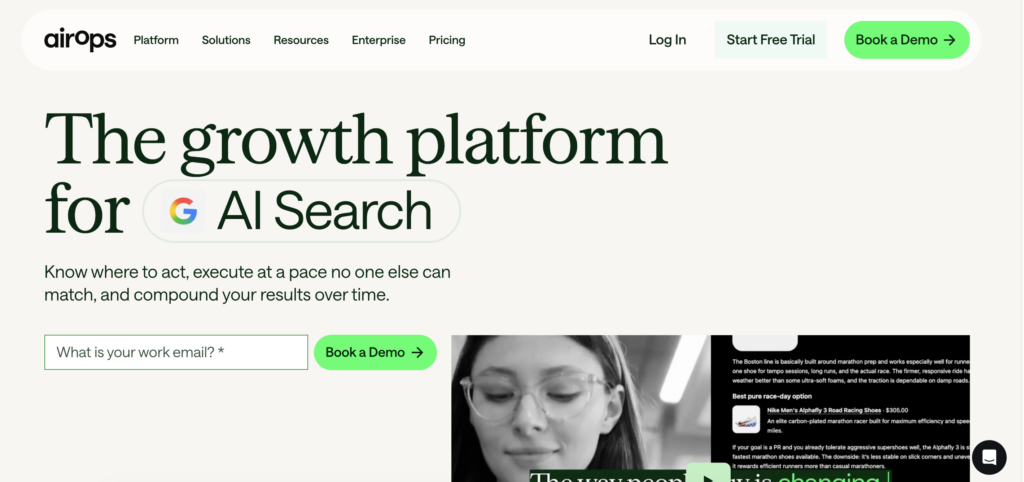
AirOps is known as an application for performing content marketing, particularly for gaining more SEO traffic on websites. On the other hand, this app is also helpful for gaining traffic from large language models (LLMs) or AI visibility. This is also important to gain brand awareness, as many people use AI more often than search engines these days. Not only works well for SEO analysis, but AirOps is also useful for workflow builders and automation.
Free option: Available
Pricing & Plans:
- $0/month (Insights)
- $200/month (Solo)
- $2,000/month (Pro)
- Custom pricing (Enterprise)
Best for: Automating keyword analysis, workflow automation builder, planning content marketing
Key features:
- AI Visibility
- CMS Integration
- Workflow automation
- AI Model tracker
- Unified Dashboard
13. SimilarWeb
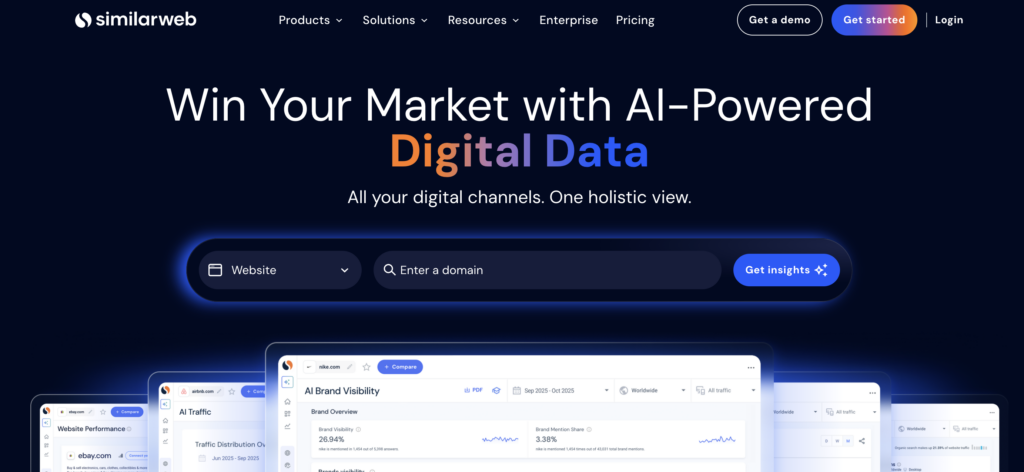
SimilarWeb works by allowing you to get insights on competitor traffic. This app breaks down its data sources and categorizes them based on users’ behaviors. No wonder this makes SimilarWeb one of the strongest competitor analysis tools in the market. Recent plans include Answer Engine Optimization (AEO) and ads analysis.
Free option: Not available
Pricing & Plans:
- $125/month (SEO)
- $333/month (SEO and AEO)
- $542/month (SEO, AEO, and Ads)
Best for: Competitor analysis, AEO analysis, other marketing analysis
Key features:
- Keyword Research
- Backlink Analytics
- Site Audit
- Rank Tracker
- AI SEO Strategy Agent
14. SE Ranking
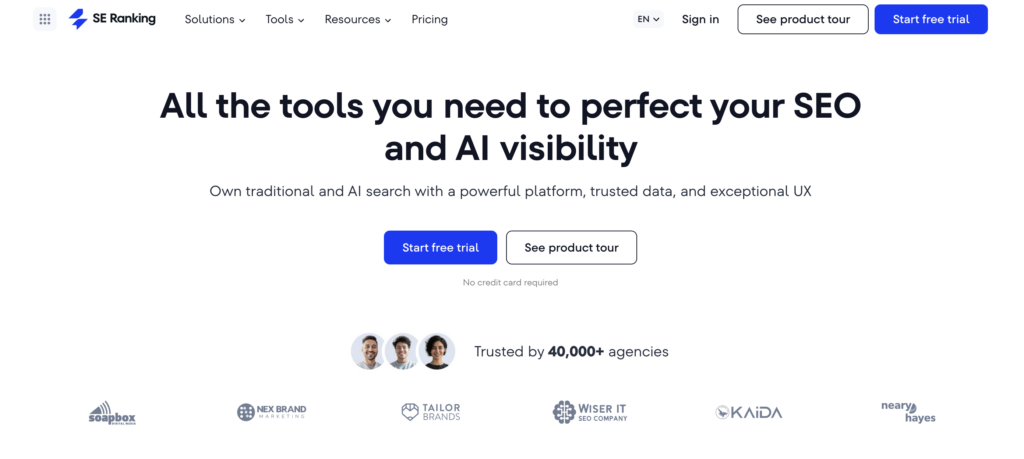
SE Ranking is known as one of the best SEO analytics tools in the market nowadays. This tool is very useful for businesses or individuals who need to find an all in one platform for SEO. Not only for SEO analysis, but SE Ranking also gives you assistance in writing appropriate and optimized content to be able to rank on Google or other search engines. Because of the features, SE Ranking is considered a premium tool and preferable for large companies who conducted SEO campaigns.
Free option: Available only for API
Pricing & Plans:
- $103.20/month (Core)
- $223.20/month (Growth)
- $0/month (API – Free Trial)
- $50/month (API – Wallet)
- $179/month (API – Standalone)
- Custom pricing (API – Enterprise)
Best for: Find accurate data for SEO analysis, report automation
Key features:
- Website Audit
- Competitor Analysis
- Rank Tracker
- SERP Tracker
- Insights
15. Ubersuggest
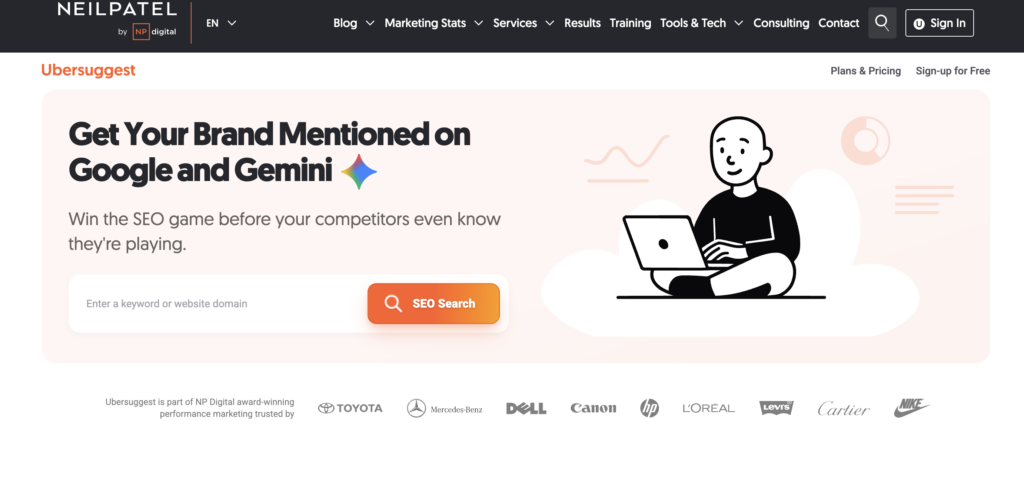
Ubersuggest is known as one of the great options for those of you who need an SEO analytics tool that is affordable. This tool has many features and is considered an all-in-one SEO application to analyze websites and track your performance on SERP. The tool from Neil Patel is equipped with AI and is useful for making AI generated content and optimizing content gaps. Ubersuggest provides a free tool, but it is limited to searching keywords with 3 searches per day. However, this tool is very affordable and provides lifetime payment for someone who does not need to subscribe to its service.
Free option: Available
Pricing & Plans:
- $12/month (Individual)
- $20/month (Business)
- $40/month (Enterprise)
- $120 for Lifetime (Individual)
- $200 for Lifetime (Business)
- $400 for Lifetime (Enterprise)
Best for: Small businesses that need an all-in-one SEO platform at an affordable price
Key features: Conducting keyword research, finding relevant topics, generating SEO content
- Keyword Research
- Content Gap Analysis
- Site Audit
- Competitor Analysis
- AI Search Visibility
Side-by-side comparison of the 15 best SEO analytics tools
After understanding the key features and the list of pricing from the best 15 SEO analytics tools, we have summarized all the analytics tools based on their unique strength and best applications. Here is the side by side comparison of the best SEO analytics tools based on our recommendation.
| Tool | Pricing Start | Pros | Cons |
| Semrush | $117/month (Personal), No Free Trial option |
|
|
| Google Analytics 4 | Free |
|
|
| Google Search Console | Free |
|
|
| Ahrefs | $129/month (Lite), No Free option |
|
|
| SERPStat | $50/month, No Free option |
|
|
| Screaming Frog | Free with limited feature |
|
|
| Majestic SEO | $49/month (Lite), No Free option |
|
|
| Surfer SEO | Free Trial option, $99/month (Standard) |
|
|
| Sparktoro | Free with limited features |
|
|
| AlsoAsked | Free (Limited search) |
|
|
| Keyword Insights | $58/month (Basic), No Free option |
|
|
| AirOps | Free for Insights plan |
|
|
| Similarweb | $125/month (SEO), No Free option |
|
|
| SE Ranking | $103.20/month (Core), Free plan only available for API subscription |
|
|
| Ubersuggest | Free for limited searches |
|
|
Tips on deciding what’s best SEO analytics tools
It is not as easy as it seems to decide the best SEO analytics tools for your business. The vast options might be overwhelming, but you must remember that there are no perfect SEO analytics tools and all of the tools have their own strengths and weaknesses. In this case, we suggest you read these useful tips below.
Inspect the main task you want to tackle
The first thing you can do to decide the best SEO analytics tools is to inspect the main problems you want to resolve. This is because each tool specializes in certain tasks, whether it is keyword research, engagement rate, rank tracking, competitor analysis, etc. You can have more than one problem and list several analytic tools that may accommodate your necessities.
Consider your team size
Scale your business size and measure your team size. This can be essential information before deciding the best plan available on the list of your targeted SEO analytic tools. Do not just measure the amount of personnel; instead, focus on their workload.
Doing testing before paying anything
There are many best SEO analytic tools that offer free trials or free plans. This is the best opportunity to do some tests before upgrading to the paid plan and investing further in one or two analytic tools at the same time.
Budget consideration
The last thing you need to do is consider the budget and your financial ability. Best SEO tools are worth investment, so make sure you make rational choices here.
From our tips above, we know that finding the best SEO analytics tools is not a simple process, but you must be wise and realize what your condition is before deciding to buy one of the best tools above. We hope that you can find the best SEO analytics tools that are most suitable for your team or you as an individual.
Conclusion
It might be tempting to replace SEO analytics tools with AI, but the task is not as simple as it seems. SEO analytics tools have a set of metrics that will specifically help you to optimize your website performance in the search engine results pages (SERPs). Deciding the best SEO analytics tools is another tricky task, but you can simplify it by identifying your main or most urgent issues and starting small. This means considering your purchasing power, and please maximize free trials before investing further with a larger budget. In addition, by understanding your main SEO goals, you will manage SEO step by step and not spend more money on unused tools.
Frequently Asked Questions (FAQ) about Best SEO Analytic Tools
1. What is the catch of using free SEO analytic tools?
Free SEO analytics tools may sound enticing, but you have to consider significant risks such as incomplete statistics, partial features with the best left out from your options, and potential privacy breaches.
2. Does Google provide the best free SEO analytic tools?
It is not easy to consider the best free SEO analytic tools as users’ experiences and necessities might vary from one another. However, Google Analytics tools are worth considering as they have a reputation and accuracy. One thing that might make you rethink using their free version of analytic tools is privacy and data security, as many free tools on the internet tend to be.
3. Do you think SEO analytic tools are still relevant in the AI era?
Many SEO analytic tools now consider AI platforms as their realm other than search engines. That is why some of the best SEO analytic tools now have prompt research and AI platform tracking as well. However, these AI-adapted features might only be available for paid plan users at the moment.
4. What is the best SEO analytic tool for competitor analysis?
SimilarWeb can be the best SEO analytic tools that focus on competitor analysis. However, Semrush, Ahrefs, SE Ranking, and Serpstat can also be options with their complete metrics.
5. What is the most comprehensive SEO analytic tool?
Semrush and Ahrefs are the best SEO analytic tools that offer comprehensive features. Their plans might be relatively expensive, but if you work in a professional setting as a team or agency, they can be all-in-one powerful tools.
6. What is the best SEO analytic tool you will recommend for a beginner?
As a beginner, Google Analytics can be a great platform. You can familiarize yourself with the basic SEO metrics with no need to worry about budget. Once you train and master it, you will get better at navigating other analytics tools that can accommodate your necessities and urges.
7. Can you give recommendations of the best SEO analytics tools for backlink checks?
Yes, the best SEO analytics tools for backlinks and website architecture are Screaming Frog and Google Search Console. The best thing is they offer free services that allow users from all levels of tech fluency to access.
8. What is the difference between Google Analytics and Google Search Console as they are both free and come from the same company?
They are both developed by Google, but have slightly different roles in SEO analytics. Google Analytics metrics involve views, reading time, and conversion. On the other hand, Google Search Console monitors the SEO articles’ performance in search engine result pages, which is calculated by other unique metrics such as impressions, clicks, and ranking.
9. Does following all metrics by the best SEO analytics tools guarantee my website visibility?
No, unfortunately. Metrics are about compliance, but the ultimate result of your website visibility also depends on the competitors’ strategy and the relevance of your articles in answering search intent and users’ behaviors. Metrics help to improve website visibility, yet provide no guarantee.
10. Can I use AI tools to do keyword research instead of paying for SEO analytic tools?
Yes, you can ask them to do that, but their answers will not be as detailed as SEO analytic tools, which are specifically developed to work for search engine analysis and content marketing strategy. As we recommend, you may use AI tools to search new keyword ideas and perhaps enhance them to be more detailed and unique, but they may not be adequate to calculate and monitor their impact on your website visibility.