


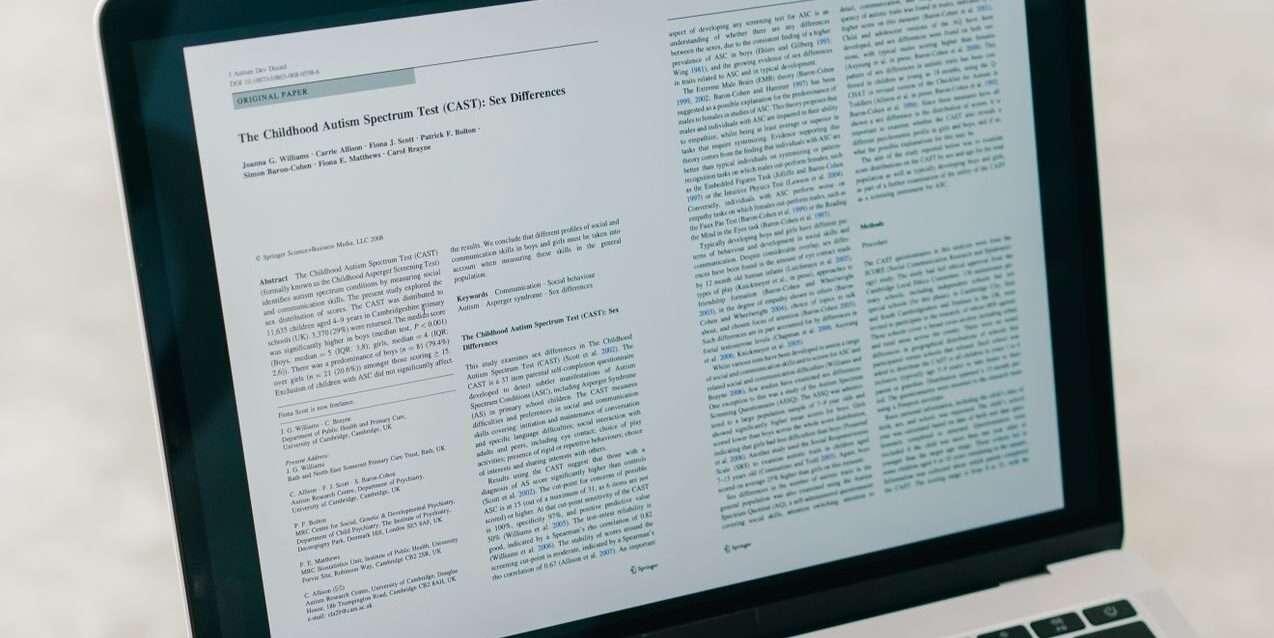
PDF documents are now an integral part of our lives. Not only for work, but you will also need them when crossing paths with bureaucracy. Thus, owning tools to view PDFs both on a mobile phone and a desktop is inevitable for modern humans. However, not all PDF viewer tools are free and worth keeping. Here are the best free tools to view PDFs you can try. Most importantly, they should be free from malware and spyware. In this article, we will give you the 10 best free tools to view PDFs in 2026 according to reviews on Reddit and many sources.
Why do people use free tools to view PDFs?
As more and more people use the PDF format to view documents, there are many tools provided its service dedicated to viewing PDFs on desktop and mobile. Definitely, people tend to use free PDF viewer tools rather than the paid counterparts. This is because not all PDF users need to edit PDFs, and some of them only use them for viewing PDF files.
Viewing PDFs is the most basic feature of PDF reader tools on the market these days. Most of PDF viewer tools have evolved into more advanced features that are specifically used for editing PDFs, and some tools include AI in order to assist their users. Therefore, most of the PDF viewers are free only for view PDF, but there are also offers of other free features.
Why choose a PDF reader app rather than online PDF viewer tools?
Among online PDF viewer tools, a desktop PDF reader is not something that we do not need. Instead, they are still relevant because PDF readers can guarantee security, be reliable, and have better performance compared to their online counterparts. Even pure browser tools cannot match the features of PDF readers. Here is the reason to choose a PDF reader desktop app rather than online PDF viewer tools.
- Better performance: If we compare the performance of online PDF tools and PDF app in desktop, it is obviously the winner is desktop app. They are reliable and have better performance and higher resolution compared to online tools.
- Promote privacy and security: If we talk about privacy and security, online PDF tools are definitely not an option. As we know, some of the free online PDF tools store our data on their server; thus, you cannot be sure that your document is secure. In contrast, a desktop PDF viewer is safer and promotes your privacy because it is stored in your local computer storage.
- Stable for viewing PDFs: Online PDF viewers use an internet connection to access PDF documents, which means we cannot see the document without internet. On the other hand, PDF viewer apps on desktop or mobile are accessible for viewing documents even when we are outside without access to the internet. Additionally, they provide a more stable viewing experience than their online counterparts.
- Cost-effective and mostly free: Using a PDF viewer on desktop and mobile is cost-effective and mostly free for only viewing PDF files. Therefore, using a PDF viewer tool is not something that is inaccessible, and they are basically the same compared to online PDF tools in terms of costs.
Our recommendation: 10 Best free tools to view PDFs
There is a wide range of PDF tools, but we have gathered 10 of the best free tools to view PDFs, and most of the tools are dedicated to opening PDF files. Check our recommendation of the best free tools to view PDFs below.
1. Adobe Acrobat Reader
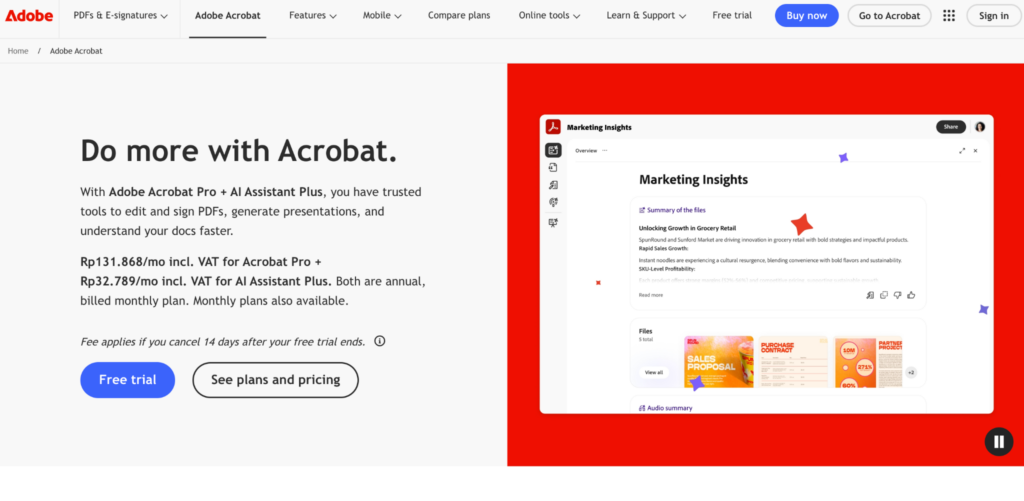
Let’s start with the most popular one, Adobe Acrobat. With years of experience, Adobe Acrobat is a reliable free tool to view PDFs. It is deemed as industry standard tools to read/view and even edit PDF documents. It is generally free as a mere reader, but it will ask you to upgrade in order to gain access to more advanced features such as editing, signing, page organisation, file conversion, etc. They also offer AI tools for the paid version.
Key features:
- Open and View PDF
- Liquid Mode
- Search PDF
- Print and Share Documents
- Fill out and save forms
2. Foxit PDF Reader
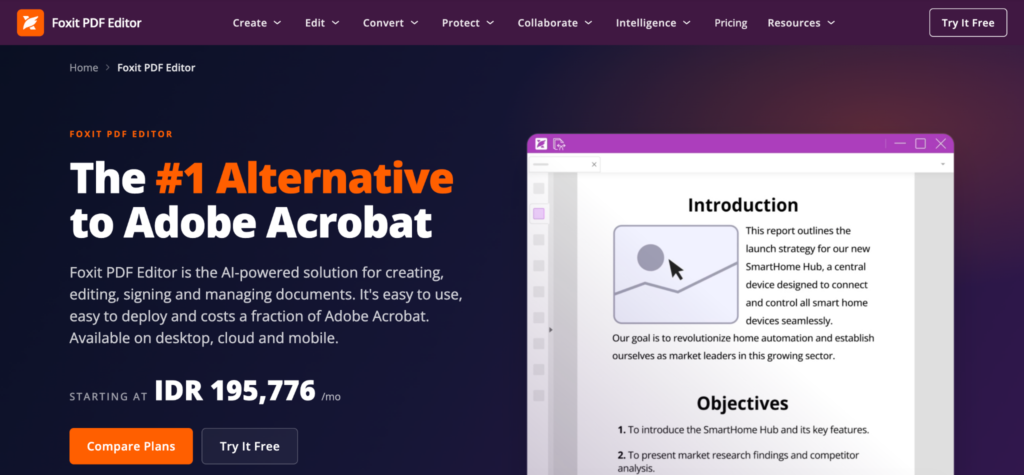
Highly similar to Adobe Acrobat, but deemed more lightweight and affordable. Foxit PDF can process your PDF documents at a much faster pace. They use familiar interface design that will be easy for usual Adobe users to manage and adapt. Foxit offers a paid version that allows you to get more control and access to its enhanced features.
Key features:
- Open and read PDFs
- Search text
- Safe Mode
- HIghlight Text
- Cross-platform support
3. PDF Expert
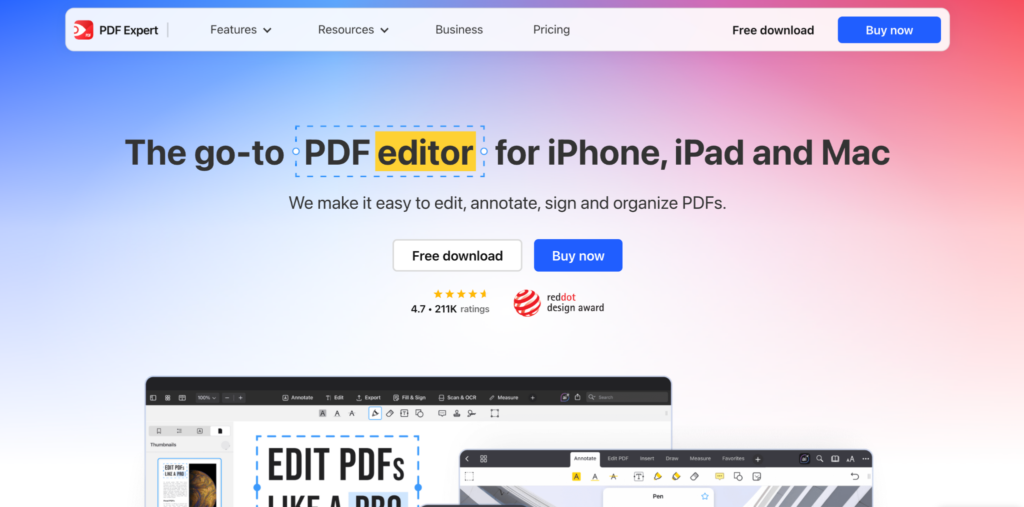
Another of the best free tools to view PDFs with high similarity to Adobe Acrobat Reader is PDF Expert. This tool is also lightweight and will not require much space in your RAM. By using the free version, you can view/read PDF documents and make simple annotations. However, PDF Expert is compatible with iOS and MacOS only.
Key features:
- Read and View PDFs
- Highlight Text
- Add Notes
- Page Management
4. LibreOffice
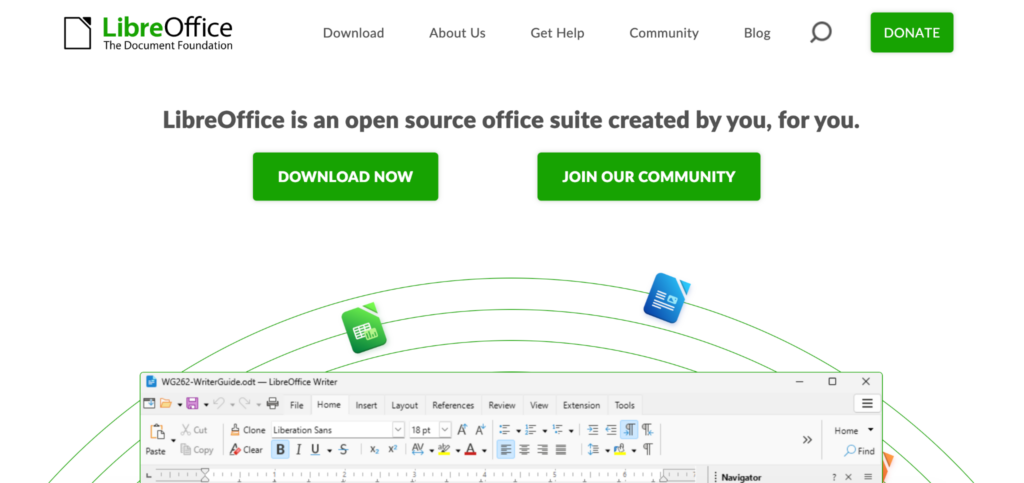
As an open-source tool, there is no hidden cost in LibreOffice. Often compared with Microsoft Office, it might sound surprising to know that LibreOffice can be one of the best tools to view PDFs. The interesting part is that this software does not have a dedicated tool for PDFs, but it can open PDF documents in LibreOffice Draw. It is actually a vector graphics tool, but it is so versatile that many users utilize it to edit PDFs.
Key features:
- Open and view PDFs
- Object manipulation
- Image handling
- PDF compression
5. PDFGear
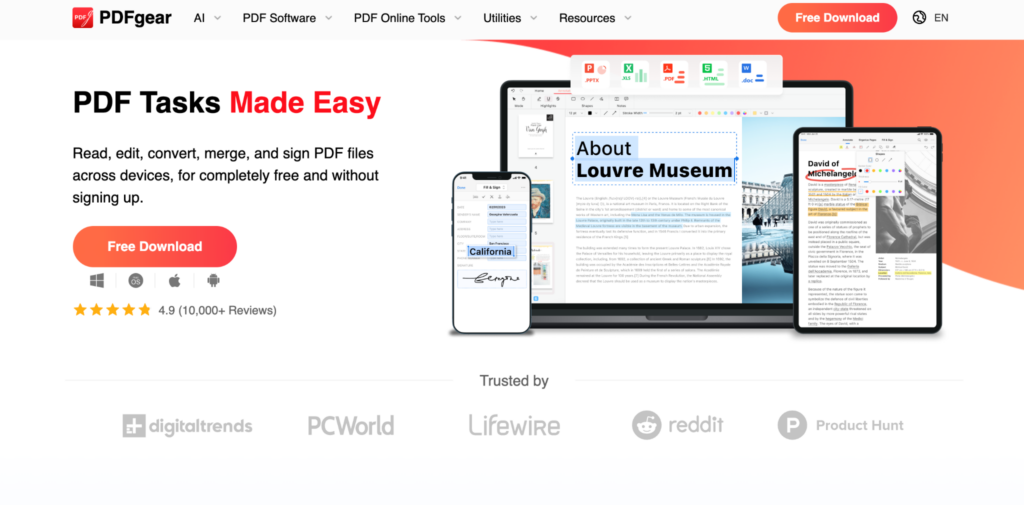
PDFGear is a dedicated free application to edit and read PDFs. You can install it on desktop and mobile (macOS, Windows, iOS, Android) at no fee and with no ads. They are pretty light and versatile, with many useful features allowing you not only to view or read PDFs, but also to convert, annotate, sign, edit, compress, and even add a security layer to your documents. This makes it one of the most powerful free PDF tools on the market.
Key features:
- Single and double-view PDF
- Thumbnail navigation
- Dark mode
- Fast text search
- Text highlighting
6. Sumatra PDF
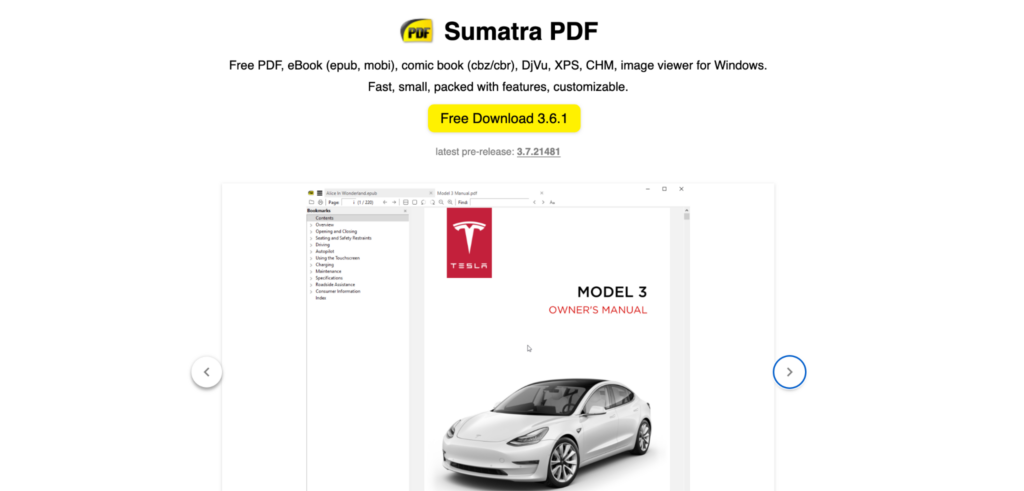
If you only need a fast and lightweight tool to view PDFs, consider Sumatra PDF. It is an open-source tool with no hidden cost or catch. The best thing is that you can also use it to open various formats of documents similar to PDF, such as EPUB, MOBI, AZW, TXT, CBZ, CBR, and many more.
Key features:
- Multiple file formats
- Minimalist interface
- Command palette
- Portable version
- Instant loading
7. Okular
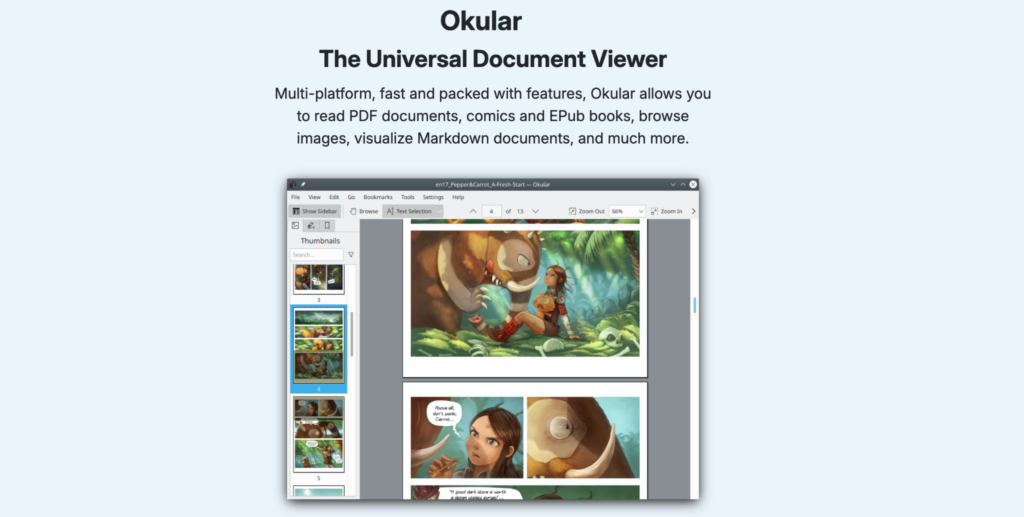
Released as open-source software, Okular is another versatile document viewer that you can also use as one of the best free tools to view PDF documents. They support numerous formats, including PDF, AZW, EPUB, etc. So far, Okular is compatible with Windows, Linux, and Android.
Key features:
- Multi-reading format
- Flexible saving
- Magnifier mode
- Cross-platforms
- Strict privacy
8. Microsoft Edge
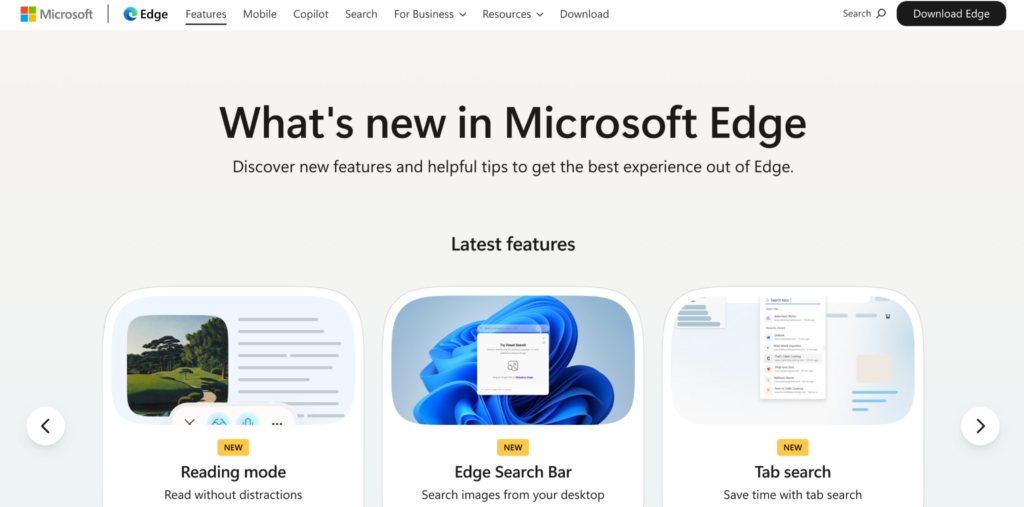
Another option you can use to view PDFs without paying a penny is an integrated browser on your desktop. Microsoft Edge might be deemed a slow and obsolete browser, but it can be a quick PDF viewer. However, the RAM consumption may vary depending on the file size and the number of tabs opened at the same time.
Key features:
- Highlighting text
- Add comment
- Text search
- Universal search
- Read aloud
9. Xodo PDF Reader
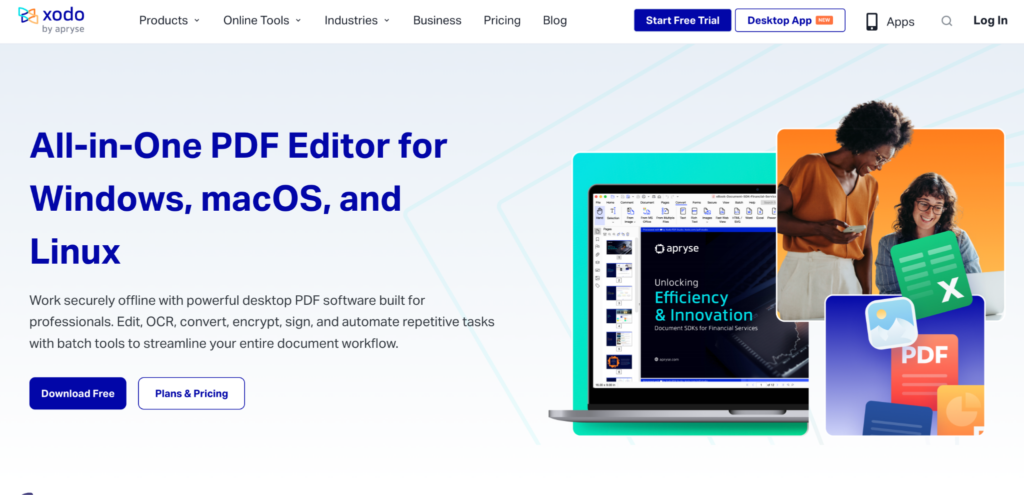
Xodo PDF Reader on your desktop or mobile phone. However, similar to Edge, it does not allow you to edit and make changes to the document. You can simply view, save, and print documents directly from your browser with no additional tool or extension to install.
Key features:
- Fast document viewer
- Layout viewer
- Text Highlighting
- Page Organization
- Merging and Splitting
10. Apple Preview
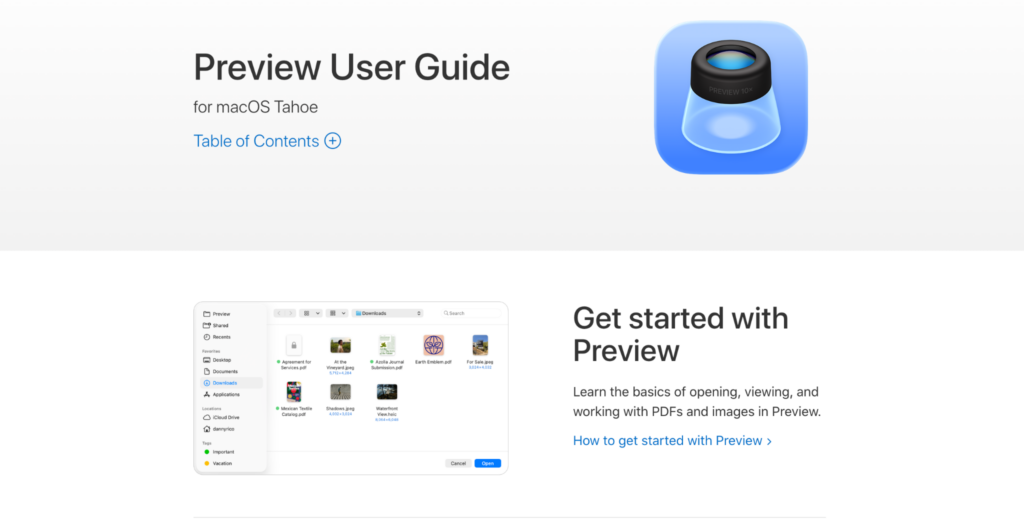
If you are an Apple user, you can also utilise its built-in free PDF software called Apple Preview. Not only for pictures, but you can also use it as a tool to view PDFs both on your desktop and mobile. Apple Preview is fast, does not require much RAM space and also offers free features that are very applicable for editing PDF documents.
Key features:
- Search & Copy
- Shape & Signature
- AutoFill Forms
- Combine Document
- Format Conversion
Side-by-side comparison of the 10 best free tools to view PDFs
To get to know more about the best free tools to view PDFs, we will compare the pros and cons of the 10 best PDF viewer tools. This insight will give you clarity on which PDF viewer app is best as your companion to open and view PDF files
| PDF Viewer Tools | Pros | Cons |
| Adobe Acrobat Reader | Reliable, industry standard, comprehensive corporate tools | Require big space of RAM; payment required to access advanced features |
| Foxit PDF Reader | Lightweight, familiar interface design | Advanced features locked in paid version |
| PDF Expert | Light, quick startup, free annotations feature | Only available on macOS and iOS |
| LibreOffice | Read and edit for free in LibreOffice Draw | No dedicated tool for PDF |
| PDFGear | Comprehensive features to read, organize, edit, convert, and compress PDFs | Poor conversion results compared to paid apps; lacks corporate tools |
| Sumatra PDF | Quick and versatile document reader that supports various formats | Editing tool is not available |
| Okular | Lightweight and support multiplatform | Lack of advanced editing tools |
| Microsoft Edge | Quick and lightweight | No editing tool available |
| Xodo PDF | Supports group work/collaboration editing | Cloud privacy in question |
| Apple Preview | Lightweight, supports simple annotations | Only supports minor editing features |
Best free tools to view PDFs based on your operating system
Do you need specific recommendations for the best tools to view PDFs based on your operating system? Check the table below.
| Operating system | Best free PDF viewer (read and view only) | Best free PDF viewer plus editing tool |
| Apple (macOS, iOS) | Apple Preview, PDF Expert, Foxit, Adobe Acrobat | Apple Preview |
| Windows | Sumatra PDF, Foxit, Adobe Acrobat, Microsoft Edge | PDFGear, LibreOffice |
| Android | Adobe Acrobat, Foxit, Xodo | PDFGear |
| Linux | Okular | Okular, LibreOffice |
Note: The tools mentioned above are the ones that offer totally free options. Some tools are great for editing but require users to upgrade to paid plans; that makes them not eligible to be mentioned in the table.
Pro tips to decide the best free tools to view PDFs
If you are still dwelling about the best free tools to view PDF documents, put these into your consideration.
- Data privacy and security
There is nothing free in this world, which is probably the harshest truth of our lives. If you need tools to view PDFs, consider ones with a reputation for data privacy and security. Make sure to read the guidelines and policy before installing them. You can also try to read and see fellow users’ reviews. Most importantly, always download the installer file from the official developer website.
- Editing capabilities
Do you only need a PDF viewer, or do you also need an editing tool? This question is crucial in deciding what to install and invest in. It is easier to find free tools to view PDFs, but it may be tricky if you need one to edit PDF documents as well.
- Memory usage
Memory, particularly RAM, is an essential part of processing tasks on a device, whether it is desktop or mobile. However, keep in mind that RAM can only process one task at a time; that is why choosing lightweight apps instead can be a lifesaver, especially if you use older devices.
- Easy installation
Recent apps are designed to be installed easily by all users, including those without technical skills. However, you may consider whether you want to install more apps on your device or not, as that might require sufficient memory space. If you only need the best free tools to read or view PDFs without needing to make annotations and edits, you can use default software available on your device.
- Operating system compatibility
Check also the compatibility of the tools with your operating system (OS). As not all tools are versatile, some are designed specifically for certain OS instead of being inclusive.
When to consider purchasing paid PDF viewer tools?
Free tools have rather limited features and risks, so when do you think it is ideal to subscribe to a plan or purchase a tool? Here are some considerations.
- If you scale up your business and you need to access PDF tools regularly. At this pace, you may not only need to read and convert them, but also sign and maybe secure the file access permissions. Therefore, investing in paid PDF viewer tools with editing capabilities is substantial.
- If you work with confidential data that needs a higher security system and delicate management. Investing in paid PDF viewer tools with a good reputation is an essential step to ensure that you do not break your clients’ trust.
- You need to make interactive files such as fillable forms. Consider this a way to give your clients or collaborators professional treatment.
- If you have a business in publishing that needs to edit PDFs and images within a PDF page, then it is better to subscribe to PDF editor tools rather than only use a free PDF app. Paid PDF tools are great to view high resolution and ensuring that your scanned document can use Optical Character Recognition (OCR).
Conclusion
Deciding which is the best PDF viewer for you is a tricky task. You need to dwell with several factors. The good news is most PDF viewer tools are available for free. You can even opt out of installing more apps on your device by utilizing default software such as Microsoft Edge and Apple Preview. However, if you need to edit PDF documents and do advance organizations, you have to consider installing external tools, and that might require you to allocate some budget to subscribe to or purchase them. The list will also be different if you put editing capabilities within the requirements.
Frequently Asked Questions (FAQs): Best Free Tools to View PDF
1. Do you need to install an extension in a browser to view PDF files?
No, you do not need to install anything to view PDF files through the internet browser. Any default browser such as Chrome, Brave, Firefox, Edge, and Safari can open PDF documents instantly without external tools installed.
2. Are PDF viewer tools free?
Most PDF viewer tools are available for free on your device. However, you may need to upgrade to paid plans if you need more features such as editing and page organization.
3. How do you confirm the legitimacy of the free PDF viewer tools?
It is an important step before downloading and installing anything on your device. You can check whether the free tool is legit or not by checking its official developer website and reading its policies. You can also refer to fellow users’ reviews to help you decide what is the best PDF viewer tools on the market right now. To add a layer of security to your device, you can also install trusted antivirus software that will scan the file you are about to download and install.
4. Which is the best PDF viewer if you do not need to worry about budget?
If budget is not part of your consideration, Foxit PDF, PDF Element, Adobe Acrobat, and Tungsten Power PDF are the best PDF viewer tools according to the recent market dynamics. Those are not only reliable for viewing and reading PDF documents, but also have comprehensive editing tools that will help you finish work quickly without needing to hop between apps.
5. How to preview PDF files without opening?
If you want to view PDF files without opening and downloading them, you can use default browsers such as Edge, Chrome, and Safari. You can also view PDFs directly in the email without downloading them first. In addition, Google has Google PDF Viewer that allows users to open PDFs directly without downloading and see them using a dedicated PDF app.
6. Do you think free PDF viewer tools are enough?
It is different for each user, but if you only need tools to read, minor editing and simple page organization, free tools should be enough. You do not need to invest in paid tools, as they may require monthly subscription fees or one-time purchases that might be not worth for occasional users.
7. Can you use PDF viewer tools to compress PDF files?
Some PDF viewers have compression features, but not all PDF viewers have them. Please check each tool’s features to see what you really need and ensure that the document compressor is included in their free or paid features. PDF tool like PDFGear covers all of the features that are mostly only on paid features on other apps.
8. What command can you use to search for certain keywords on the free PDF viewer tools?
Most PDF viewer tools have a similar command. To find certain keywords in files using free tools to view PDFs, you can press Ctrl + F (Windows) or Cmd + F (MacOS) on your keyboard.
9. Is the dedicated PDF editor app better than browsers to view PDF files?
Mostly yes in terms of opening and editing PDF files. However, browsers are mostly faster, but they are limited of features for editing and viewing PDFs compared to a dedicated app to view PDFs, such as Adobe Acrobat Reader, Foxit Reader, and other tools.
10. Should I choose a free PDF viewer or a paid PDF editor app?
To answer this question, you need to consider what you need. If you are a person who does not need to edit PDF documents, just use a free PDF viewer rather than buying a PDF editor. On the other hand, if you are a person or business who needs to edit PDFs and wants full privacy, then buying a PDF editor app is the best option.