

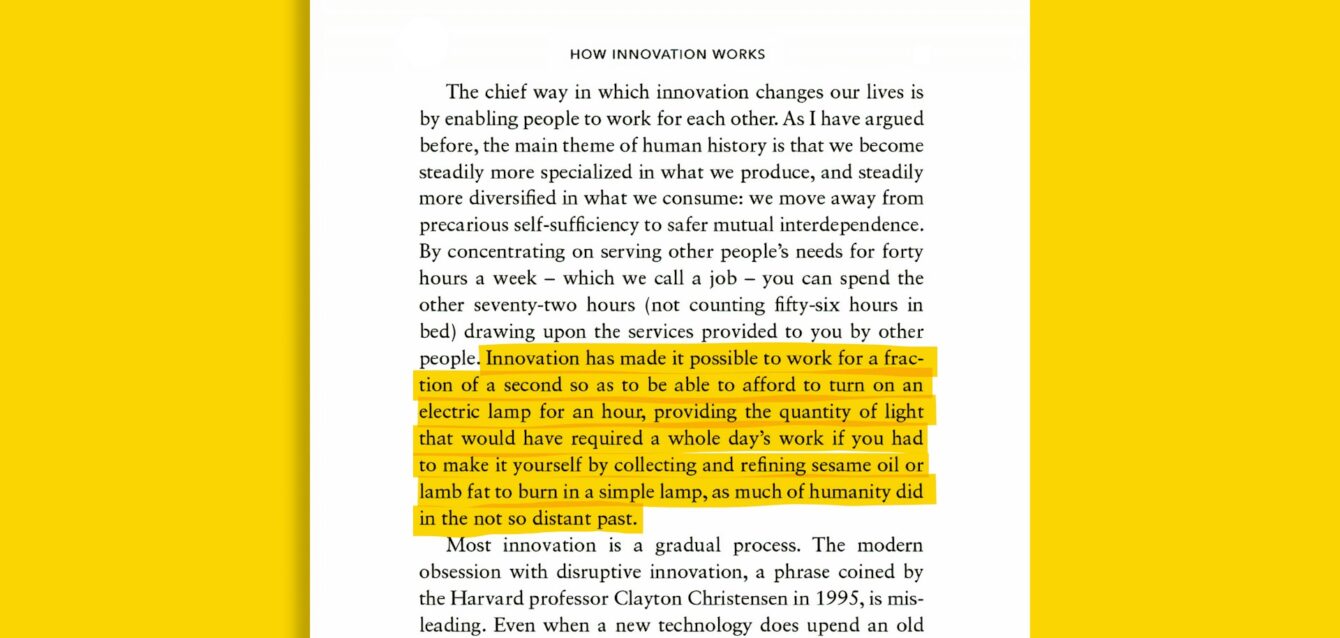
PDF is one of the best formats to read documents because it is stable for reading as well as for editing. Whether it is journals, papers, legal documents, magazines, books, or other publications, they mostly publish into PDF format. Many PDF documents are long form or multipages documents, particularly legal documents which make the readers take time to comprehend the meaning of it. In the AI era, we can simplify this by using AI summarization tools for PDF. In this article, we will guide you to find the 10 best tools for summarizing PDFs according to their capabilities, and best features.
What is an AI summary?
Before moving forward to the best summarization PDF tool, let me briefly explain about AI PDF summarization in short. AI summary is basically a summarization of text, audio, and even video into a succinct and easier-to-understand language using artificial intelligence (AI). This technology allows AI to paraphrase and analyze the meaning from long form documents that oftentimes require a lot of effort.
To get to know more about AI summarization, there are two types of AI summarization which are extractive and abstractive. Here is the explanation of both types of AI summarization.
- Extractive summarization: This type of summarization focuses on extracting key sentences or phrases from some source of materials to generate concise summary.
- Abstractive summarization: This type of summarization enables AI to generate entirely new words from some source of materials into a summary.
Basically, the difference between extractive and abstractive summarization is located at the ability of AI summarization. Extractive summarization not able to deeply understand the source materials. Meanwhile, abstractive summarization needs to understand the meaning and rewrite into new phrases.
Why do people look at AI PDF summarization tools?
As we mentioned in the introduction, people look at AI PDF summarization tools as an assistant to simplify the process of understanding the key points of a PDF document, particularly long form and dense documents such as legal documents. Instead of reading the whole text, an AI summarization tool will help you to directly give the key points, and key takeaways in seconds. Here is the explanation why people turn to AI PDF summarization tools.
- Time savings: By using AI PDF summarization, you can summarize multipages of long form documents into concise briefs that are easier to understand. This summarization is definitely less time consuming when it comes to finding out the meaning of core information of the documents.
- Enhance understanding: AI summarization can help users to highlight the key points, including discussion, evidence, and conclusion, within the long-form text. So, you can easily comprehend the whole point before reading the full text.
- Improve decision making process: AI summarization helps users to grasp the relevant information they need. If the information can be understood quickly, then the business, legal, or research can be decided accordingly.
- Reduce human errors: We know that humans can make errors, especially when they need to read long form documents on PDF. Then AI summarization can help to minimize errors and check if there are any mistakes. However, you need to understand that AI is trained and built by humans, which means they also can make some errors.
What are the criteria to assess the best tool for summarizing PDFs?
The best tool for summarizing PDFs does not solely depend on the performance of summarization. You also need to consider their offerings as a whole to assess that the tools are the most suitable for your assistant. In order to find the best tool for summarizing PDF, we have assembled criteria below.
- Summary accuracy and quality: The first thing you should notice to find the best tool for summarizing PDF is definitely the quality. This means that you need to check the summary accuracy, citations or references, as well as the structure of the recap of PDF documents.
- Document handling capacity: When it comes to choose the best tool for summarizing PDF, we need to check how many PDF pages or words they can scan and the maximum upload file size. In addition, you need to know whether the tool is able to extract images using OCR and preserve tables.
- Promote privacy and compliance: Summarization means that the information can be retained within the app storage. Therefore, if you are regularly handling sensitive data, then you need to focus on the app that promotes users’ privacy and compliance to the data security.
- Cost effectiveness: Cost is one of the most critical criteria to choose the best tool for summarizing PDF. Many tools provide the best AI-powered summarization at no cost or free, but no guarantee of privacy and security. Some tools provide the paid plans and promote more security not to use your uploaded data in their storage as well as other advanced features.
Our recommendation: best tool for summarizing PDFs
After comprehending the AI summarization along with criteria of the best tools, now, it’s time to deep dive into the best tool for summarizing PDF. Check our detailed evaluation of the best AI tool for summarizing PDFs below.
1. ChatScopeAI
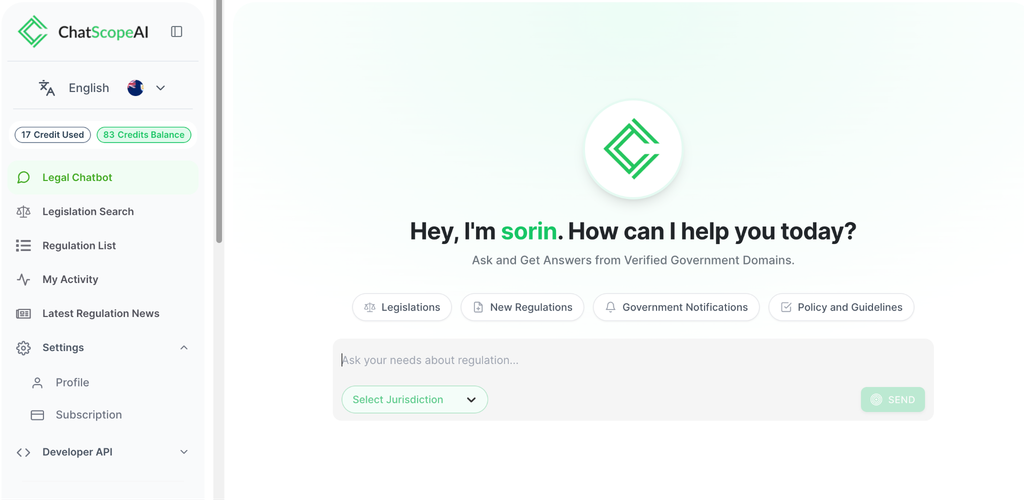
ChatScopeAI is one of the most interesting AI summarization tools. This tool is tailor-made to analyze the government regulations that mostly cover long formed documents across jurisdictions using AI. Therefore, ChatScopeAI is the pioneer app that enables users to solve the overwhelmingly legal analysis, in particular to stay in compliance and avoid severe penalties.
Key features:
- AI Chatbot
- Document Analyzer
- Intelligent Chat Response
- Find My Regulations
- Regulation Details
Pros:
- Specifically designed for regulation search and analysis
- Provides a free trial
- Only provides verified government domains
- Comprehensive analysis for all types of regulations
Cons:
- Only available on the website
- Niche PDF document analyzers on government data
Pricing & Plans:
- Free Trial ($0/month)
- Starter ($36/month)
- Premium ($125/month)
- Business ($520/month)
- Custom (Custom)
2. Adobe Acrobat AI Assistant
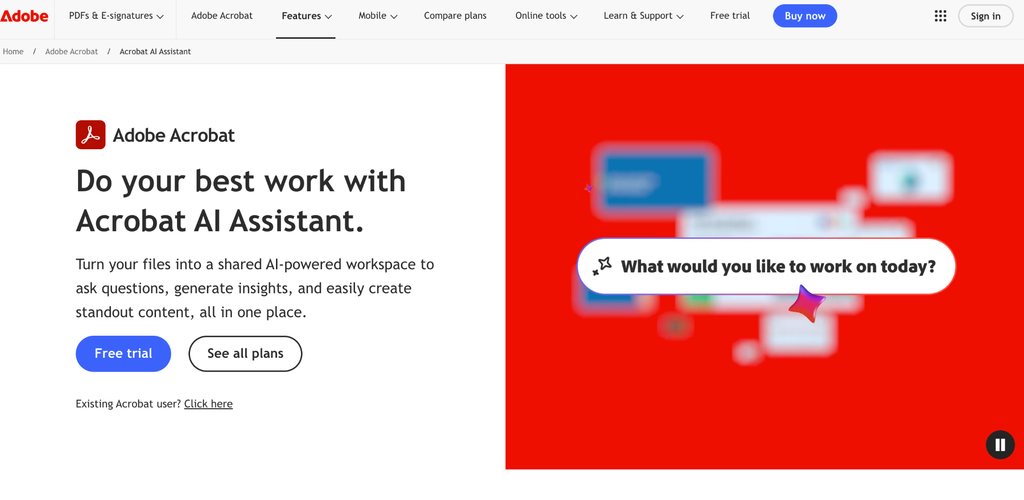
Adobe Acrobat AI Assistant is the best choice for someone who needs a better assistant. Not only for AI PDF summarization, this tool also works for any type of assistant and even content generation. With a conversational AI chat, you can use this tool to enhance your productivity. In addition, this tool is considered as a premium tool that is well integrated with the entire Adobe ecosystem.
Key features:
- Generative Summaries
- Multi-Document Support & PDF Spaces
- Content Generation
- Conversational AI Chat
- Cross-Device Access
Pros:
- Integration with the entire Adobe ecosystem
- Cross-document analysis
- Provides accurate citations
- Audio summaries
Cons:
- Potential hallucination
- Price is higher than its competitors
Pricing & Plans:
- Adobe Acrobat AI Assistant ($4.99/month)
- Individual Add-On ($4.99/month)
- Acrobat Pro + AI Assistant ($19.99/month)
3. ChatPDF
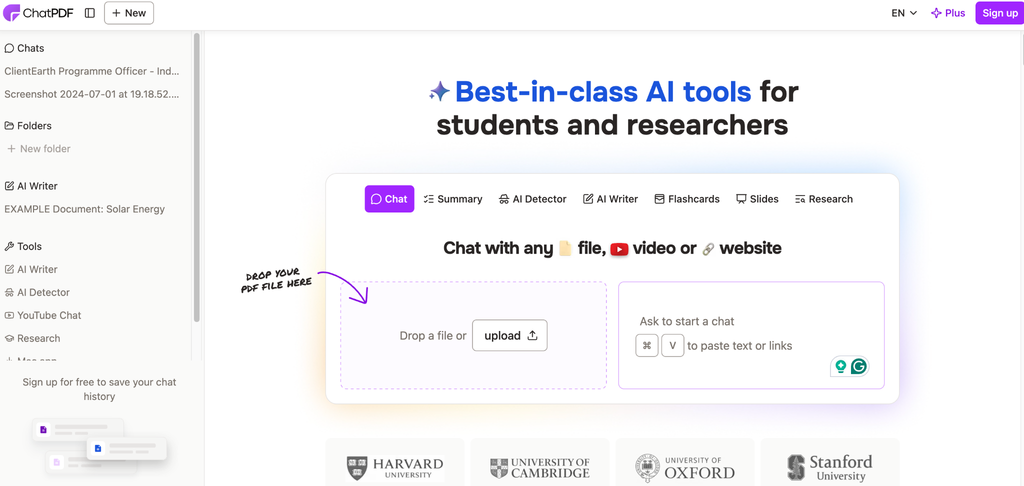
ChatPDF is a dedicated tool that exploits AI capabilities to summarize PDF documents. This tool is considered as the best choice because it is a pioneer of AI summarization tools and it proves reliable and credible. Other than that, ChatPDF is considered as affordable compared to all competitors and fits for students who need to summarize journals and papers, and other academic publications, or for commoners to summarize PDF documents.
Key features:
- Conversational Q&A
- Multi-file chat
- Universal Language Support
- Instant Summarization
- Built-in Citation
Pros:
- Easy to use and simple interface
- Provides citations
- Get summarization faster
- Drag-and-drop features
Cons:
- File size limitation
- Privacy and security concern
- Does not have offline mode
Pricing & Plans:
- Free ($0/month)
- Plus ($19.99/month)
4. SciSummary
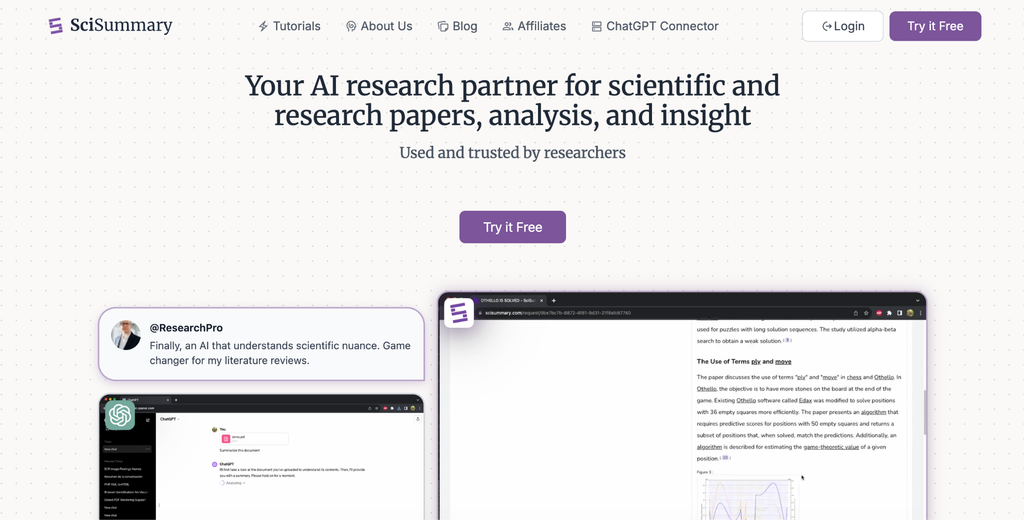
SciSummary is an AI PDF summarization app that is tailor-made for academic tasks. Therefore, this tool is known as a better option for students or educators, or academic professionals who need an assistant to summarize and analyse PDF documents. So, this tool can help to analyze articles or research papers or scientific literature into key points, highlight the main ideas, and give clear references in order to make it easy to understand.
Key features:
- Bulk and Batch Processing
- Structured Summarization
- Interactive AI Chat
- Library Management & Integration
- Figure and Table Analysis
Pros:
- Easy to use for beginners
- Fast summarization
- Supports email-based submission
- Supports multiple documents
Cons:
- Restricted to academic use only
- Limited features for lower tier
- Web-based only
Pricing & Plans:
- Free Trial ($0/month)
- Student ($0/month) only for the first month using a promo code
- Pro Yearly ($4/month)
- Pro Monthly ($7/month)
5. NoteGPT
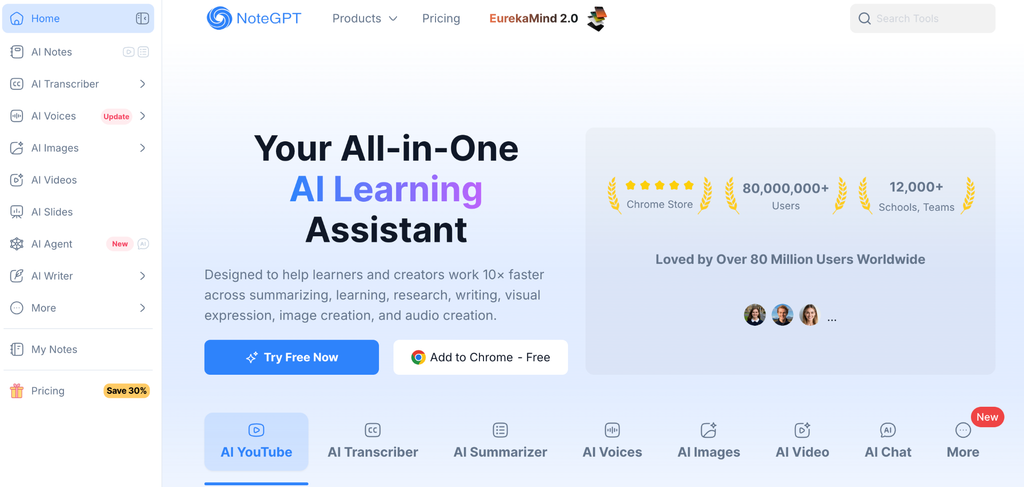
NoteGPT is a comprehensive AI tool to summarize all types of content, whether it is text, audio, or video. This app is best fit for someone who needs an all-in-one assistant to analyze PDF documents, videos or other sources. NotGPT is more than an AI PDF summarization tool; it is also a generative tool to create presentations, podcasts, and flashcards.
Key features:
- AI Mind Map
- Document & PDF Analyzer
- Math & Homework Helper
- Flashcard Generation
- AI Presentation & Podcast Generation
Pros:
- Video integration
- Affordable pricing compared to other tools
- Versatile content and summarization output
- Available in browser extension
Cons:
- Internet dependent
- Privacy limitation
- Ineffective AI humanizer
Pricing & Plans:
- Education ($0/month)
- Pro ($9.99/month)
- Unlimited ($29/month)
- Max ($99/month)
6. Jotform AI PDF Summarization
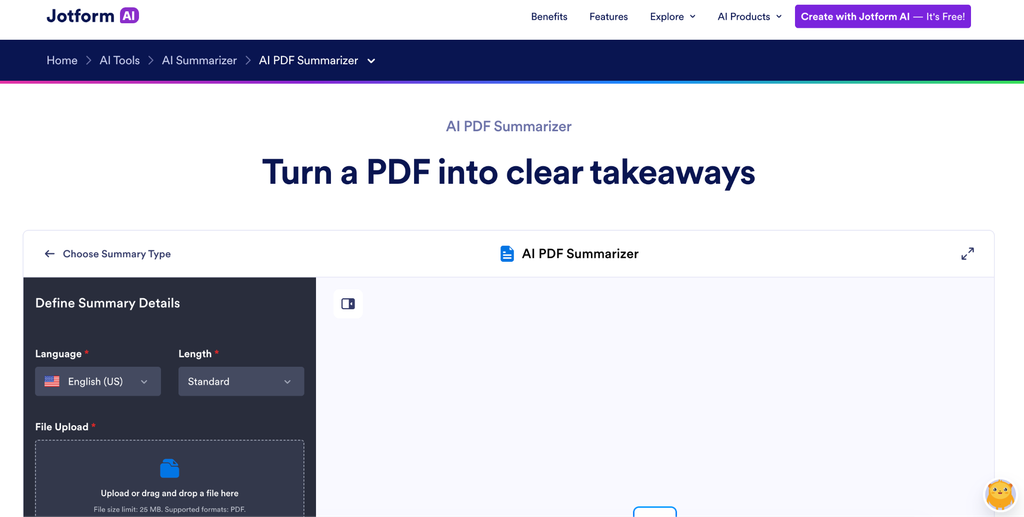
Jotform is actually an all in one productivity tool that can also help you to summarize PDF documents using AI. This app enables you to chat with your PDF document that was uploaded in your Jotform account. Jotform allows you to ask anything and create a visualization to get a useful insight in seconds. Therefore, Jotform is more likely to benefit the business team and professional workers to get the tasks done quickly.
Key features:
- Interactive Chat Box
- Summarize Option
- Dual-Panel Workspace
- Custom Focus Notes
- Drag and Drop Upload
Pros:
- Easy to use
- Broad integration to edit in Jotform editor
- Fast summarization
- Cloud connection
Cons:
- Not always accurate
- Lack of specific details
Pricing & Plans:
- Starter ($0/month)
- Bronze ($39/month)
- Silver ($49/month)
- Gold ($129/month)
- Enterprise (Custom)
7. Scholarcy
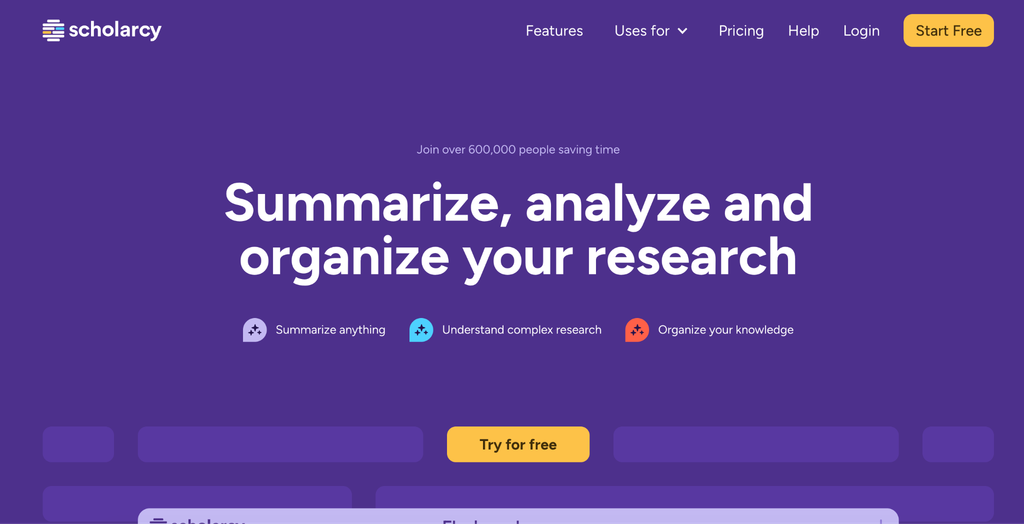
Scholarcy is a tool that is specifically designed for students and academia to do research or other academic works. Not only for summarizing PDF and other research documents, this tool also can help you to organize your research. No wonder this tool has become a go to for someone who needs an assistant for academics, especially students and lecturers.
Key features:
- Table and Figure Extractor
- Structured Summaries
- Summary Flashcards
- Reference Finder
- Library Organization
Pros:
- Available for tool integration
- Broad integration
- Extra features
- Intuitive user interface
Cons:
- Potential errors and hallucination
- Internet dependent
Pricing & Plans:
- Free ($0/month)
- Pro ($20/month)
8. TLDR This
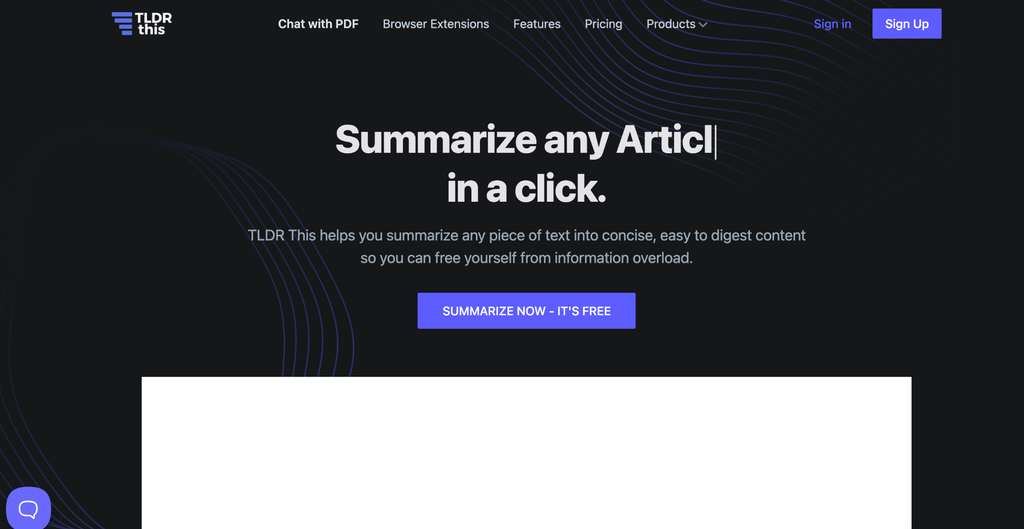
Similar to ChatPDF, TLDR This is a tool that is tailor made for summarizing PDF using AI. With this tool, users can summarize all types of documents, even websites quickly. This will help users to grasp all points within the publications to make research faster than before. This tool claims to be a good fit for all users, including students, writers, journalists, teachers, and other professionals.
Key features:
- AI & Key Sentence Summarization
- Browser Extension
- Metadata Extraction
- Distraction-Free Reading Mode
- Document Chat Free Interface
Pros:
- Simple and faster to summarize document
- Flexible input document
- Offer a free tier
- Able to read cleanly without ad
Cons:
- Limitation for free tier
- Some accuracy issues
- Limitation for other languages
Pricing & Plans:
- Free ($0/month)
- Starter ($4.99/month)
- Professional ($9.99/month)
9. PDFGPT
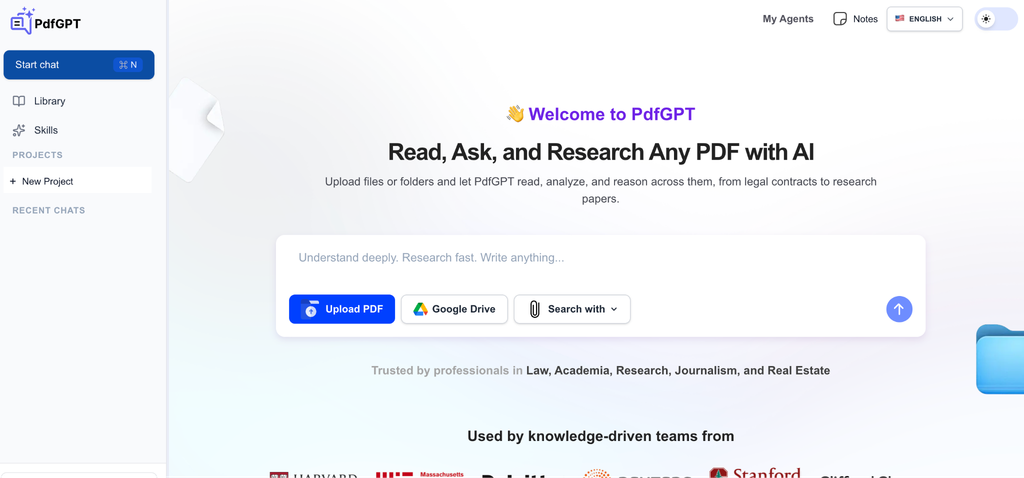
PDFGPT is one of the AI PDF summarization providers that gained popularity these days. This tool is fit with all users, including students, educators, business, and all commoners. PDFGPT might be a fierce competitor to ChaPDF, which is used specifically for summarizing PDF documents using AI. However, this tool may be for someone who needs a comprehensive AI tool beyond summarization of PDF.
Key features:
- Conversational AI Q&A
- Instant Document Summarization
- Multilingual Support
- Smart Search and Segmentation
- Multifile Upload
Pros:
- Multiformat file support
- Accurate citation
- Instantly summarize PDF documents
- Provides a conversational interface
Cons:
- Lack of accuracy
- Privacy and security risk
- Limited tokens for lower plan
Pricing & Plans:
- Free ($0/month)
- Student ($4.99/month)
- Plus ($14.99/month)
- Max ($49.99/month)
10. Denser AI
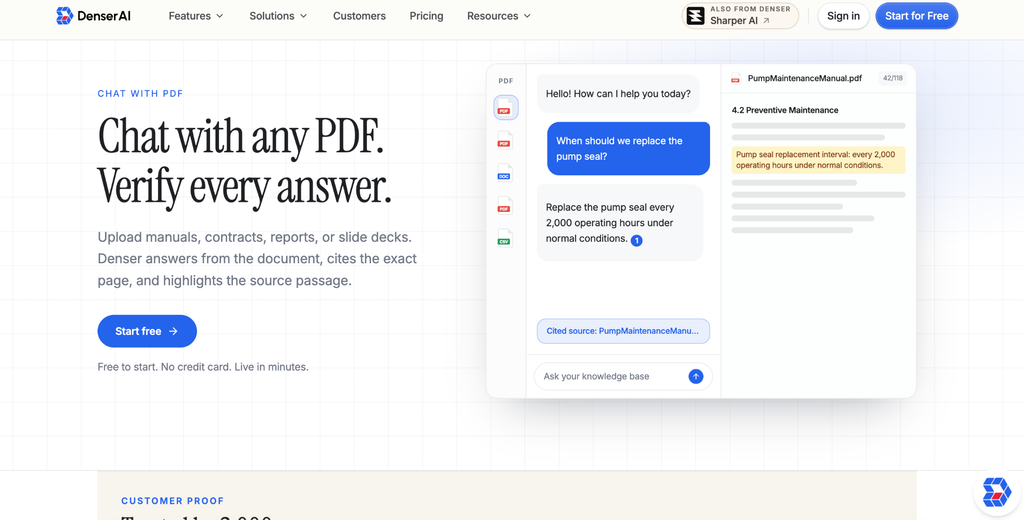
Denser AI is a go to tool that is designed to enhance semantic search on websites, PDFs, and docs. The most notable features of Denser AI are Chat with PDF and Website Chatbot to ask directly about your documents and websites. This app allows you to do research on all types of document formats, not only PDFs, but also other files, such as PowerPoint or plain text.
Key features:
- Chat with PDF
- Website Chatbot
- KB Health
- Answer Quality
Pros:
- Multisource ingestion
- Accurate citations
- Multilingual supports
- Supports multiple PDF documents
Cons:
- Does not offer wide integration
- Lack of transparency in terms of price
Pricing & Plans:
- Free (($0/month)
- Starter (($39/month)
- Standard (($199/month)
- Business (($399/month)
- Enterprise (($899/month)
Side-by-side comparisons of the best tool for summarizing PDFs
To give a clarity about the best tool for summarizing PDFs, then we have made a comparison table that allows you to compare one app with another. Check the short comparison table below.
| AI Summarization Tools | Starting Price | Best for | Accessibility |
| ChatScopeAI | Free Trial ($0/month) | Business and Legal professionals | Web-based (MacOs, Windows) |
| Adobe Acrobat AI Assistant | Free Trial ($0/month) | Casual, Businesses, and Students | Web and mobile app (MacOS, iOS, Android, Windows) |
| ChatPDF | Free Trial ($0/month) | Casuals, Students, Educators | Web-based |
| SciSummary | Free Trial ($0/month) | Students and Educators | Web-based |
| NoteGPT | Education ($0/month) | Students, Educators, Content Creators | Web-based and mobile app (Android) |
| Jotform AI PDF Summarization | Starter ($0/month) | Students, Businesses, | Web-browser |
| Scholarcy | Free ($0/month) | Students, Educators | Web-browser and extension |
| TLDR This | Free ($0/month) | Students, Educators, Writers, Journalist | Web-browser and extension |
| PdfGPT | Free ($0/month) | Casuals, Students, Educators | Web-browser and mobile app (iOS) |
| Denser AI | Free ($0/month) | Businesses, Students, Educators | Web-browser |
Conclusion
AI summarization using PDF tools is more demanding these days. However, finding the best tool for summarizing PDF is not simple and requires a deep understanding about their features. In spite of the advanced features, you need to consider the price and what you actually need. This is important to minimize underuse features that do not meet your daily workflows. If you only need AI summarization tools for summarized PDF documents for scientific research then go for a tool that is dedicated to academics instead of a premium tool for businesses.
Frequently Asked Questions (FAQs): Best Tool for Summarizing PDFs
1. What is the meaning of AI summarization?
AI summarization is a method to exploit AI to generate summarization whether it is from PDF documents, or other types of documents, or even video and audio. AI summarization is important these days to understand the key points of a text or website faster than before.
2. Do all PDF readers tools have a summarization feature?
No, some of them have summarization features. However, most of the PDF readers nowadays add summarization features to their app in order to stay competitive in the AI era. In addition, the AI summarization feature will help users to improve their productivity to grasp the points of their PDF documents.
3. What is the best tool for summarizing PDFs for MacOS?
If this is about the AI summarization PDF app in macOS, then the answer is Adobe Acrobat AI Assistant. This tool is useful and compatible for all operating systems and offers a robust summarization using AI.
4. How accurate is AI summarization for PDFs?
AI has been deemed as a useful tool for summarizing PDF and other format documents. However, similar to humans, AI also can make mistakes too. Thus, we need to check it first before believing all of the summarization results from AI, particularly for a document that is very important and has a huge impact.
5. Can AI tools for summarizing PDFs be used for other formats such as epub, doc, and awz3?
Yes, most of the AI summarization PDF tools have capabilities to summarise other document formats, such as epub, doc, and awz3. This is important to make their tools keep competitive in the middle of fierce competition of PDF summarization tools because some users need to summarize other formats as well.
6. Can you ensure the safety and privacy of uploaded files in PDF summarization tool?
No, PDF summarization tools, especially a free web-based tool, do not ensure the safety and privacy of your documents. Therefore, if you are concerned about privacy and safety, you must consider using an app that can be accessed offline on your computer.
7. What is the best AI PDF summarization tool that provides best privacy and security?
The best AI PDF summarization tool that offers best privacy could be Adobe Acrobat AI Assistant. This tool has a dedicated application installed in your computer or laptop, hence, you do not need to access the internet which makes your sensitive files safer than using web based AI summarization tools.
8. What are the best AI PDF summarization tools for students and researchers?
The best AI PDF summarization tools for students, academia, and researchers are Scholarcy and SciSummary. Those tools are specifically made for research with quite accurate citations and references.
9. What are the best AI summarization tools for understanding government regulation and legal analysis?
In order to understand government regulations, then you need to use ChatScopeAI. This AI summarization tool is made to analyze all government regulations easily and quickly with accurate and recent updates from all government domains. Thus, someone or business that deals with a bunch of legal updates can use ChatScopeAI to simplify the analysis to stay compliant.
10. What is the difference between free and paid AI PDF summarization tools?
The difference between free and paid AI PDF summarization tools situated at the features. Most of the AI PDF summarization tools offer a free plan, but they definitely lack features compared to the paid plans. In addition, a free plan does not provide the best security and privacy compared to the paid ones. However, not all paid AI PDF summarization tools provide the best privacy protection, as they use AI technology that will feed your document to their learning machine regardless.