


How to Combine Word Documents in 11 Ways
 Dec 16,2025
  By admin_chats
Combining two or more word documents is quite common these days. Since we have to deal with many complex documents in our daily activities as students or professionals. Some of the documents need to be separated in order to make it easier to edit manually, especially documents that are required to be written by hand.
Another example of combining multiple documents is when we need to add a manual signature on the last part. We need to print the last document, sign it, and scan it afterwards. After that, we need to merge the edited last part of the word documents into the whole existing document.
Based on this situation, the existence of merge word document tools is a game-changer and very helpful nowadays to solve this problem. However, not all people know what the tools are that provide the word document editing tools, and how to combine two or multiple word documents into one document. This article would help you to find the specific tools and also how to combine word documents in 11 ways using different platforms. Thus, you can follow these steps to combine word documents.
1. How to combine word documents in Aspose
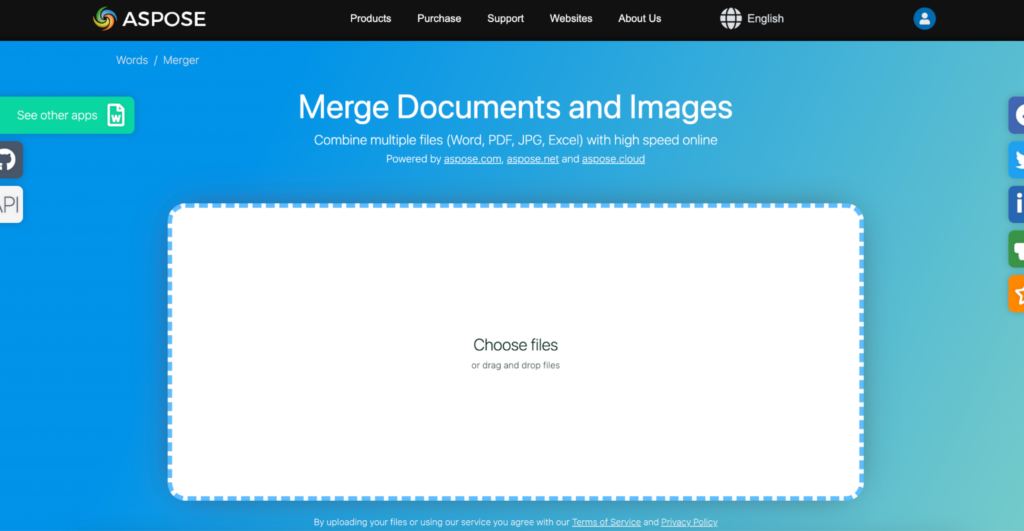
Aspose is an online platform that allows you to edit word documents with many formats. This tool is simple and gives you free access to upload and combine several documents into one document. These are the steps of how to combine word documents into one document using Aspose.
- Step 1: Open https://products.aspose.app/ to access all of the Aspose editing features.
- Step 2: Once the Aspose website is opened, you can choose the merge features.
- Step 3: Change the drop-down list of format document to docx.
- Step 4: Afterwards, you can upload your word documents into this platform by clicking the Choose Word files or dragging and dropping your files.
- Step 5: After all of the word documents are uploaded, you can click the Merge button. You can download your merged file.
2. How to combine word documents in Conholdate
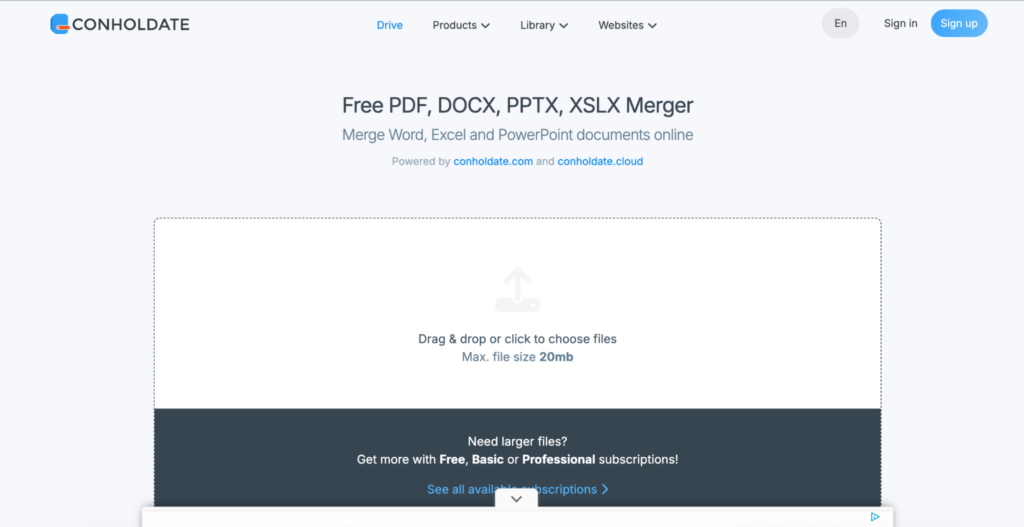
Conholdate is one of the online platforms to edit your word or other types of documents. Similar to Aspose, this tool is quite simple, and you can use it for free without being required to create an account. As a word editing tool, it provides an option to merge two or multiple documents into one document. These are the steps of how to combine word documents using Conholdate.
- Step 1: Access the Cholholdate by pasting https://metrics.conholdate.app/ on your browser. Step 2: Once the website is opened, choose Products and select Merger.
- Step 3: Now, we can click the central part of the website to upload the word document files. You can also drag and drop your selected two or multiple files directly to this central part of the website. Click Merger to combine the files.
- Step 4: After all of the files are uploaded, you can wait until all of the files are merged successfully.
- Step 5: Then, you can download the merged file.
3. How to combine word documents in PDFFiller
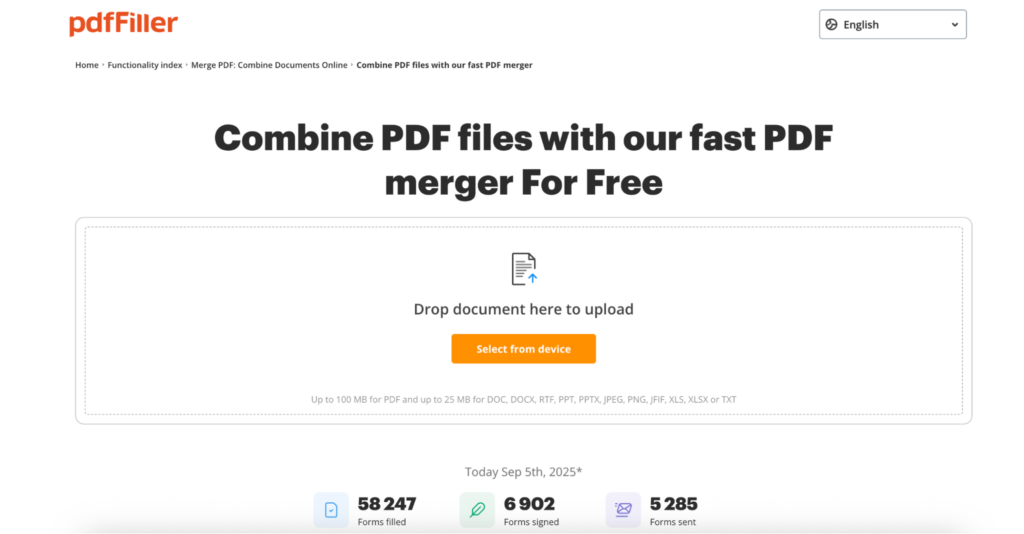
PDFFiller is considered a reliable editing PDF documents these days. Not only for PDF, this tool can also be used for word documents. The advantages of using this tool is free to use without the need to create an account. These are the step-by-step instructions on how to combine word documents using PDFFiller.
- Step 1: Open PDFFiller by typing https://www.pdffiller.com/ in your browser.
- Step 2: After the website is opened, you can upload by clicking Select from device, or you can drag and drop your file directly from your computer.
- Step 3: Once the two word document files is stored, you can choose the Merge button at the bottom of the site.
- Step 4: You can wait until all of the files are uploaded and merged into one document. The merged file will open directly, and it allows you to edit your file.
- Step 5: If you have finished editing your file, you can select Done in the top right corner of the site. Choose download as PDF, or you can save as a word document, or other options as you want.
4. How to combine word documents in PDFen
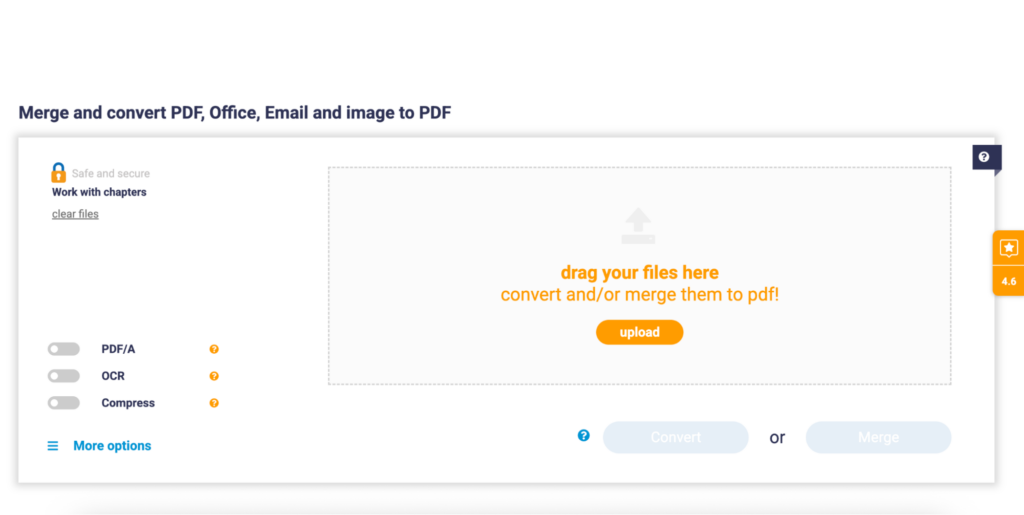
PDFen is another online tool that allows you to edit PDF or other format documents. This tool is free and easy to use, even for a person who has never used it before. The user interface also looks straightforward. This is the step-by-step process of how to combine word documents into one document using PDFen.
- Step 1: Access this tool by typing https://www.pdfen.com/ on your browser.
- Step 2: After the PDFen website opens, you can directly upload your file by clicking the Upload button. You can also drop your word files into the specific part of the website to upload the file.
- Step 3: You can also click the drop-down list Merge at the top of the website. Then, choose the Merge Word option.
- Step 4: Next, you can click the Merge button at the bottom. Then, please wait for a moment until all of the files are uploaded and merged appropriately.
- Step 5: After waiting for several seconds, you can just download the merged document file.
5. How to combine word documents on ILoveMerge

iLoveMerge is one of the famous online editing document tools. This tool can be used specifically to merge PDF and word documents into one document. Not only PDF and word, but this tool also allows you to combine other formats, such as TXT, Audio, JSON, and images. ILoveMerge has a simple user interface and is really easy to use. This is the step-by-step to merge two word documents into one document using ILoveMerge.
- Step 1: Open the ILoveMerge website by typing https://ilovemerge.com/ on your browser.
- Step 2: Once this platform is open, you can scroll down to find the list of tools. Select Merge Word, and you can shift into another site, which allows you to upload the word files.
- Step 3: Next, you can upload the file by clicking on +Add more files. You can also drag and drop your file into the bracket.
- Step 4: Afterwards, you can click the Merge button in the bottom left corner of the website.
- Step 5: Subsequently, the merged files from the two or multiple files will be downloaded automatically on your computer.
6. How to combine word documents on DocHub
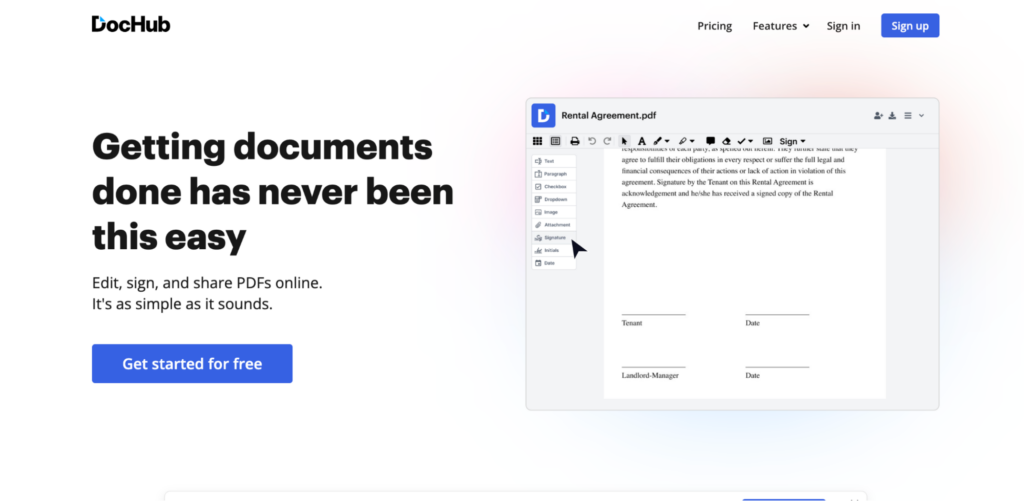
DocHub is known as one of the most reliable editing platforms available on the internet. This platform is not only for PDFs; it can also be used for editing the format of a document, including Word documents. The fascinating thing about DocHub is that it shows a simple user interface and is convenient for new users. These are the step-by-step instructions of how to combine word documents into one document using DocHub.
- Step 1: Open the DocHub website by typing https://www.dochub.com/. Please sign in if you already have an account. If you don’t have an account, you are required to create one in order to use the DocHub platform.
- Step 2: Open the new document on DocHub. Once it opens, click the icon in the top left corner of the Tool Bar. Then, click the icon + on the bottom left corner of the page and choose the Merge and Append file.
- Step 3: Afterwards, the menu will pop up on the page. Click the drop-down menu and choose the selected word files that you want to upload to DocHub.
- Step 4: Choose your selected document files and press the Import button. Next, arrange the document page that you want to upload and hit the Insert button at the bottom of the menu.
- Step 5: Once it is uploaded, you can do the same on other documents you want to add to the previous document.
7. How to combine word documents in PDFelement
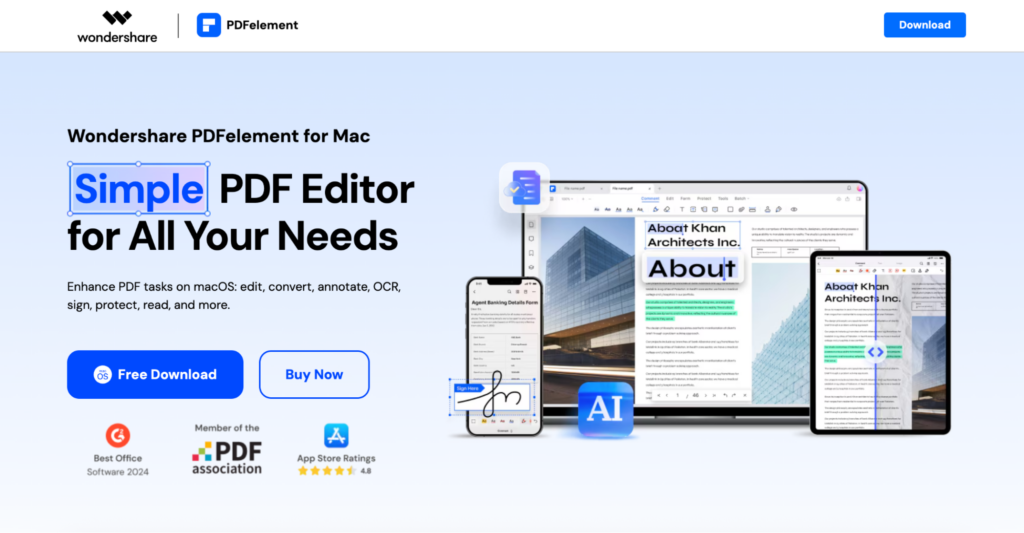
PDFelement is one of the most well-known applications for editing PDFs. Even though it mentions PDF, this app is not exclusively for PDF; it can also be used for other types of documents, including word documents. PDFelement provides a simple and interesting user interface, as well as being easy to use for beginners. This is a step-by-step guide to combine two word documents into one document using PDFelement.
- Step 1: Download the PDFelement and install the PDFelement on your computer. Once the installation process is finished, launch this application.
- Step 2: On the Home window, you can choose Combine PDFs and select your word documents that you want to upload. The word document will be automatically changed into the PDF format after being imported into this app.
- Step 3: After selecting your specific word documents, just click the Apply button. Once all of the documents are set, you can save them to make one document by clicking the Save option.
- Step 4: Next, you can see and check the merged PDF document and check the document first.
- Step 5: The last thing you should do to change it back to a word document by converting it to word. You can just click Convert on the toolbar and select To PDF. You can find a merged word document.
8. How to combine word documents in Microsoft Word
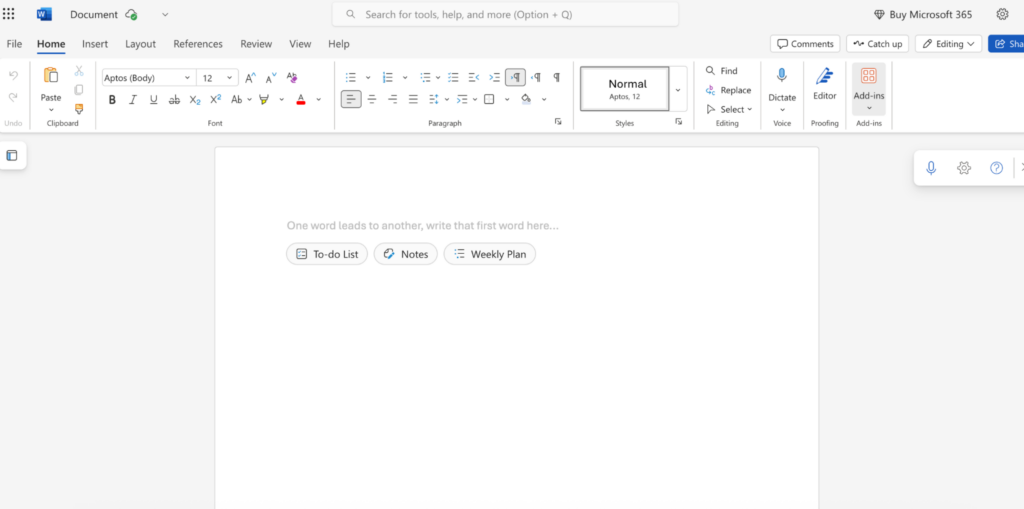
Microsoft Word is a robust and well-known writing and editing document tool from Microsoft. This software is part of Microsoft Office, including Microsoft Excel, Microsoft PowerPoint, and others. As a powerful writing software, Microsoft Word obviously has a tool for combining two or multiple documents into one document. However, this software is not free, and you have to pay for eternal use or subscribe to Microsoft Office 365 on a monthly or annual basis. This is how to merge two documents or multiple documents using Microsoft Word.
- Step 1: Open Microsoft Word on your computer. Then, open the selected main file from your computer as usual.
- Step 2: Once the main word document is open, select the Object option in the top right corner.
- Step 3: Then, select one or several word documents you want to combine with the previous document. However, you need to arrange the documents based on the order to ensure that the documents are inserted accordingly.
- Step 4: After that, click the Insert at the bottom of the menu.
- Step 5: You can see that all of the material from those documents is inserted into the main document.
9. How to combine word documents in Google Docs
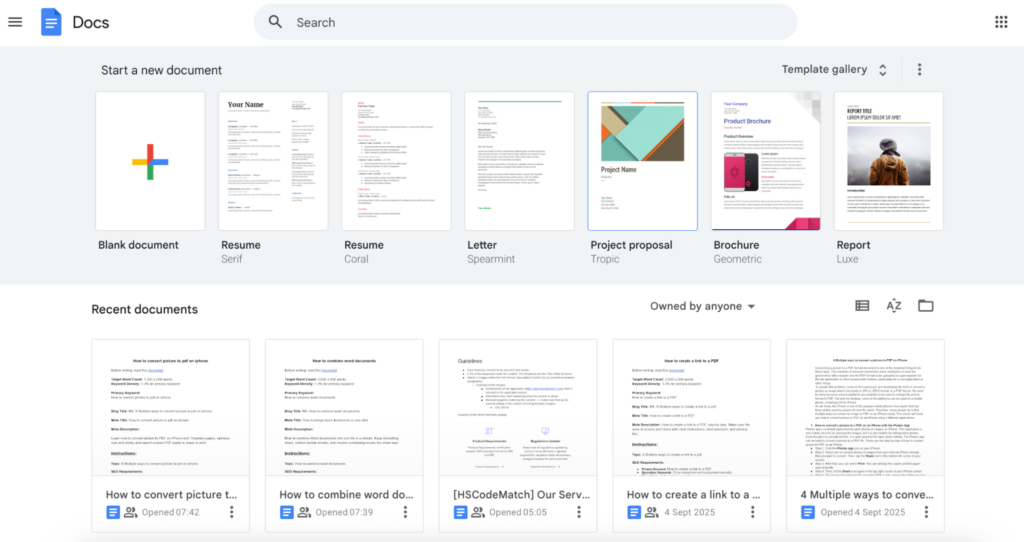
Google Docs is one of the most used document writing platforms nowadays. This platform is available online as a part of Google Workspace. This platform is well integrated with other platforms, such as Google Drive, Gmail, and others. Therefore, this tool is very convenient for users in order to finish their daily activities, especially for professionals and students. As a robust document writing platform, Google Docs is able to combine two or multiple documents into one document. These are the steps of how to merge two or several documents into one document using Google Docs.
- Step 1: Access your Google Drive on your browser.
- Step 2: Upload your doc file to the same folder to make it easier to locate.
- Step 3: Click the Settings icon button on the top right corner of the Google Drive. Choose Manage apps and click Connect more apps to open the Google Workspace Marketplace.
- Step 4: Once the Google Workspace Marketplace is open, you should find Merge Google Documents by typing this in the search toolbar. After it is found, install that extension.
- Step 5: After installation is over, you can choose the main file and open it using Merge Google Documents.
- Step 6: You can select the files you want to merge by clicking the Select files, folders from Drive. Then, you are allowed to edit the merged file on the Filename to saved option. Hit the Merge Documents, Spreadsheets.
- Step 7: Wait a moment, and you can click View to ensure that the merged document is right. You can save the merged document to your Google Drive cloud or your computer, or your mobile phone.
10. How to combine word documents in PDFGear
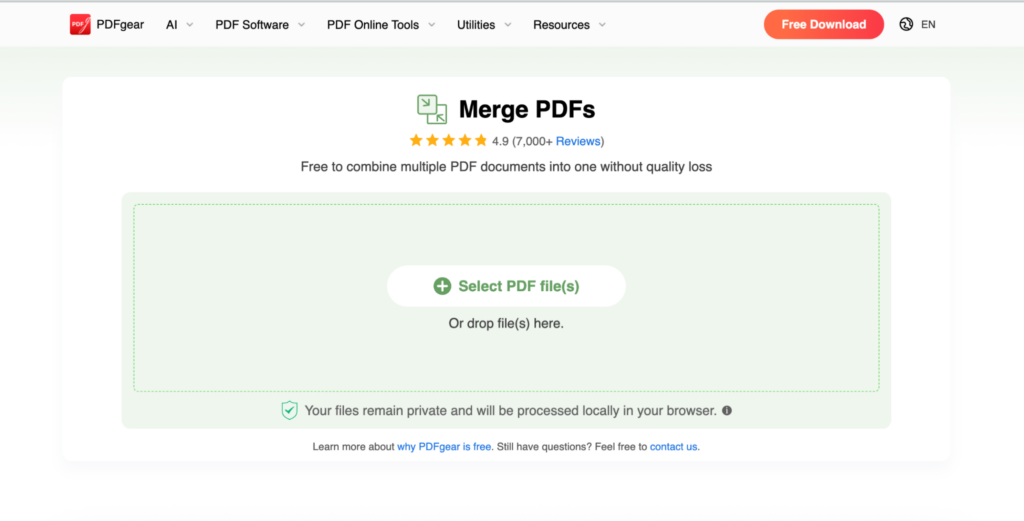
PDFGear is one of the popular PDF editing tools that is available online and also application on your desktop. This platform is quite interesting because it provides a simple, user-friendly interface and is suitable even for a person who has never visited this site or used the application before. On the other hand, PDFGear is free, and you are not required to sign up for an account to use these features. This platform also gives you access to merge document files easily. These are the steps to merge two or multiple word or docx-format documents into one document using PDFGear.
- Step 1: Open the PDFGear on your browser or application version on your computer or mobile phone.
- Step 2: Before combining the document, you need to convert the docx document into PDF format. Then, convert several word documents to PDF format by choosing the Convert to PDF and clicking the Word to PDF option.
- Step 3: Once the selected word document files are in PDF format, you can choose the Merge PDF on the PDF Online Tools.
- Step 4: Afterwards, the merged document is ready, and you can download it.
- Step 5: However, it is still in PDF format, and you can choose the PDF to Word option on PDF Online Tools.
- Step 6: Then, the merged word document is ready, and you can download the merged document in docx format.
11. How to combine word documents in SmallPDF
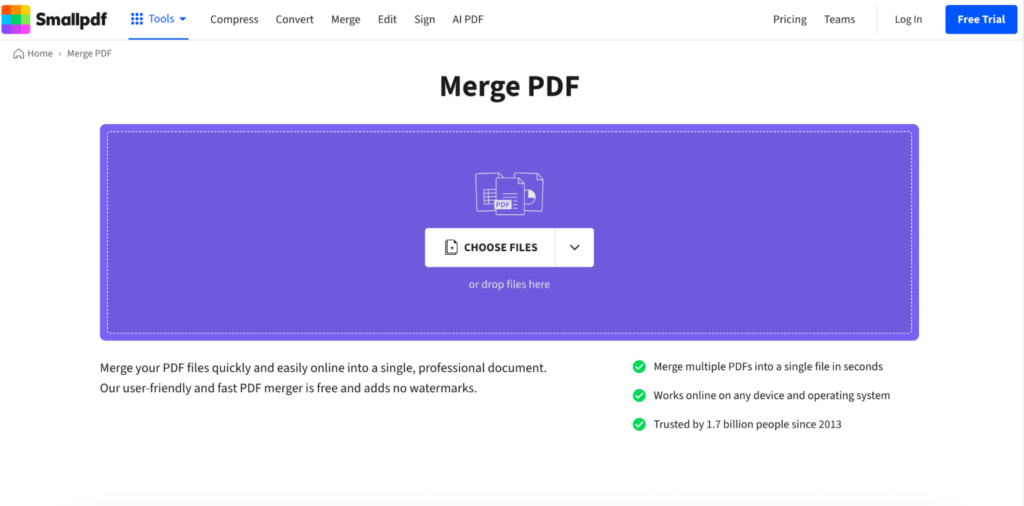
SmallPDF is one of the famous PDF editing services on the internet these days, and it also provides an application that you can use offline on your computer. This application is becoming more popular because it provides a user-friendly and simple user interface. It provides many features for editing PDF and converting PDF to other document formats and vice versa. SmallPDF is also applicable for merging PDF files and other formats of documents. These are the step-by-step to combine two or multiple word or docx documents into one document using SmallPDF.
- Step 1: Open the SmallPDF online on your website, or you can open the SmallPDF application on your computer and mobile devices.
- Step 2: Before merging documents, you need to change the format to PDF. You can choose Word to PDF from the drop-down list under Tools.
- Step 3: Once the word documents in converted to PDF, you can directly choose the Merge PDF from the Tools. Upload the documents, and you can also drag and drop those files.
- Step 4: After the file is merged accordingly, you can download it in PDF format.
- Step 5: To convert into word document, you need to go back to the Tools option and choose PDF to Word. Then, download the merged word document.
Conclusion
Combining word documents is easy nowadays because many platforms are available to be used, whether it is free or paid platforms. Based on the tutorials above, you can clearly differentiate the step-by-step process of how to combine word documents on 11 platforms. Some platforms require you to convert word documents into PDF files first before merging them to become one document, such as SmallPDF, PDFelement, and PDFGear.
If you want to use a simple way to combine word documents, you only need to use a free online platform that is available on a web-based platform, such as Aspose, Conholdate, PDFen, PDFFiller, or ILoveMerge. However, if you want to combine word documents directly from your writing platform, you can use Microsoft Word and Google Docs instead of those platforms.
Frequently Asked Questions (FAQs)
What is merging word documents?
Merging word documents is a process to combine the existing document with other documents. This process is quite easy by combining the first document with the second and third documents within the first document. However, we need to understand the step because sometimes it could change the order of the document.
Why people need to merge word documents?
The reasons why people merge word documents are to make it easier to edit separately from other documents. Because sometimes we need a manual signature or manual writing on a specific part of the documents. After that, we need to combine that part of the document into the whole document.
Who are the people who need to merge word documents?
The people who need to merge documents can be anyone. However, mostly people who need to combine documents are students and professionals. The students need to add the specific signature page to their thesis or dissertation. Not only students, but professionals also need to give their signature for a contract or even other important documents.
Which is the easiest platform to combine word documents?
The easiest platform to combine documents is the platform that is available online and can be used for free. Those platforms are Aspose, Conholdate, PDFen, PDFFiller, or ILoveMerge. By using these platforms, you do not need to sign up for an account or download the application, or convert it to a PDF document first before converting it again to word document.
Which platform can be used for combining word documents offline?
Most of the merge document platforms need a connection to the Internet. For those of you who want to merge the document offline, the choice is Microsoft Word. The steps of combining word documents in Microsoft Word are quite easy. However, this platform is not free, and you should pay a fee on a monthly or annual basis.
Which platform can be used for combining word documents on a mobile phone?
The platforms that can be used for combining word documents on a mobile phone are SmallPDF and PDFGear. These platforms are available on mobile applications, which are very useful for people who want to combine documents easily. However, editing documents on a mobile phone has many drawbacks due to the small monitor and limited features. Therefore, we recommend using a laptop or computer instead of a mobile phone to combine two or multiple documents.

 Dec 17, 2025

