
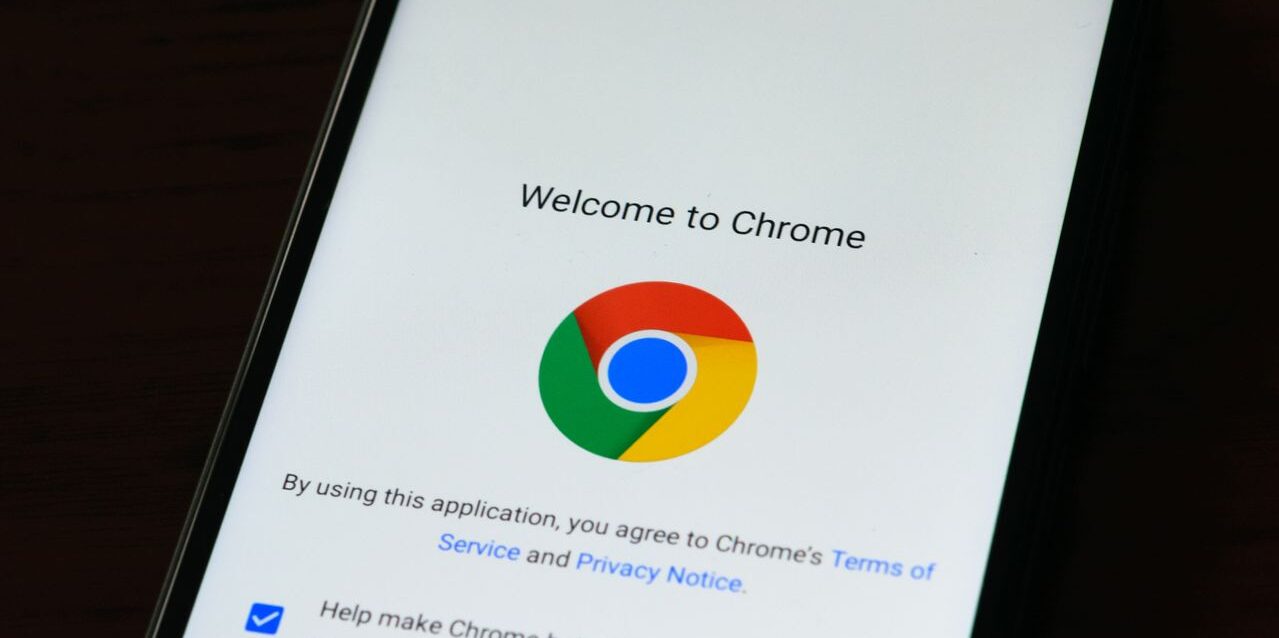
Chrome is no doubt one of the most used browsers these days. According to StatCounter, the browser built by Google has more than 70% market share of browsers in the entire world in May 2026. As the number of Chrome users increases, the development of extensions to enhance the user’s productivity is also expanding. Chrome extensions and other browser extensions have various types, and the main function is to boost our productivity while working or doing assignments on their platforms. If you’re wondering what the best productivity Chrome extensions are that you can use for free. We will help you to identify and find the best productivity Chrome extension that you need the most in this article.
What is the extension for the browser?
Before explaining the extension, we may need to know the definition of a browser. A browser is software that allows users to access information on the internet, and it translates the complex code into attractive images and readable text for users. In addition, modern browsers have evolved from being only for exploring websites to being one of the productivity tools.
To improve the user experience while using a browser, an extension for the browser has been invented. An extension for a browser is basically a third-party software that is built specifically for a browser. Therefore, you can install it directly in your browser and embed it into your system to upgrade your experience without the need to open other applications.
Browser extensions actually can do anything, from helping to store passwords, translating websites, simplifying note-taking, taking screenshots or videos, protecting your browser from malware threats, and other functions.
However, you must understand that the compatibility of a browser extension depends on the browser itself. Chrome and Brave are based on the Chromium code, whereas Safari, Firefox, and Opera use different types of code. Since the most used browser is Chrome, many developers have created extensions for Chrome to enhance user productivity. To get the best productivity Chrome extension, users can only install it through the Chrome Web Store.
List of 20 best productivity Chrome extensions
According to the explanation above, we can see that a Chrome extension is essential, particularly if you want to be more productive and simplify your daily tasks. We have collected 20 of the best productivity Chrome extensions you can use based on your needs. These Chrome extensions are divided into several categories based on their functionality.
Best Productivity Chrome Extension for Writing Assistant
1. Grammarly
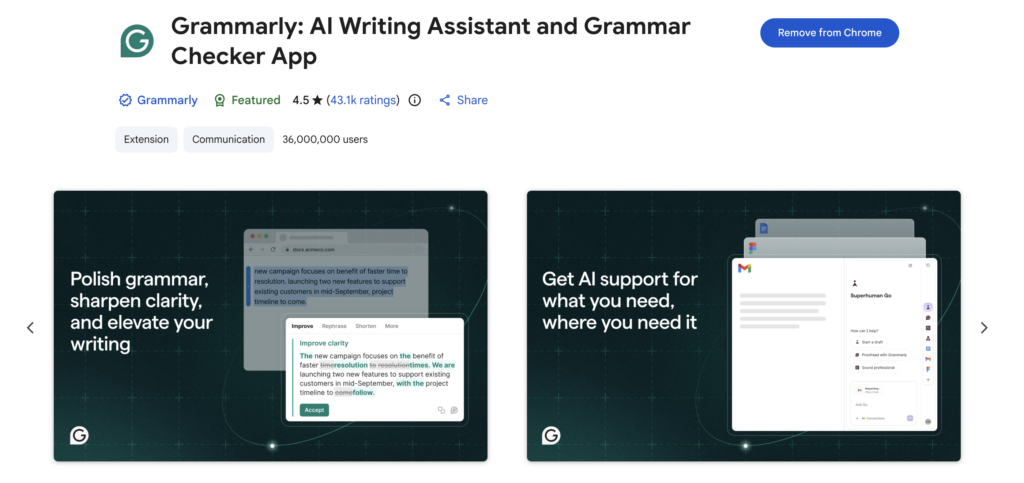
Grammarly is one of the most well-known English writing assistant software programs. This software is very useful for writers, students, and others who are primarily involved in writing, such as writing articles, creating social media captions, conducting research, and other activities. By using Grammarly, you can reduce the potential for incorrect grammar and punctuation and increase your confidence to publish content.
Not only does it provide a regular app, but it also has a Chrome extension. The Grammarly extension app will boost your productivity and ensure you can access the automated proofreading on your Chrome browser. Grammarly can be included as one of the best productivity Chrome extensions, especially for a writing assistant. According to the Chrome Web Store, Grammarly earned a rating of 4.5 out of 5.0.
Grammarly is available for a free plan, but this plan is very basic and limited for correcting misspellings and grammar. If you want to use advanced features from Grammarly, you need to use paid options because they can automatically correct and make your writing more fluent. Here is the detailed breakdown of Grammarly pricing and plans.
Best features:
- Rewrite full sentences
- AI and plagiarism detection
- Proofreading writing content
- Writing suggestion
- Enhance grammar and punctuations
Pricing and Plans:
- Basic ($0/month): Only limited to basic proofreading and misspelling, as well as grammar errors.
- Plus ($12/month, available for Free Trial): Full features with writing suggestions, rewrite full sentences, and plagiarism detection.
- Enterprise (Custom pricing): All Plus features, dedicated support, and data loss protections.
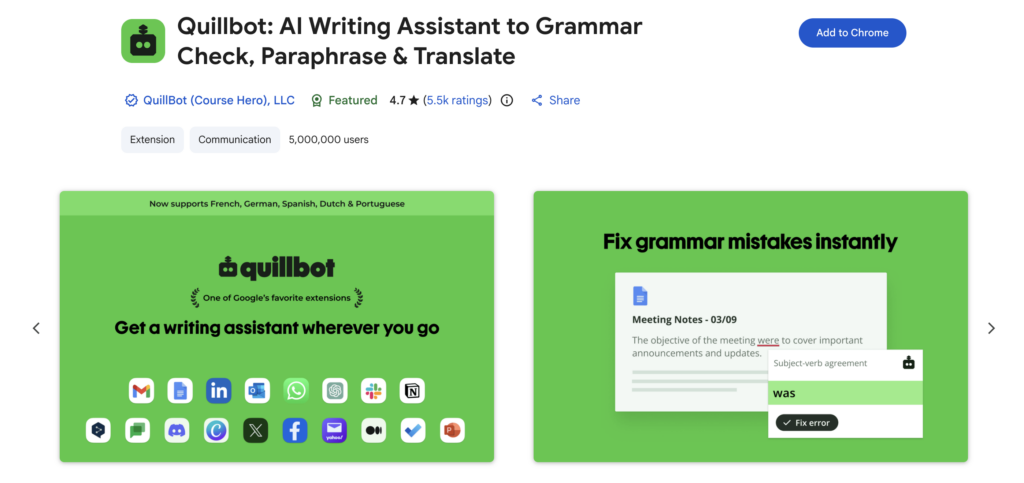
2. Quillbot
Quillbot is one of Grammarly’s fierce competitors and has become one of the best writing assistant software. This app is useful for a person who is involved in English writing. Similar to Grammarly, this app works in the background to give recommendations and highlight incorrect grammar or misspellings.
Quillbot is available as a Chrome extension to help users write clearly for writing regular articles, press releases, or captions for social media or email marketing. Quillbot has proven to be one of the best productivity Chrome extensions because it earned a great review. According to the Chrome Web Store, it earned a rating of 4.7 out of 5.0.
Best features:
- Proofreading content
- Grammar checker
- Phrasing suggestions
- Tone language adjuster
- AI and plagiarism detector
Pricing and Plans:
- Free ($0/month): Limited to 125 words, correcting grammar errors, and basic AI-generated text.
- Premium ($4.17/month): Unlimited paraphrasing, advanced grammar, and words. Suggestions, AI detector.
- Team Plan (Custom pricing): Team metrics, Dashboard for team, Full control of data.
3. Language Tool
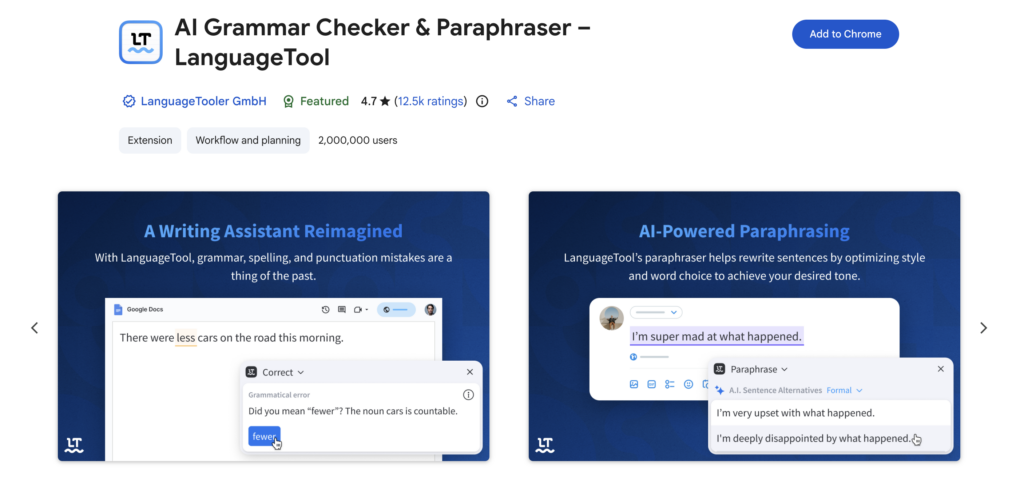
Language Tool is a similar app to Grammarly and Quillbot, which provide advanced tools to assist writing. This app is specifically designed to help with writing, from detecting errors or misspellings to correcting grammar errors. It also has a suggestion to avoid redundancy and replace overused words in your content.
The app from Germany has launched an extension for many apps, including Microsoft Word, Google Chrome, and others. The most notable features of LanguageTool that make it special compared to its competitors are availability in 25 languages, not only in English. It claims to be safe and ensures not store users’ IP addresses.
Best features:
- Style enhancer
- Error spelling corrector
- Grammar and punctuation corrector
- Semantic optimization
- Typography suggestion
Pricing and Plans:
- Basic (Free): Only get basic features from LanguageTool.
- Premium Individual ($2.91/month for annual payment): Access to all advanced features from LanguageTool.
- Premium Team ($6.14/month): Recommended for small to 20 teams to use all advanced features.
Best Productivity Chrome Extension for Text to Speech
4. Speechify
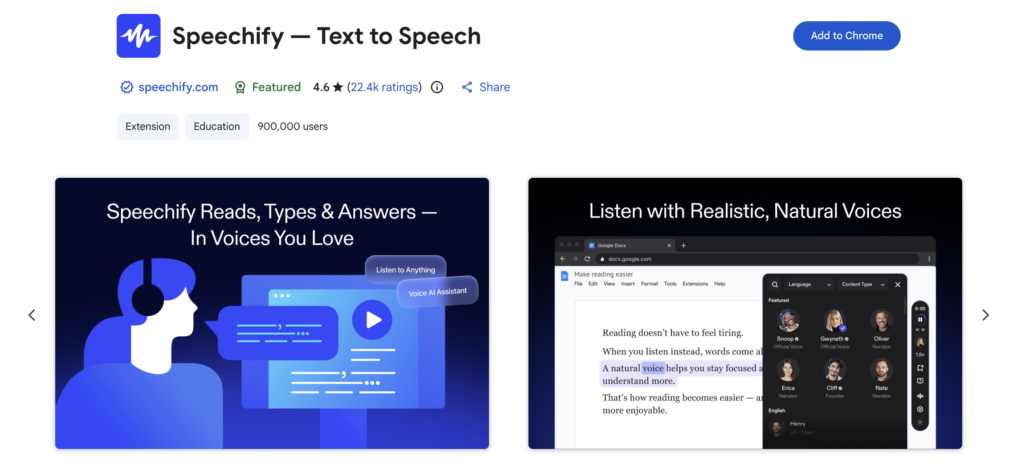
Speechify is a pioneer of text-to-speech apps to help users hear the text without the need to read the long-form text. This app is an innovation for helping people with disabilities and other people who need help with an AI-driven app to read out loud their text or documents. This app is simple due to its clear speech using an AI voice and has evolved into a video AI-assistant tool.
Speechify is available as a Chrome extension to enhance your experience while using a browser. You can directly command this app to read out loud the long-form text or article in Chrome to save your time instead of reading. It also provides advanced features for professional work and helps students to finish tasks. No wonder Speechify earned a high rating on the Chrome Web Store at 4.5.
Best features:
- AI voice assistant
- Voice typing
- AI podcast
- Voice reader
Pricing and Plans:
- Free ($0/month): Listen to all up to 1.5 times speed
- Premium ($29/month): Allows the use of all of the advanced features from Speechify.
5. Read Aloud
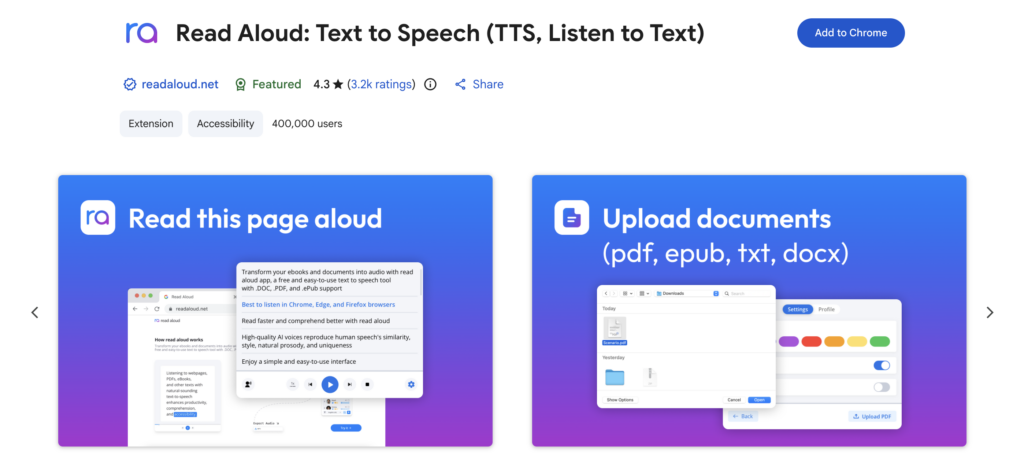
Read Aloud is one of the competitors of Speechify. However, this app is more basic compared to Speechify, which has transformed into an AI voice assistant. Read Aloud is only available for text-to-speech documents on the internet. The function is to ensure that users can listen directly to the long text document instead of reading, which consumes much time.
Although this app is only a basic text-to-speech app, it has earned great reviews on the Chrome Web Store. Read Aloud gets a rating of 4.3 out of 5.0, which makes it one of the best productivity Chrome extensions for listening to documents.
Best features:
- Read the webpage or documents
- Compatible with all apps
- Natural AI voice generation
- Generate a summary from YouTube and other social media platforms.
Pricing and Plans:
- Free (€0/month): Limited to 20,000 characters per month and standard voice.
- Premium 1 month (€10/month): Access to 1 million characters per month.
- Premium 6 months (€7/month): Access to 1 million characters per month.
- Premium 1 year (€4/month): Access to unlimited characters per month.
Best Productivity Chrome Extension for Time Management
6. Clockify
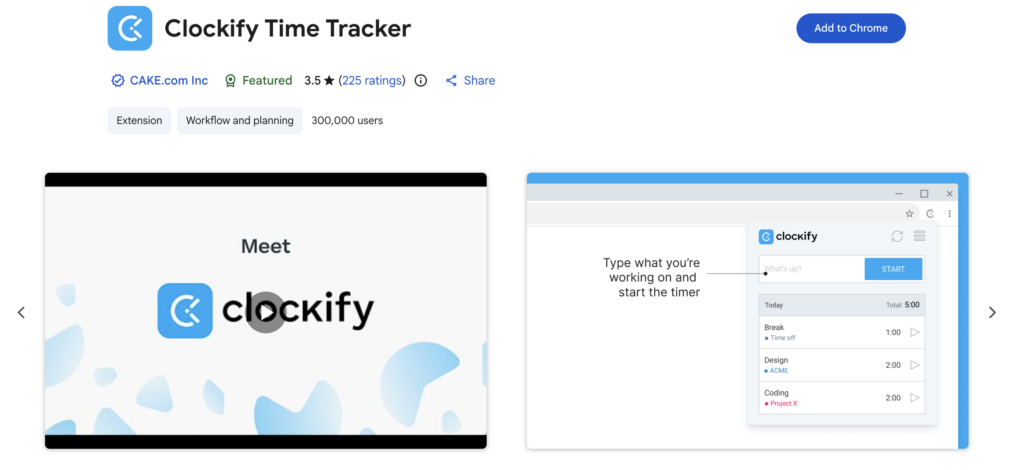
Clockify is one of the best time management software solutions that offers time tracking to improve productivity. This app was founded in 2017 and successfully gained popularity among time tracking software users. Not only for individuals, it provides reports about the time to finish some projects and also monitors your team to maintain productivity. Thus, you can use Clockify to check the attendance of your team and monitor the cost as well as billable hours. Clockify is available on the web, app, and as a Chrome extension. Even though this app did not get a good rating on Chrome Web Store, with only 3.6 out of 5.0, it is still one of the notable productivity Chrome extensions in the market these days.
Best features:
- Ide detection
- Podomoro timer
- Automatically start and stop the timer
- Reminders
- Team Time Tracker
Pricing and Plans:
- Free ($0/month): Unlimited time tracking, but limited advanced features.
- Basic ($3.99/month): Limited advanced features, including time audit, billable rates, bulk edit, etc.
- Standard ($5.49/month): Get standard features, including manager roles, customize kiosk, recurring invoice, etc.
- Pro ($7.99/month): Get pro features, including scheduling, labor cost & profit, email profit, and data region.
- Enterprise ($11.99/month): Get a custom plan, including a custom subdomain, Single sign-on (SSO), control accounts, etc.
- Cake.com Bundle ($12.99/month): Get a bundle with Cake.com and access team communication, time tracking, and project management.
7. Toggl Track
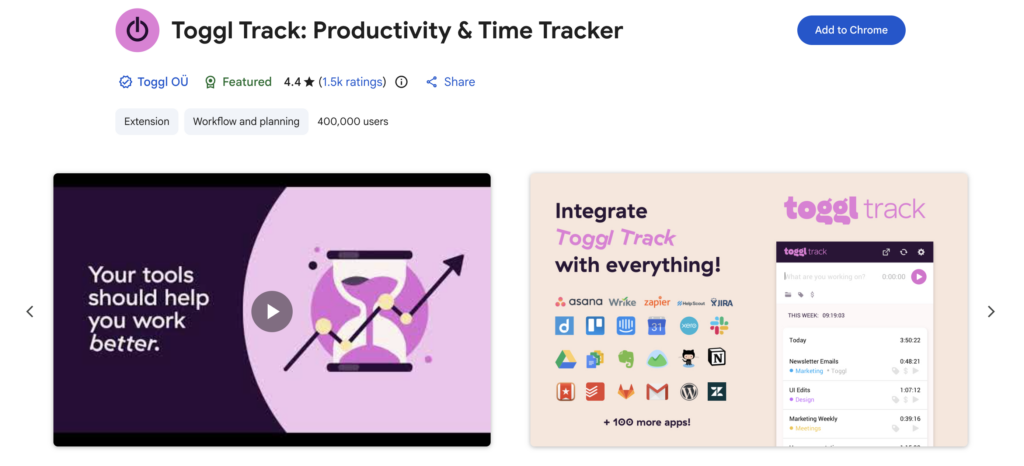
Toggl Track is claimed to be the biggest rival of Clockify. This app has a function to track productivity in real time to ensure all of the tasks are delivered accordingly. In addition, Toggl Track is available on many operating systems, including Android and iOS, as well as as a Chrome extension. According to the rating from Chrome Web Store, it has earned a 4.4 out of 5.0 rating from users. It means the Toggle Track is useful and has become a reliable and one of the best productivity Chrome extensions for supporting time management. Not only for Chrome, but it is also available as an extension for other browsers, such as Firefox and Microsoft Edge.
Best features:
- Idle detection
- Podomoro timer
- Time reminder
Pricing and Plans:
- Free ($0/month): Limited to productivity features and for a small team only.
- Starter ($9/month): Get real-time project management and billing accuracy.
- Premium ($18/month): Get precise data and billing accuracy for a large-scale team, as well as customizable reports.
- Enterprise (Custom pricing): Get custom tracking and customer support, as well as faster response time.
Best Productivity Chrome Extension for Managing Tabs
8. Toby: Tab Management Tool
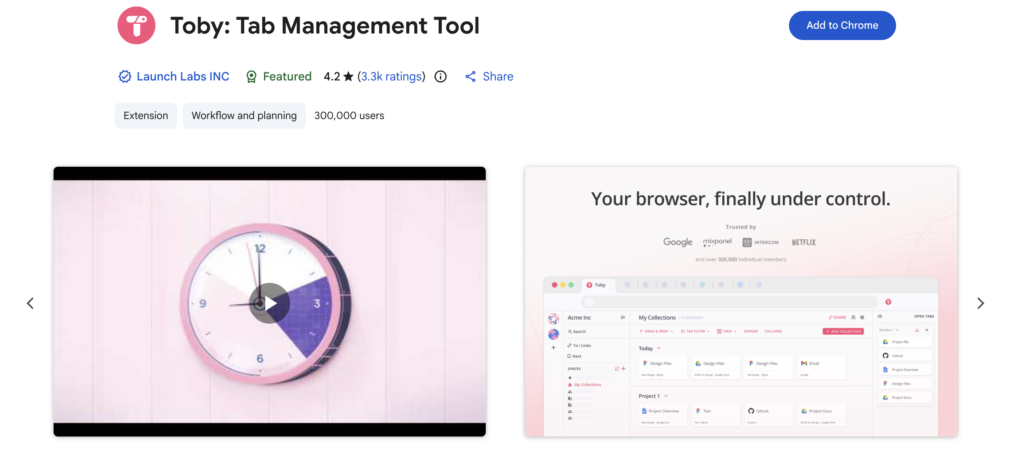
Toby has a role in improving the productivity of people who use a browser for their daily activities. The main functions of this app are to organize tabs on browsers and make sure that you do not need to close the tab that you need to recheck. Also, users do not need to worry about privacy; Toby ensures that all data stored is not transferred or sold to third parties. Toby has earned a great rating on the Chrome Web Store with a 4.2 out of 5.0, and it has more than 300,000 users on the Chrome extension. No wonder this app is considered one of the best productivity Chrome extensions for managing tabs in the browser.
Best features:
- Toby AI
- Drag and Drop
- Instant search
- Collection and spaces
- Quick access
Pricing and Plans:
- Starter ($0/month): Get all basic features and only 60 saved tabs.
- Productivity ($4.5/month): Get unlimited saved tabs, advanced searches, and remove duplicates.
- Team ($8/month): Get all productivity tools, priority support, SSO, and centralized billing.
9. Session Buddy
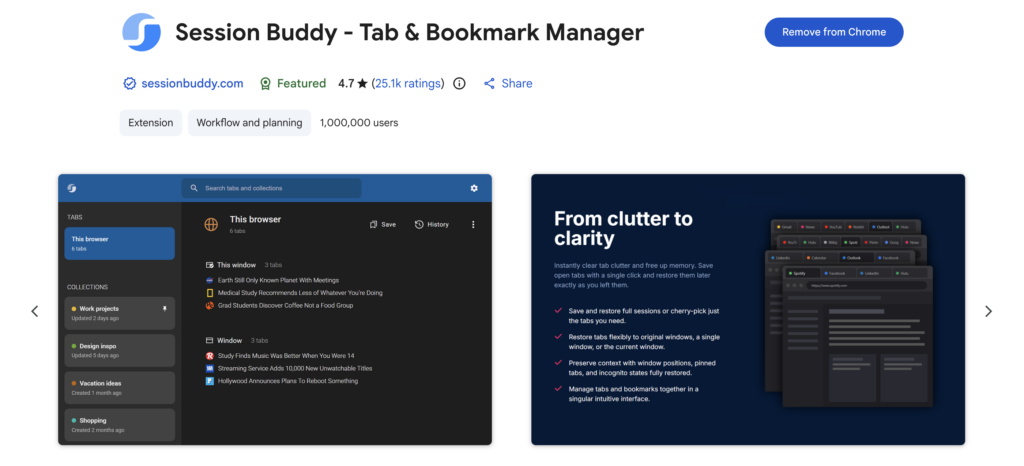
Session Buddy is an app that is specially made for managing tabs and bookmarks. This software is created to ensure the users stay organized by saving all of the history tabs, and the ability to restore the previous sessions. Therefore, you do not have to be afraid to close too many tabs in a single window. Session Buddy is available as a Chrome extension, and it is proven to be one of the best productivity Chrome extensions, competing with Toby. It earns excellent reviews and has a rating of 4.7 out of 5.0, and already has more than 1 million users.
Best features:
- Save Tabs Instantly
- Share with flexibility
- Search everywhere
- Able to handle heavy workloads
- Organize tab saving
Pricing and Plans:
- Free ($0/month): Get all of the premium features from Session Buddy.
Best Productivity Chrome Extension for Web Highlighter
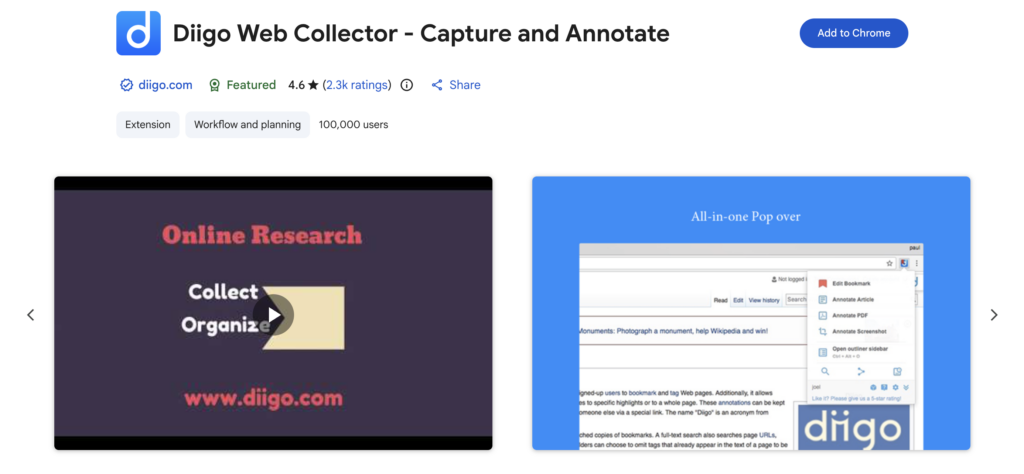
10. Diigo Web Collector
Diigo Web Collector is similar to bookmarking, screenshotting, and archiving on browsers. Not only developed for organizing browsers, but it is also used for annotating web pages and PDFs. Unlike Toby and Session Buddy, Diigo Web Collector is uniquely designed for web research instead of tab management. Thus, it is not a competitor of those two tools as one of the best productivity Chrome extensions. Diigo Web Collector has collected a rating of 4.6 out of 5.0 from 2,300 reviews on Chrome Web and has more than 100,000 users.
Best features:
- Site collection
- Web and PDF annotation
- Web organizing
- Shareable findings across websites
- Sticky notes
Pricing and Plans:
- Free ($0/month): Limited bookmarks and web highlights with ads.
- Standard ($0/month): Get unlimited bookmarks, image storage, webpage backups, and no ads.
- Professional ($59/month): Get unlimited PDF storage, outliners, and all of the standard plan features.
- Business ($10/month): Get all professional features and team collaboration, as well as an admin console dashboard.
11. Glasp Web Highlighter
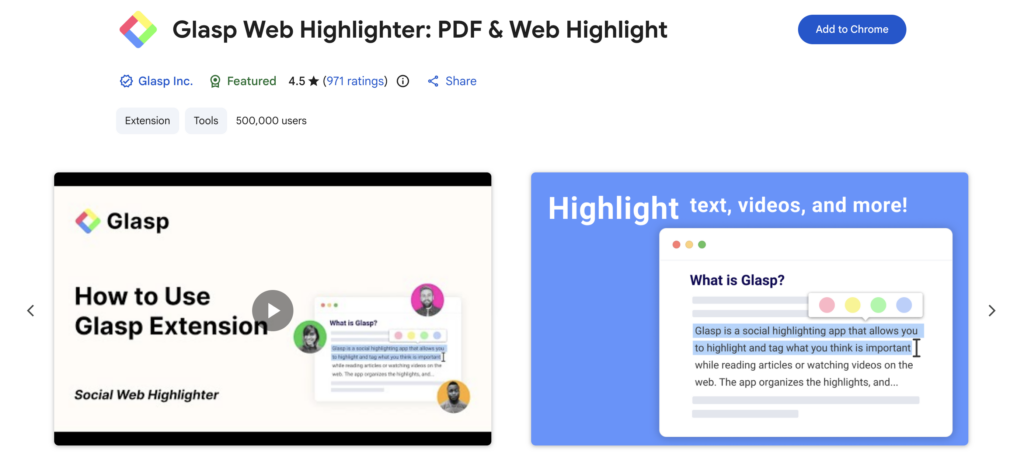
Glasp Web Highlighter is one of the fierce competitors of Diigo Web Collector. It has many features that are head-to-head with Diigo, and it also offers an AI summary for users to support their research using browsers such as Chrome, Safari, Firefox, and Edge. No surprise if the Glasp Web Highlighter can be included with other best productivity Chrome extensions. According to the Chrome Web Store, this app has an excellent review with a 4.5 out of 5.0 and 500,000 users.
Best features:
- AI summary
- Web and PDF highlighter
- Useful content curator
- Annotate YouTube and web pages
- Sync all highlights on Kindle
Pricing and Plans:
- Free ($0/month): Unlimited highlights, limited AI summaries, PDF uploads, audio file transcriptions.
- Pro ($12.5/month): Unlimited YouTube summaries, audio file transcriptions, and higher PDF uploads.
- Unlimited ($30/month): Unlimited PDF uploads, highlights, basic AI summaries for YouTube, and limited advanced AI summaries for YouTube.
Best Productivity Chrome Extension for Task Management
12. Todoist
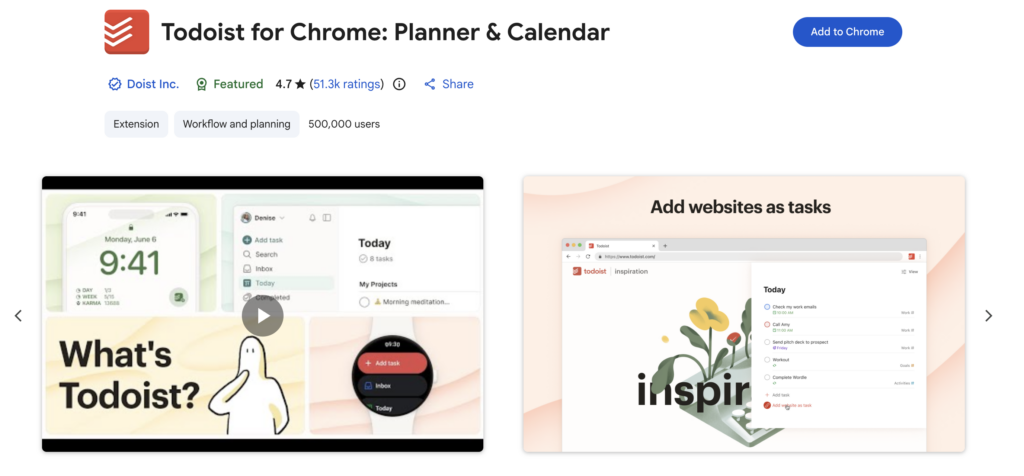
Todoist is considered one of the best task management apps in the market. As a task management tool, Todoist is developed to assist workers or business owners in setting up and managing their tasks accordingly. Todoist has got terrific reviews from more than 50,000 users on the Chrome Web Store with a 4.7 out of 5.0 rating. Not only is it available for Chrome extensions, but it is also available on many operating systems and extensions for many browsers, including Safari, Firefox, and others.
Best features:
- Schedule tasks
- Client management
- Meeting
- Content pipeline
- Content calendar
Pricing and Plans:
- Beginner ($0/month): Limited to 5 personal projects only, task reminders, filter views, and others.
- Pro ($5/month): Available for 300 projects, 150 filter views, full reporting history, and others.
- Business ($8/month): Available for team projects up to 500 projects, 1000 team members, shared team workspace, and others.
13. Calendly
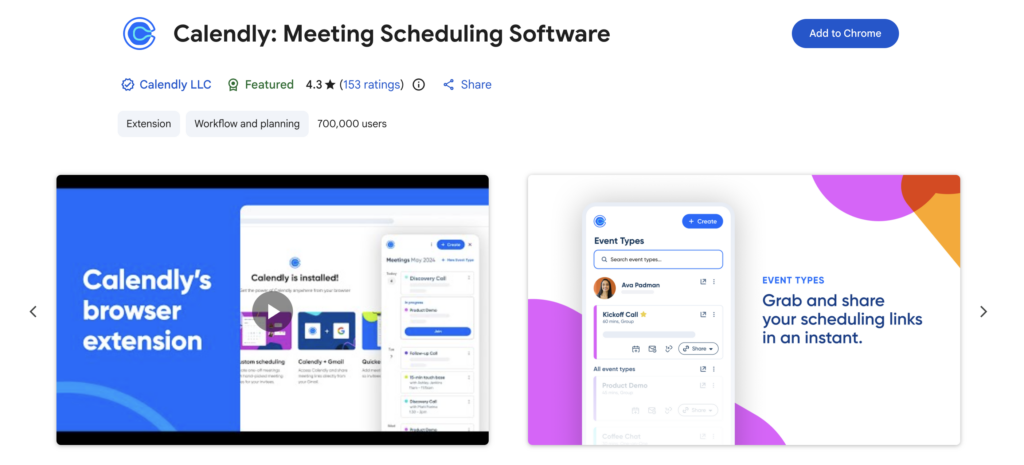
Calendly is a recommended tool for task management, whether it is used as an extension on browsers or a regular desktop app. Calendly is specifically made for scheduling meetings for workers and business owners. Thus, it doesn’t have a head-to-head feature with Todoist, as it is more comprehensive than this app. In spite of that, Calendly is still considered one of the best productivity Chrome extensions to assist someone who has many meetings in their daily lives. According to the Chrome Web Store, it has collected outstanding reviews with 4.3 out of 5.0 ratings. It also has more than 700,000 users on the Chrome extension only.
Best features:
- Manage the settings for the meeting
- Book meetings
- Integrate with email providers
- Shareable scheduling meetings
- Add time slots for meetings
Pricing and Plans:
- Free ($0/month): Limited to 1 schedule type, connect to calendar, add video conference, and other basic features.
- Standard ($10/month): Unlimited event types, connect to multiple calendars and email marketing, as well as payment services, and other features.
- Teams ($16/month): Get all standard features and send meetings to Salesforce, as well as security sign-on (SSO).
- Enterprise ($15,000/year): Get all Teams plan features, advanced scheduling options, and advanced security options for business.
Best Productivity Chrome Extension for Translating Documents
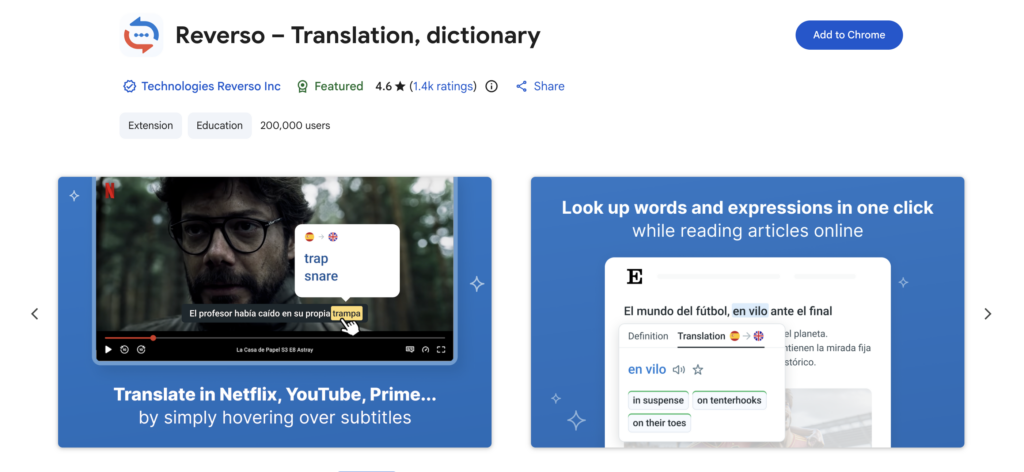
14. Reverso
Reverso is indeed a useful app for those of you who are involved in translations. Not only developed for translating websites, but this app has also been designed as a language learning tool for the users. So, if you want to translate and learn a new foreign language, Reverso is a suitable assistant to translate one word and help you understand the word from the appropriate sentences. Reverso is available as a Chrome extension, and you can use it while surfing the internet using Chrome. This app has outstanding reviews, with a 4.5 out of 5.0 rating.
Best features:
- AI-powered translation
- Translate subtitles on streaming platforms
- Accurate translation
- Save favorite words
- Synchronisation using the Reverso account
Pricing and Plans:
- Free (€0/month): Limited translation of the full text and not free from ads.
- Premium Annual (€6.5/year): Free from ads and has full access to translations.
- Premium Monthly (€9.99/month): Free from ads and has full access to translations.
15. Google Translate
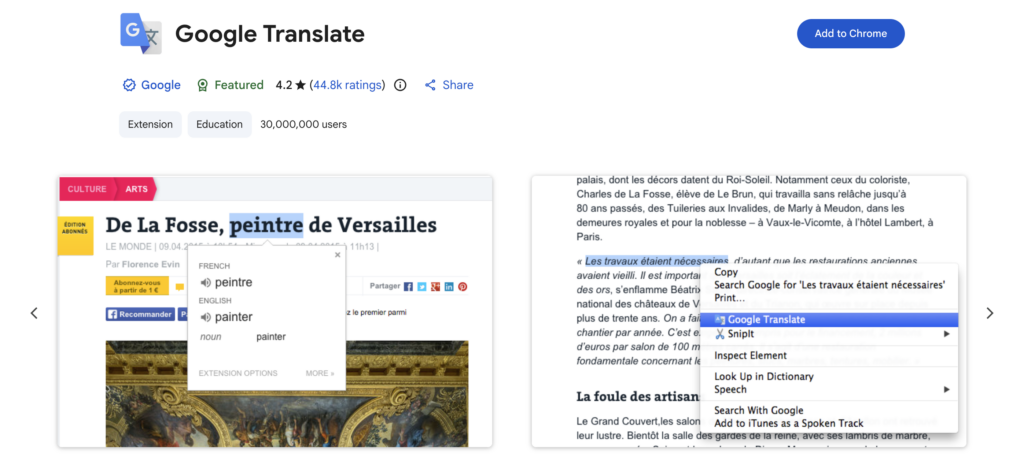
Google Translate is a popular yet powerful translation tool from Google. Although it initially seems to be less accurate, Google Translate has evolved into a powerful translation tool that is used by millions of users worldwide. This app is available as a Chrome extension, and it is considered one of the best productivity Chrome extensions for translating documents and websites. According to Chrome Web Store, Google Translate has collected superb reviews with a 4.2 out of 5.0 rating.
Best features:
- AI-powered translation
- Live conversation translate
- Customization for language learning
- Offline usage
- Saving words
Pricing and Plans:
- Free ($0/month): Users can use Google Translate on Chrome for free.
16. Trancy
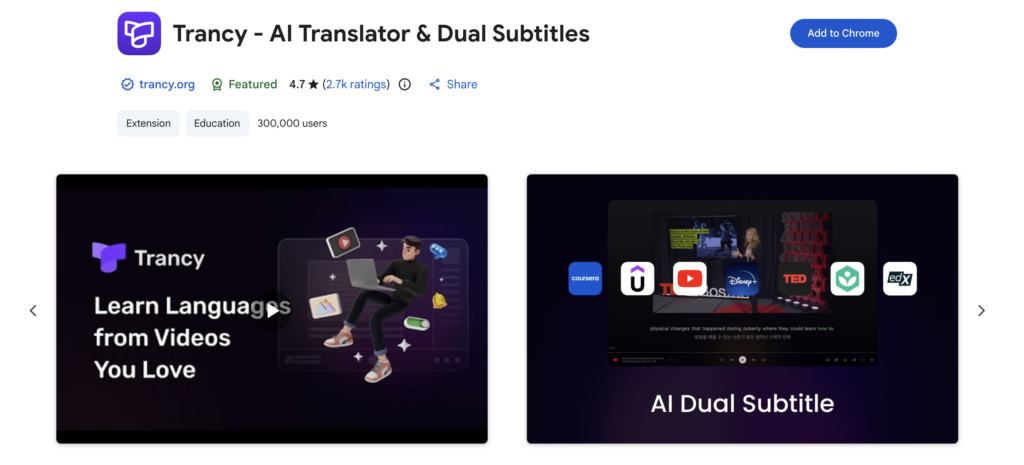
Trancy is a fierce competitor of Google Translate and Reverso. However, this app is offering a more comprehensive translation service rather than a regular translation similar to Reverso and Google Translate. Not only for websites, but Trancy also provides the translation service for PDF documents, which is critically useful for translators or people who are involved in translation. Based on the Chrome Web Store, Trancy has collected excellent reviews from 2,700 users with a rating of 4.7 out of 5.0.
Best features:
- Bilingual subtitles
- Web translation
- AI assistant
- External dictionary
- Word and sentence translation
Pricing and Plans:
- Trancy Free ($0/month): Get limited basic features, including unlimited word translation, smart video bilingual subtitles, and a custom translation engine.
- Trancy Premium ($2.27/month): Get AI subtitle transcription, PDF bilingual translations, and other advanced features.
- Premium + Advanced AI ($5.72/month): Get all premium features and integration with several AI models to be more precise in translations.
Best Productivity Chrome Extension for SEO
17. Detailed SEO Extension
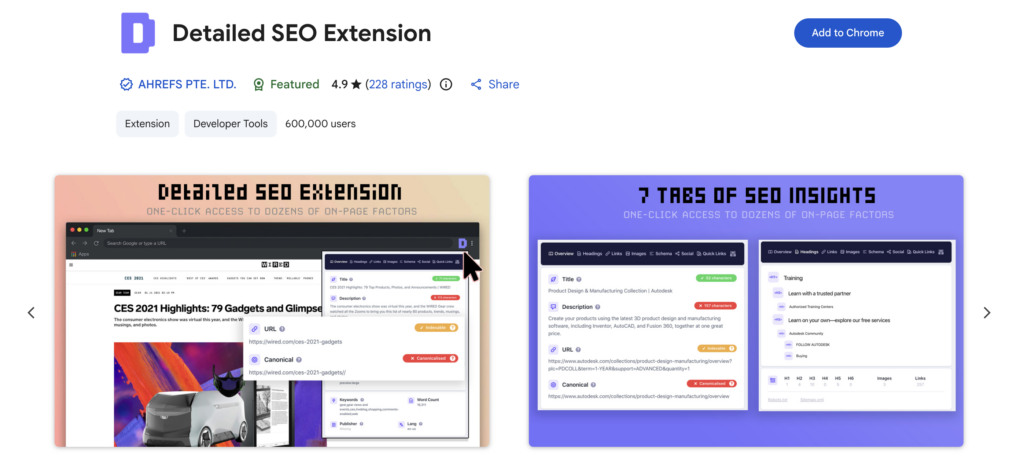
Detailed SEO Extension is considered the best productivity Chrome extension for assisting with on-page SEO. This extension is robust for getting instant insights for analysing SEO on your website. This app is developed by Ahrefs and has gotten wonderful reviews from the 227 users with a 4.9 out of 5.0 rating. Thus, for persons who are involved in SEO analysis and SEO strategy, Detailed SEO Extension is recommended.
Best features:
- SEO daily analysis
- SEO on-page audit
- SEO blogs
- Algorithm updates
Pricing and Plans:
- Free ($0/month): Get instant access to SEO insights that are useful for SEO professionals.
18. SEO Search Simulator
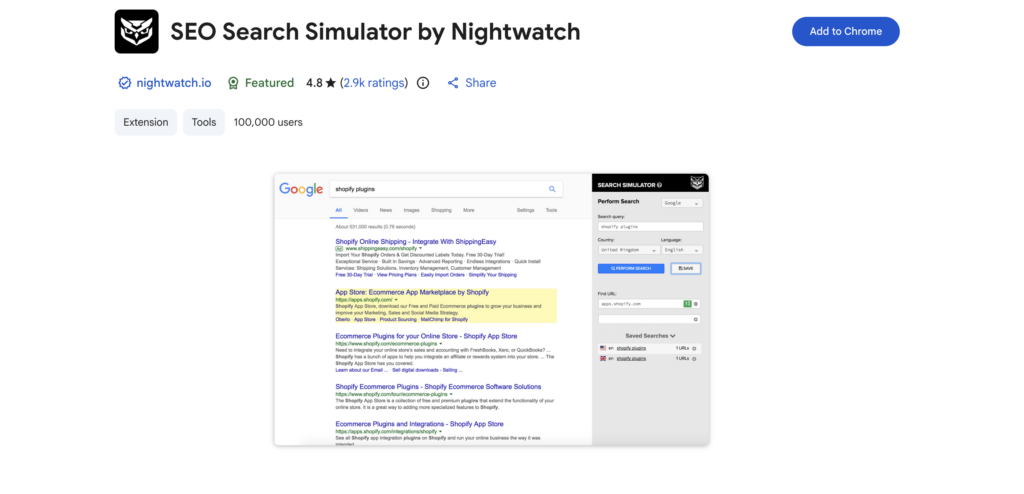
Unlike Detailed SEO Extension, SEO Search Simulator is an app focusing on tracking search engine results and competitor analysis. This tool is useful for analyzing unbiased search engine queries to help SEO professionals find relevant, high-volume keywords based on the geographical area. Nightwatch develops this app to boost the productivity of a person who is involved in SEO strategy. According to the Chrome Web Store, it gets outstanding reviews from more than 2,900 users with a 4.8 out of 5.0 rating.
Best features:
- SEO ranking checker
- Keyword research
- Site audit
- SERP tracking
Pricing and Plans:
- Free for Chrome extension ($0/month): Get an instant SERP tracking location to solve biased queries.
- Starter (€79/month): Only get 500 keywords, 50 AI prompts, and other features.
- Professional (€159/month): Get 2,500 keywords, 150 AI prompts, and other features.
- Agency (€399/month): Get 7,500 keywords and 500 AI prompts, and other advanced features.
- Enterprise (Custom Pricing): Get up to 20,000 keywords and other custom features.
19. Website SEO Checker
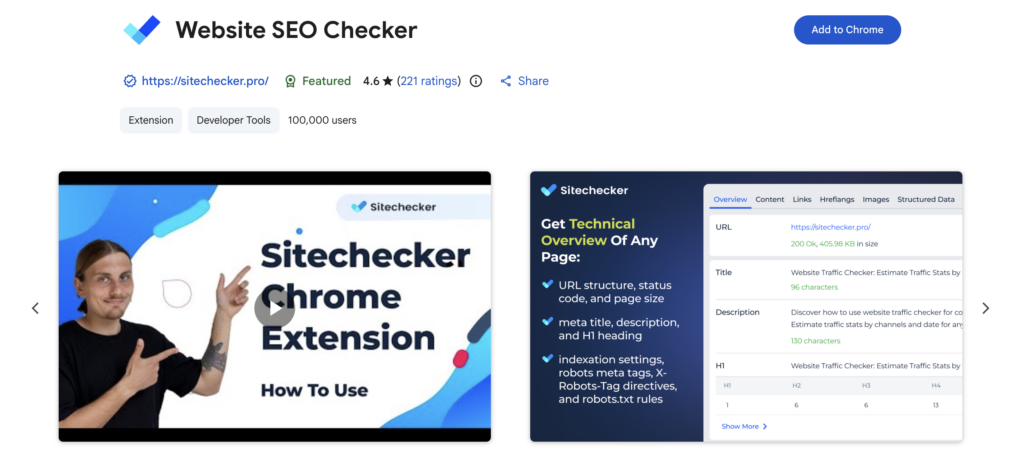
If you work in marketing, Website SEO Checker can be a lifesaver. It will allow you to get instant SEO analysis for your website without additional dedicated software. Their analysis features are quite impressive; they will check most of the SEO components, such as word count, meta titles, URL structures, link management, heading structures, and even competitor research.
Best features:
- Competitor reviews, issues detection, link audits, structure analysis
- SEO test, rank tracker, site monitoring
Pricing and Plans:
- Free trial for 14 days with no credit card required, you can test their extension and see the compatibility with your business needs.
- Basic, Standard, Premium (starting from $83/month): Sitechecker offers three plans based on your enterprise’s status. Are you a small team or mid-sized? You can check on their website for more details.
Best Productivity Chrome Extension for Homepage Customization
20. Momentum
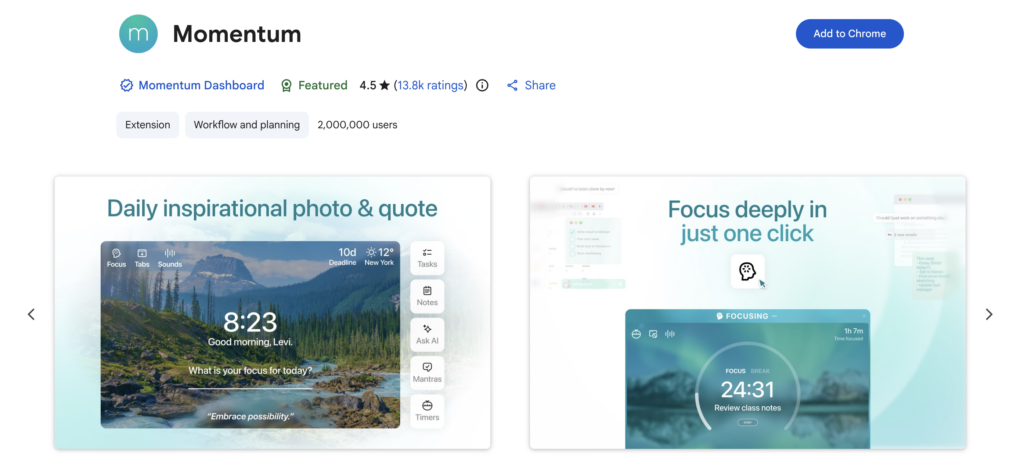
Momentum is one of the pioneer extensions in Chrome that offers a personal homepage with high customization options. This extension is great for those who want to create both an aesthetic and work-focused Chrome homepage. When you activate Momentum, you can personalize the profile with your name, get aesthetic wallpaper, a centered clock, local weather updates, and wisdom quotes. You may also add a to-do list, shortcuts, and many more within that homepage of yours. The paid plan allows you to access more sophisticated features such as productivity metrics, Podomore timer, AI-powered assistant, and advanced integration with other productivity apps.
Best features:
- Personalized homepage that helps you focus on productivity
- Productivity metrics and advanced integration with other apps
Pricing and Plans:
- Free ($0/month): highly customizable homepage for productivity, wisdom mantras, clock, local weather updates, sticky notes (to-do list), favorite site bookmarks
- Plus ($4.95/month): added AI-assistant, Tab Stash feature, external apps integration (task manager, focus-support), vision board, unlimited to-do list
Conclusion
As one of the most popular and common browsers among desktop users, Chrome allows you to manage work better with extensions. The options are endless, and you can use them to boost your productivity by improving your workflow and managing things faster. There are a handful of practical extensions that come from various sources, and many are free to use. However, beware of the developer, as free extensions come with risks such as data and privacy breaches, even malware. Make sure that you only install Chrome productivity extensions from legit developers. Check their websites and reviews before clicking install.
Frequently Asked Questions (FAQs): Best Productivity Chrome Extensions
1. What is the Chrome extension, and is it free?
Chrome extension is an additional plugins that can be installed on your Chrome browser and offer advanced, specific features you may need, such as an instant image downloader, a personalized homepage, grammar checking, automatic translation, SEO analysis, and many more. Chrome extensions can be accessed without a fee (free) or protected by a paywall. It depends on the developers’ intention. They may offer a free extension or commercialize it with enhanced features.
2. Do you need a Chrome extension to boost productivity?
Again, this depends on your preference. Chrome extensions are created to be helpful and time-efficient. They offer additional features that may be useful for your work, such as automatic translation to help you do research or SEO analysis that will be helpful if you work in marketing. There are many options and possibilities you can explore with Chrome extensions.
3. Can Chrome extensions be deleted from the browser?
Yes, Chrome extensions can be installed and removed anytime you want. If you think they do not help you that much, you can simply deactivate and uninstall them from your browser.
4. Does a Chrome extension affect the loading time?
Yes, Chrome extensions may affect loading time as they will automatically do the job without you even asking them. For example, an antivirus extension will scan your page before letting it load its content to avoid phishing, malware, adware, etc.
5. Is there any Chrome extension for productivity that supports AI tools?
Yes, there are many AI-powered Chrome extensions, and they offer various features. One of the most common features is an integrated AI assistant that allows you to work within Chrome while getting AI-assistant stand-by, such as GPT Workspace, Monica, Noty, etc.
6. What is the best Chrome extension for note-taking?
You can actually have a small notebook nearby on your desk, but if you are eager to go digital, Chrome extensions such as Web Highlights, OneNote Web Clippers, and Notion Web Clipper can be your ideal choices.
7. Do productivity extensions for Chrome really work?
It depends on you as the users; they may offer you help and assistance, but the productivity metrics can be deceitful and do not mirror reality. Again, use productivity tools proportionally. You can try as much as you can, but regularly clean the rarely used ones.
8. What extensions are best for clear distraction and improving focus?
You can try sound block extensions that allow you to filter noise around your workspace. If you are such a tab stacker, try site blockers that force you to stay on track with your work. You can also install a timer that hinders you from mindless social media scrolling. There are many options you can choose from; pick one that resolves your biggest issue in productivity.
9. Is there any Chrome extension that may help me manage bookmarks?
If you have tons of unread bookmarks in your Chrome, you can try tabs manager extensions that will encourage you to be more mindful with that habit, such as Tab Manager Plus and Workona. These extensions allow you to divide your tabs based on certain groups or projects. It will help your browser look clean and organized, while keeping your work on track.
10. Give me tips to choose the best Chrome extension for productivity?
Make sure you know yourself by identifying your biggest issues. Be more specific, are you a tabs hoarder, a typo guru, a media social scroller, or else? Once you identify the issues, you can browse Chrome extensions based on the keywords you find in your problems. This will be more helpful and faster than merely typing “productivity” in the Chrome Web Store search bar.