


Presentations have become an essential part of workflows. However, it is actually not always easy to get the audience to engage with our presentation, particularly if we only use common slides that are not interactive. No wonder, nowadays, we can find numerous interactive presentation tools that provide intuitive slide design easily and quickly without the need to create presentation slides manually. In this article, we will break down the 15 best interactive presentation tools, and we hope that this review will help you find the most suitable tool.
Best Interactive Presentation Tools at a Glance
Before diving deep into the detailed review of interactive presentation tools, let’s take a look at the 15 best interactive presentation tools in a glimpse. These are quick comparisons of the 15 best interactive presentation software available online that can help you to investigate and decide on the best tool.
| Presentation Tool | Starting price | Compatibility | G2 Rating | Capterra Rating |
| Canva | $18 per month | Website, macOS, Windows, iOS, Android | 4.7 | 4.7 |
| Visme | $12.25 per month | Website, macOS, Windows, iOS, Android | 4.5 | 4.5 |
| Gamma | $12 per month | Website | 4.6 | 3.8 |
| Mentimeter | $14 per month | Website | 4.7 | 4.4 |
| AhaSlides | $7.95 per month | Website | 4.7 | 4.6 |
| Prezi | $7 per month | Website, macOS, Windows, iOS, Android | 4.2 | 4.6 |
| Plus AI | $10 per month | Website, macOS, Windows, iOS, Android | 3.2 | No review |
| Slidebean | $7 per month | Website | 4.4 | 4.2 |
| Zoho Show | $2.5 per month | Website, macOS, Windows, iOS, Android | 4.4 | 4.6 |
| Genially | $10 per month | Website | 4.6 | 4.3 |
| Alai | $16 per month | Website | 5.0 | No review |
| Prezent | $39 per month | Website | 4.5 | 4.6 |
| Beautiful.ai | $12 per month | Website, macOS, Windows | 4.6 | 4.3 |
| Pitch | $15 per month | Web, macOS, Windows, iOS, Android | 4.3 | 4.9 |
| Storydoc | $19 per month | Website | 4.7 | 4.8 |
What are interactive presentation tools?
Interactive presentation is a way to communicate and engage the audience during the presentation session. Therefore, the presenter must try to involve the audience and directly ask them questions in their content slides to ensure they understand, rather than just leaving the audience to listen to the information in the slides.
Creating interactive presentations is actually not that easy and requires extra effort to assemble the content along with the intuitive design. The process of creating presentation slides commonly takes time. In addition, as a presenter, you should prepare your public speaking and how to effectively tell the audience during the session.
In order to solve those problems, these days, many companies are pitching ideas by establishing interactive presentation software. This software is dedicated to curtailing the problems, and some of them are powered by artificial intelligence (AI) to create a visualization easily and quickly.
How we tested the best interactive presentation tools
Testing the best interactive presentation tools is actually not that simple, and many components need to be included to make a good assessment. As we know, interactive presentation tools do not solely depend on visualization, but also on other features that can help the presenter to engage the audience. So we have summarised and broken down the factors to assess the best interactive presentation tools based on the criteria below.
- Easy to use: Ease of use is the main criterion for the best interactive presentation tools because how the tools can help users, even if they have never used the platforms before.
- Flexibility: We have looked at the flexibility of all presentation tools, and this includes templates and how those platforms can support the import of images, audio, video, and others.
- Customization: We also look at how the templates can be reused or customized by users to make them personalised and align with the company’s character.
- Compatibility: We look at the compatibility of the application for use on desktop and mobile, as well as how good their capability is to switch between desktop and mobile, and so on.
- Pricing: This might be one of the important criteria, especially for small businesses, startups, or freelancers that have a limited budget.
- Advanced features: This is definitely becoming the main consideration, as users always need to use features from presentation tools as their assistant. However, you need to understand that not all advanced features are useful for you.
The 15 best interactive presentation tools: detailed reviews
Once you have a glimpse of the 15 best interactive presentation tools above, we have investigated the best interactive tools in the market. As we understand, finding the most suitable interactive presentation tool is not easy, and it is overwhelming because all of the tools present only their best features and hide the downsides. To maximize your comprehension of the best tools, let us explain all of the best presentation tools below.
1. Canva
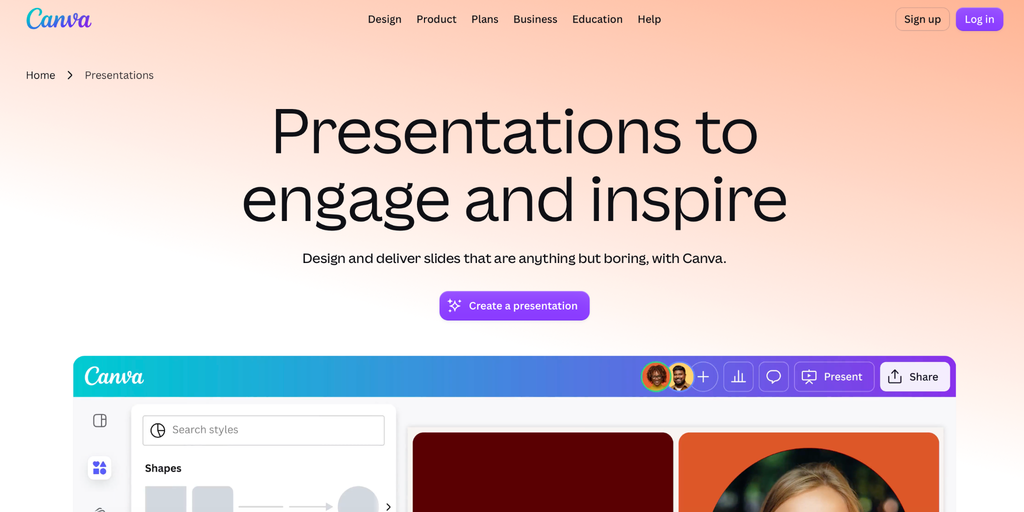
Canva is known as one of the best tools for design, encompassing basic design, infographics, advertisements, newsletters, and so on. Therefore, Canva has been a go to app for making interactive presentation slides. The Australian-based platform has numerous templates that you can use to create simple yet outstanding presentation slides.
Best for: Students, businesses, and enterprises
Compatibility: Website, MacOS, Windows, iOS, Android
Key features:
- Magic Design & AI Generation
- Extensive Templates
- Magic Animate
- Canva Live
- Autoplay & Recording
Pricing:
- Free ($0/month)
- Pro ($18/month)
- Business/Team ($10/month)
- Enterprise (Custom)
2. Visme
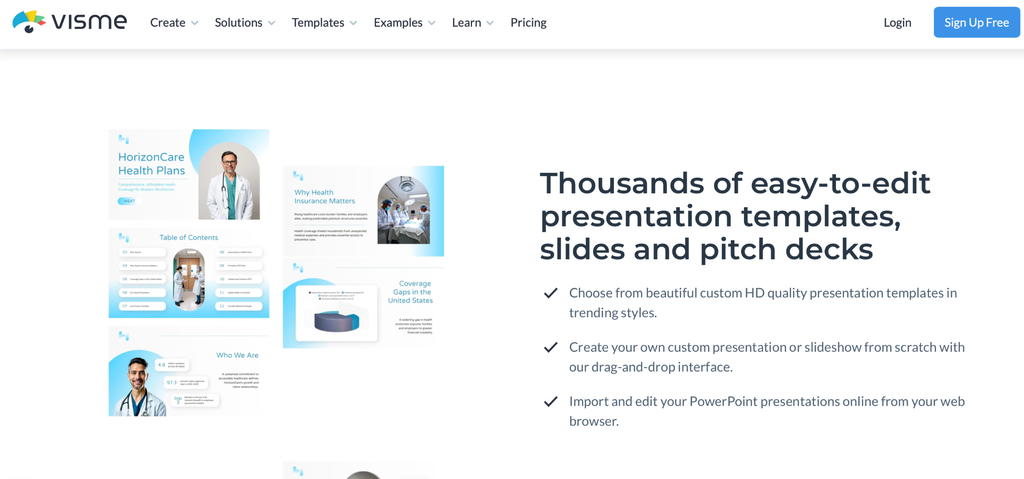
Similar to Canva, Visme is popular as an all-in-one design tool to create all kinds of visualisations. This tool is also powerful for creating presentation slides with a bunch of built-in features to make engaging slides. No wonder many people use Visme as their assistant to create interactive presentation slides.
Best for: Business, Professionals, Enterprises, Educators
Compatibility: Website, MacOS, Windows, iOS, Android
Key features:
- AI Designer & Presentation Maker
- AI Hub
- Data Visualization
- Accessibility Checker
- Extensive Template Library
Pricing:
- Basic ($0/month)
- Starter ($29/month)
- Pro ($59/month)
- Enterprise (Custom)
3. Gamma
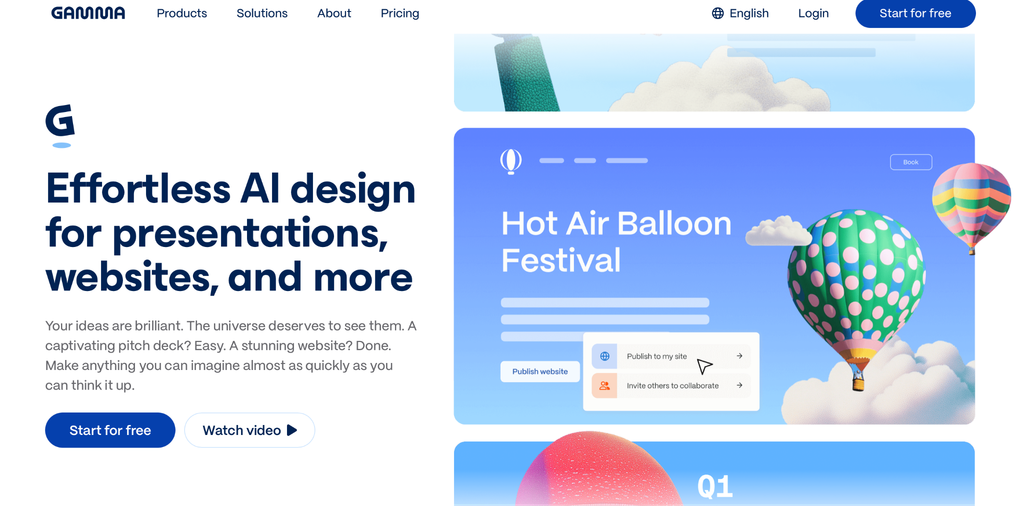
Gamma is an AI-powered tool to create visual content, including presentations, websites, social media content, and others. This tool promotes an easy way to generate presentation slides using simple prompts. Gamma is recommended even for someone who has never generated images on AI platforms.
Best for: Students, Businesses, and Professionals
Compatibility: Website
Key features:
- Document import
- Prompt-to-creation tool
- Smart Layout
- Analytics
- Export
Pricing:
- Free ($0/month)
- Plus ($12/month)
- Pro ($25/month)
- Ultra ($100/month)
- Team ($20/month)
4. Mentimeter
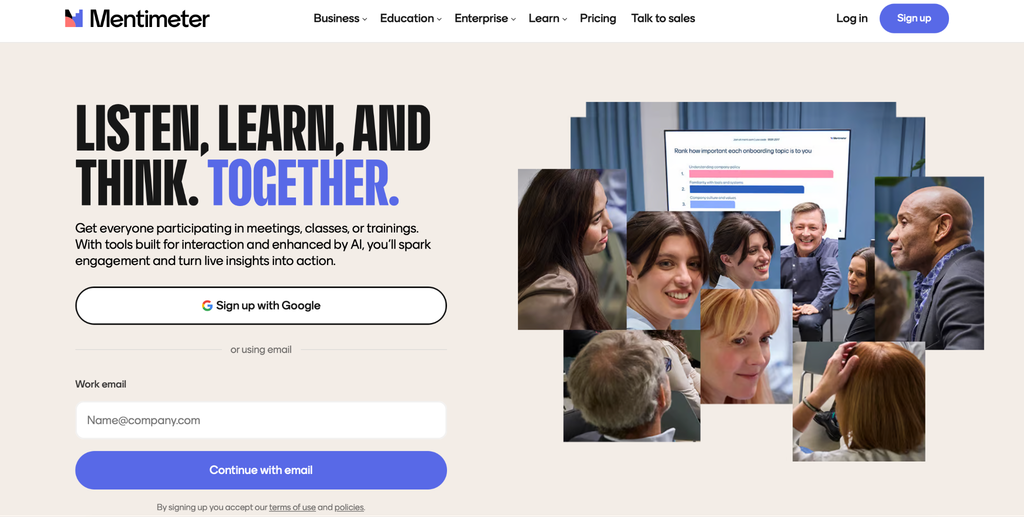
Mentimeter is an app specifically designed for making presentation slides. This tool is considered an all-in-one meeting and collaboration platform that is useful for business as well as education meetings. No surprise that Mentimeter has numerous features to create interactive presentation slides with AI prompts.
Best for: Business and professionals, corporate, lecturers, HR
Compatibility: Website
Key features:
- AI Presentation
- AI Quiz Generator
- Live Polling
- Word Cloud
- Survey
Pricing:
- Free (€0/month)
- Basic (€17.99/month)
- Pro (€28/month)
- Enterprise (Custom)
5. AhaSlide
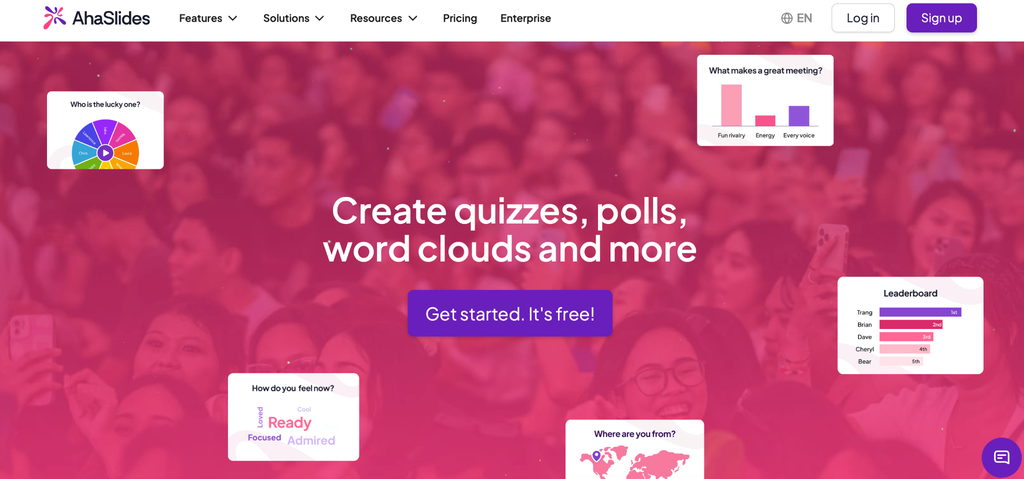
AhaSlide is one of the alternative tools to create engagement presentation slides. This tool allows users to create not only traditional slides, but also other interactive presentation ideas by using its features, such as live polling, word clouds, and others. Therefore, AhaSlide is the right platform for creating slides with gamification and bringing funny experiences to the audience.
Best for: Business and professionals
Compatibility: Website
Key features:
- AI Slides Maker
- Report & Analytics
- Quiz
- Word Cloud
- Survey
Pricing:
- Free ($0/month)
- Essential ($23.95/month)
- Pro ($49.95/month)
- Enterprise (Custom)
6. Prezi
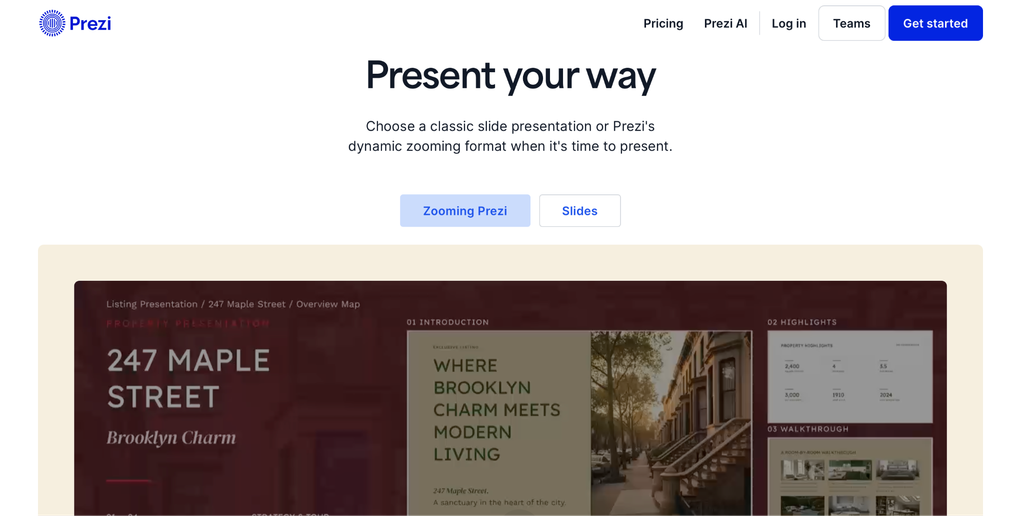
Prezi allows users to create interactive presentation slides. This tool evolved from a classic tool for presentations and is still one of the most reliable apps to support presentations. By using Prezi, you can upload videos, images, GIFs, and other media into the slides. In addition, there are real-time analytics to understand educational sessions or business meetings.
Best for: Students, educators, business, and professionals
Compatibility: Website, MacOS, Windows, iOS, Android
Key features:
- Prezi AI Generation
- Zoomable Canvas
- Offline Access
- Real-time Co-Editing
- Tracking and Analytics
Pricing:
- Basic ($0/month)
- Standard ($2/month)
- Plus ($4/month)
- Enterprise ($7/month)
7. Plus AI
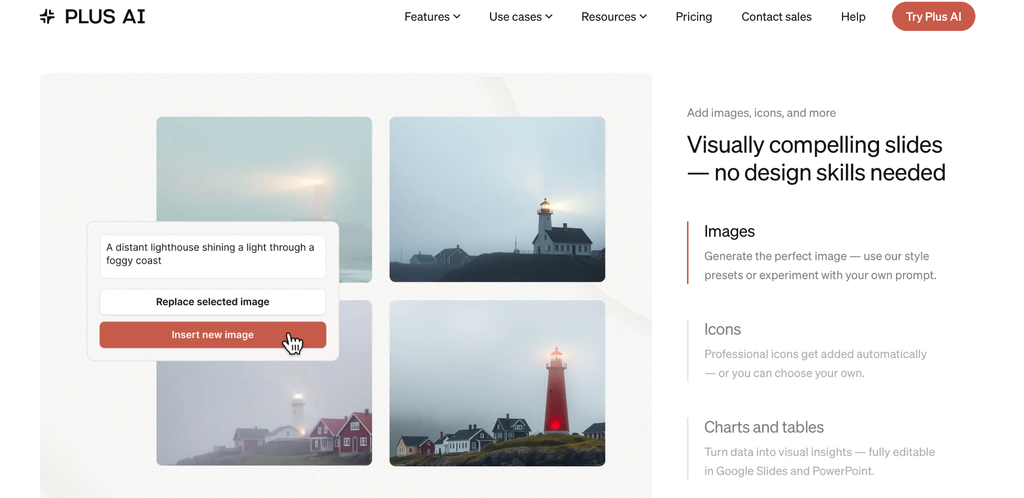
Plus AI is one of the go-to apps to create interactive presentations. This app allows users to create presentation slides only with prompts by using AI power. It also supports uploading files to generate the most suitable presentation based on your uploaded documents. Plus, AI can be used even inside Microsoft PowerPoint and Google Slides.
Best for: Students, business, professionals, workers
Compatibility: Website, MacOS, Windows, iOS, Android
Key features:
- AI Slides & Outline Generation
- Slide Rewriting & Editing
- Visual Add-ons
- Custom Branding & Templates
- PowerPoint REST API
Pricing:
- Basic ($10/month)
- Pro ($20/month)
- Team ($30/month)
- Max ($200/month)
8. Slidebean
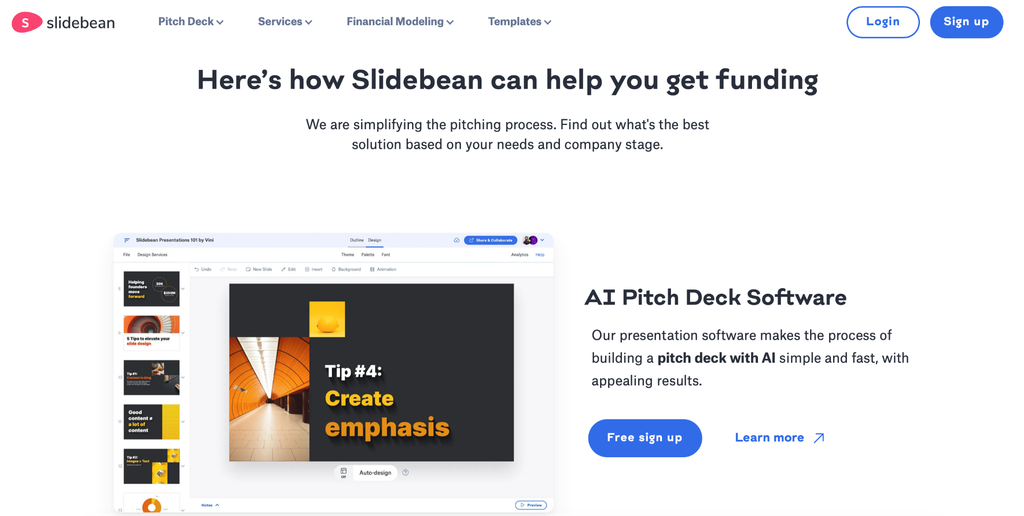
Slidebean is similar to other online presentation software that allows users to automate creating slides using an AI-powered engine. This tool allows users to create content instead of focusing solely on visual design. Therefore, this software offers an ease of creating presentations and saves time.
Best for: Business and professional
Compatibility: Website
Key features:
- Automated Slide Design
- AI Pitch Deck Builder
- Financial Modeling Tools
- Presentation Analytics
- Startup Templates
Pricing:
- Standard ($12/month)
- Accelerate ($99/month)
9. Zoho Show
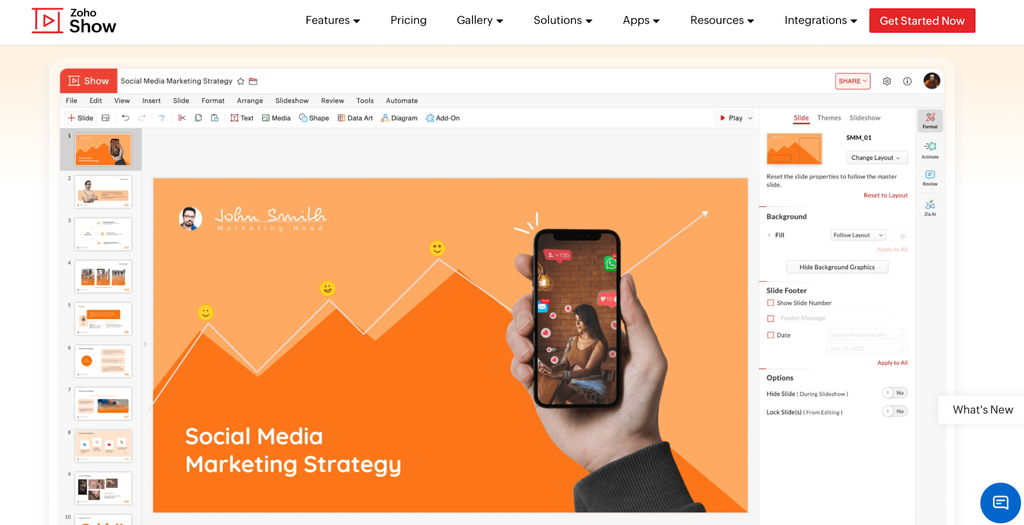
Zoho Show is an online presentation software established by the Indian tech company Zoho. This software is for professionals and allows users to collaborate with a team. To catch up with its competitors, Zoho Show also provides a new AI Zia, which makes the visual design of presentation slides more engaging and fascinating within a minute.
Best for: Students, Business, Professionals
Compatibility: Website, MacOS, Windows, iOS, Android
Key features:
- Zia AI
- Templates & Theme
- Real-time Collaboration
- Contextual Comment
- Live Cast
Pricing:
- Free ($0/month)
- Professional ($2.5/month)
10. Genially
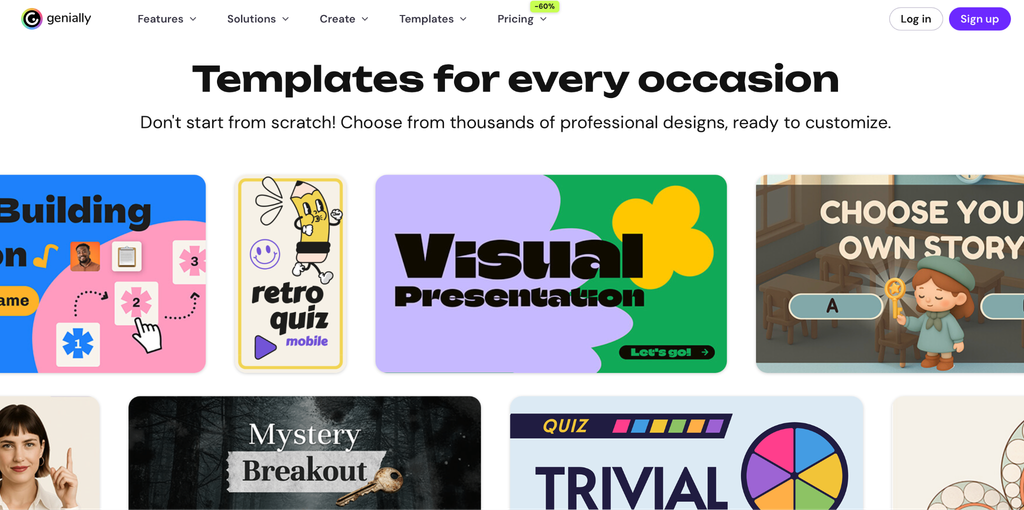
Genially is a web-based online presentation software that has numerous features to turn static information into interactive. This tool is able to make the presentation interactive with animations, videos, and other elements. Genially provides users with many templates, and it supports real-time collaboration with other members of your team, which fits with business meetings as well as online teaching.
Best for: Student, Lecturer, Business, Professional
Compatibility: Website
Key features:
- No-code layers
- Page Transitions
- Smart Visuals
- Quiz Builder
- Present Live
Pricing:
- Free ($0/month)
- Pro ($10/month)
- Master ($20/month)
- Master Team ($20/month)
- Author ($35/month)
- Enterprise (Custom)
11. Alai
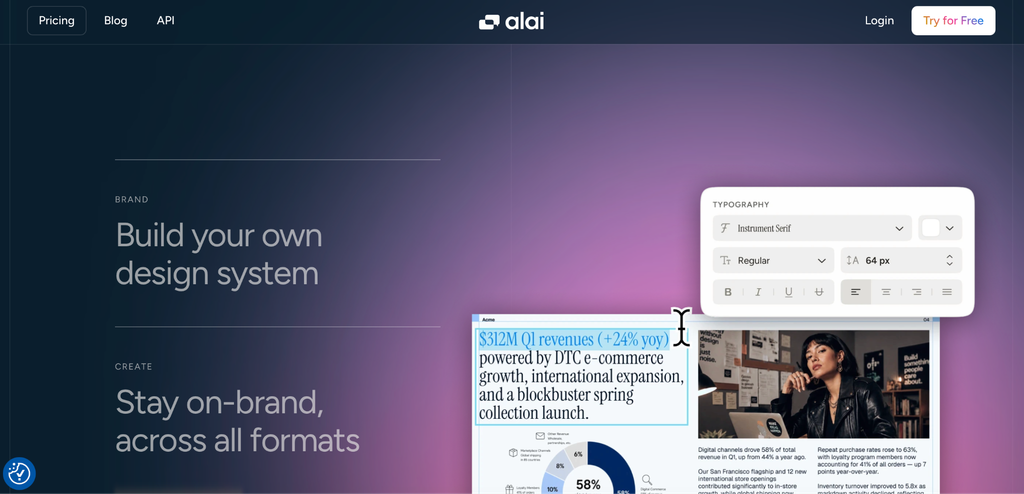
Alai is popular as software dedicated specifically to presentation makers. This software supports many elements needed by the presenter to create interactive presentation slides, such as text, notes, URLs, documents, and others. Alai can help users to make presentation slides with ease and in a simple way without requiring a lot of effort or taking a lot of time.
Best for: Students, Educators, Business and Professionals
Compatibility: Website
Key features:
- Responsive Canvas
- Brand Consistency
- Flexible Exports
- Input Content
- Refine
Pricing:
- Free ($0/month)
- Plus ($20/month)
- Pro ($30/month)
- Ultra ($80/month)
12. Prezent
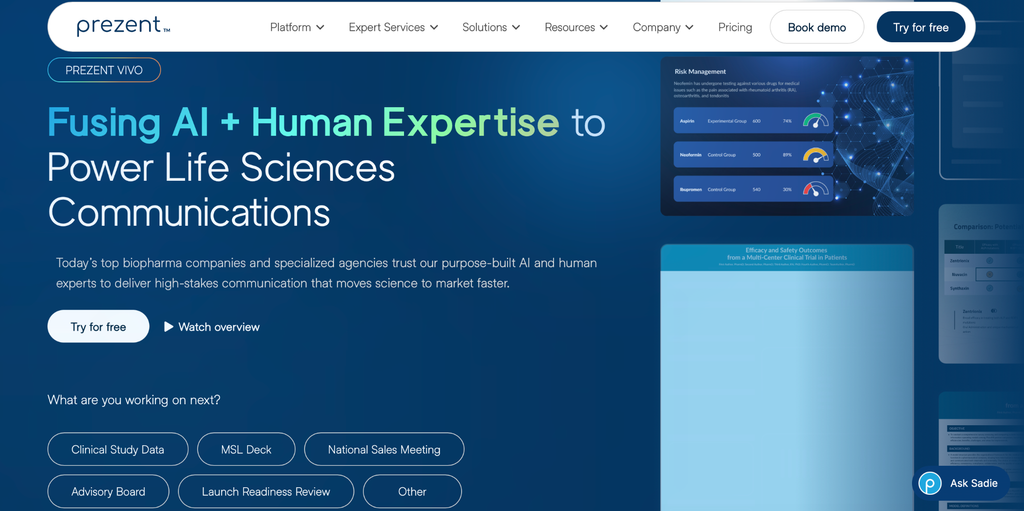
Prezents is considered one of the best software to create an engaging and fascinating presentation design. This tool allows users to use many templates and storylines that align with their business cases. In addition, Prezents works well with collaboration as well as integration with classic presentation tools, such as Google Slides, Microsoft PowerPoint, and API features to connect with other infrastructure.
Best for: Business and professional
Compatibility: Website
Key features:
- Astrid AI Assistant
- Brand Compliance Control
- Data to Narrative Generation
- Expert Slide Library
- Template & Deck Redesigner
Pricing:
- Lite ($39/month)
- Premium (Custom)
- Pro (Custom)
- Ultra (Custom)
13. Beautiful.ai
Beautiful.ai is renowned as one of the tools to create interactive presentation slides. As its name suggests, Beautiful ai can help users to make a beautiful presentation design with less effort and minimize time. With AI-powered automation, this tool allows users to simplify processes and create eye-catching designs that align with the content presentation theme.
Best for: Business and professional
Compatibility: Website, macOS, Windows
Key features:
- Smart Slides
- Slide AI
- Data Visualization
- Built in Animations
- Real Time Collaborations
Pricing:
- Pro ($12/month)
- Team ($40/month)
- Enterprise (Custom)
14. Pitch
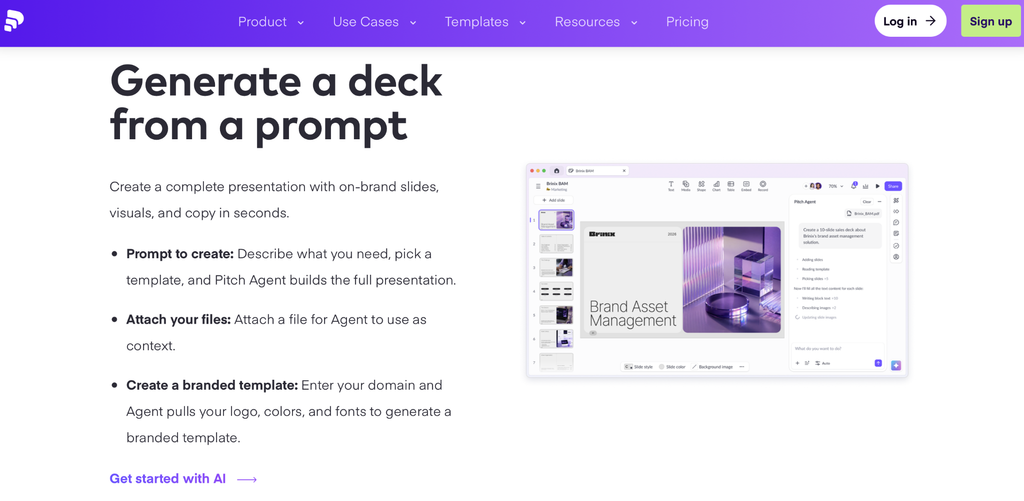
Pitch is known as a collaborative presentation design tool that provides ease of making slides. Similar to other online presentation software, this tool is a go-to for presenters who need an interactive design. Pitch permits users to generate slide decks, including titles, logos, and other content presentation by only using prompts and making it more eye-catching.
Best for: Students and Professionals
Compatibility: Website, MacOS, Windows, iOS, Android
Key features:
- AI Deck Generator
- Professional Templates
- Real-time Collaboration
- Data Integration
- Pitch Room & Analytics
Pricing:
- Free ($0/month)
- Plus ($10/month)
- Team ($15/month)
- Business ($20/month)
15. Storydoc
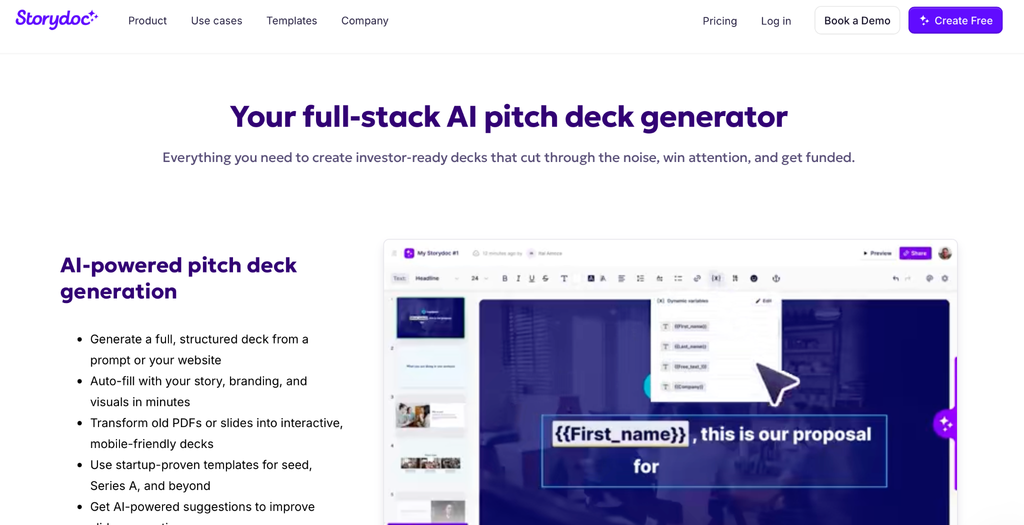
Storydoc can be considered one of the great tools to create interactive presentation slides. This software enables all users to make an interactive and personalized presentation design in a simple and quick way. With robust integration, particularly in customer relationships and instant sharing, Storydoc is one of the best choices to share your content with clients.
Best for: Business and professional
Compatibility: Website
Key features:
- AI Content Generation
- Brand Customization
- Deep Analytics
- CRM & Tool Integrations
- Templates
Pricing:
- Starting ($33/month)
- Pro ($60/month)
- Business (Custom)
- Premium (Custom)
- Enterprise (Custom)
Side-by-side comparison of the 15 best interactive presentation tools
| Presentation Tool | Pros | Cons |
| Canva | Cloud-based, massive asset library, Easy to use, beginner-friendly | Limited animation, online dependent, no tracking and analytics |
| Visme | Advanced data visualisation, Interactive animation and design, various high-quality templates | Limited features for free plan, Cloud dependency, requires paid plan for advanced features |
| Gamma | Flexible layout, Shareable content, Reliable for presentations | Only available on web, Limited customization, AI credit limits |
| Mentimeter | Clean and simple interface, interactive presentation capabilities | Relatively pricey for individual users |
| AhaSlides | Affordable, high interactivity | Low browser adaptability |
| Prezi | Offline access, AI creation tools, unique visual storytelling abilities | Not very suitable for professional settings, lagging when loading high-resolution images |
| Plus AI | Native software integration, smart editing tools | Plain design templates, non-stand-alone app |
| Slidebean | Suitable for formal environments, provides built-in analytics tools | Strict customization options, Bugs in payment and customer service |
| Zoho Show | Affordable, broad compatibility | No dedicated app, heavy memory consumption |
| Genially | Rich template, collaboration capabilities | Cloud-based only, difficult learning curve |
| Alai | Clean format, document-to-slide conversion | High price point, document limit |
| Prezent | Rich libraries, automated brand voice | Gated pricing, enterprise focus, no free trial |
| Beautiful.ai | Visual consistency, easy to navigate | No permanent free tier, rigid layout, lack of iterative AI |
| Pitch | Analytic tools available, collaboration capabilities, modern templates | Lack of AI prompt depth, conversion friction |
| Storydoc | Interactive elements, AI creation tool, built-in analytics | Design limit, pricey for beginners |
Classic presentation softwares
To make your knowledge of the best interactive presentation tools, we can give you three classic presentation software options. Most of these presentation apps are free, and there is a presentation tool that requires either a subscription or a one-time payment to access its features. Here are three presentation software programs that are commonly used.
1. Microsoft PowerPoint
Microsoft PowerPoint is a common app to share slides, whether it is for online or offline presentations. This tool is included in the productivity suite from Microsoft, called Microsoft Office. However, this presentation tool is not free, and you must pay a one-time fee or subscribe to Microsoft 365 to get full access.
2. Google Slides
Google Slides might be one of the fierce competitors of Microsoft PowerPoint. As its name implies, this tool is developed by Google and included within the Google Workspace, together with Google Docs and Google Spreadsheets. Fortunately, this tool is free to use and available by signing up for a Gmail account; if you have one, then you have access to this app.
3. Apple Keynote
Apple Keynote is a built-in presentation software on all Apple operating systems, including iOS and macOS. This tool is definitely free for all Apple users, but unfortunately, it cannot be used for other operating systems. However, not many people love this app due to unfamiliarity and choose other tools such as Google Slides and Microsoft PowerPoint instead.
Conclusion
Finding the most suitable presentation tool for our team may be exhausting. All of the presentation tools offer different kinds of standout features, and there is no perfect app. Instead of using the best presentation tool to create interactive slides at a higher price, you should try to see their features first, then align with what our team needs. If you are a small business, educator, or student, you do not need to spend too much money only on presentation tools. You can start small by using the free plan and personalizing the templates to create minimalist slides. In the end, the presentation goal is to make the audience understand the ideas that you want to share instead of making them amazed by your slide design.
Frequently Asked Questions (FAQs): Best Interactive Presentation Tools
1. What are the most used presentation tools?
The most used presentation tools are Google Slides and Microsoft PowerPoint. These two software programs are known as pioneers and classics in presentation tools and have broad compatibility and flexibility. However, those are not considered online presentation tools that are growing rapidly these days.
2. What are the most affordable online presentation software to create interactive slides?
The most affordable online presentation software options are Prezi, Zoho Show, and AhaSlides. These tools offer a free plan that you can use for creating presentation slides, but free plans definitely have limited features compared to the paid plans.
3. What are the best interactive presentation tools that have higher pricing?
The best interactive presentation tools that have a high price or are considered premium tools are Prezent. This tool is the most expensive compared to other tools, but they are very useful for businesses and teams to create engaging presentation slides rather than for individuals. Another tool with a high price is Storydoc.
4. What are the best interactive presentation tools that do not offer a free plan?
Yes, there are interactive presentation tools that do not offer a free plan, such as Prezent, Beautiful ai, Storydoc, Slidebean, and Plus AI. They do not offer a free plan because they have a powerful feature that other presentation tools do not have.
5. Is an AI presentation tool useful for businesses?
Of course, AI presentation tools are useful for businesses to accelerate their workflows, especially for supporting presentation sessions. So business teams can create a deck and content rapidly without the need to create slides and design them one by one.
6. What are all-in-one online presentation software tools that are useful not only for creating slides?
If you want to use all-in-one presentation software or a precise design tool to create presentation slides and other design creations, you can use Canva, Visme, and Figma. Those tools are great for supporting all types of design for businesses and individuals. The three platforms are suitable for people who need many types of designs instead of only creating presentation designs.
7. What are the best online presentation tools for remote workers?
Remote workers are individuals who need a reliable cloud-saving and broadly compatible presentation tool. The tools that give those features are Canva, Zoho Show, Pitch, Visme, and Prezi.
8. What are the best interactive presentation tools that provide analytics features?
Not all interactive presentation tools provide analytics features, especially for tracking and analyzing live sessions. Those tools include Mentimeter, Prezi, Gamma, Visme, AhaSlides, Slidebean, and others.
9. What is the most similar presentation tool to Canva and Visme?
Figma is the most similar presentation tool to Canva and Visme. This tool is known as a dedicated UI/UX design tool, but Figma has evolved into an all-in-one design tool that is versatile for creating many types of designs and illustrations.
10. What are the main factors to determine the most suitable presentation for my team?
In order to find the most suitable presentation tool for creating interactive slides, you need to understand what your need first. You do not need to use a tool that provides numerous features that you do not need. Instead, use a tool that is relevant to your team’s needs, and this is important to avoid unused features and spending too much money.